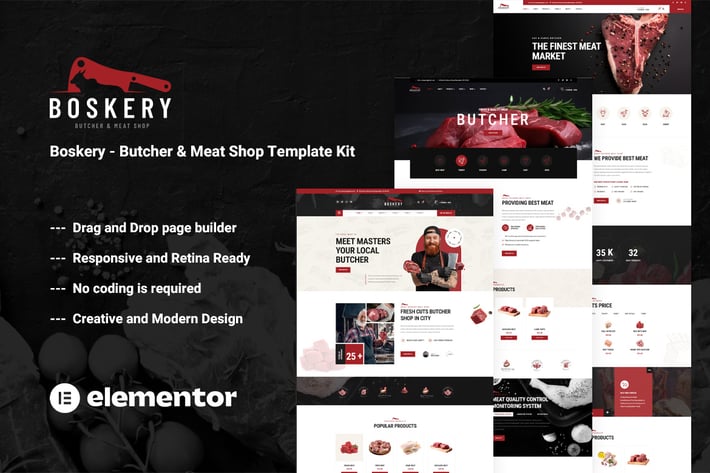
Boskery - Butcher & Meat Shop Template Kit
Author
themesflat
Published
Oct 17, 2024
Item Code
bec99403-23f2-43d6-81af-18b7be487b25
How to Download
- 1 Copy the Item Code above
- 2 Go to fuckdcma.com
- 3 Paste the code in the text box and click "Generate Download Link"
About This Item
Boskery is an Elementor Pro Template Kit for building Meat Shop, Chicken Shop, Mutton Shop, Fish, Sea Food, Meat Food Store, Butcher Steak House, Raw Meat Shop, Meat Meal, and similar websites in WordPress. It also fits for relevant websites that require a feature-rich and beautiful appearance online with a flexible and user-friendly design. Boskery Kit created with Elementor – the best page builder system, is easy to use drag and drop page builder that will help you to create any layout you can imagine fast and easy. No coding skills required!
### Plugins installed with kit:
Elementor
Themesflat Addons For Elementor
Jeg Elementor Kit
WooCommerce
Elementor Pro upgrade is required for some templates and features (not included)
### Kit Key Features:
03 Unique Home Pages
Butcher & Meat Shop
No Coding Knowledge
Fully with Elementor free version ( Elementor Pro is not required )
Header & Footer Builder Included
Unique and Modern Style.
Super Clear and Clean Layout
Cross browser compatible
Post Widget
Carousel Slide Box ( Create sliders with anything )
Ultra Responsive and Retina Ready
Compatible with most WordPress themes
Optimized for search engines
How to Use Template Kits:
This is not a WordPress Theme. Template kits contain the design data for Elementor only and are installed using the envato Elements plugin for WordPress or directly through Elementor.
1. Download your kit file from Envato and do not unzip it. If you use Safari browser you may need to ensure "Open safe files after downloading" is disabled in the browser preferences.
2. Go to Settings > Permalinks and ensure Post Name is selected
3. Go to Appearance > Themes > Add New and ensure Hello Elementor is installed and activated. This will prompt you to install Elementor if you haven't already.
4. Go to Plugins and ensure Elementor and Envato Elements are installed and at the latest version. If your kit requires Elementor Pro, it must be installed now and connected to your account.
5. If you already had Elementor active, go to Elementor > Settings, click Features and ensure Flexbox Container is Active.
6. Go to Elements > Installed Kits and click Upload Template Kit Zip (or click your kit to view it)
7. Check for the orange banner at the top and click Install Requirements to load any plugins the kit uses.
8. Click import on the Global Kit Styles first. This will setup the site settings.
9. Click Import on one template at a time in the order shown. These are stored in Elementor under Templates > Saved Templates and should not be edited directly.
Creating pages
1. Go to Pages and create a new page and click Edit with Elementor
2. Click the gear icon at lower-left of the builder to view page settings and choose Elementor Full Width and hide page title
3. Click the gray folder icon to access My Templates tab and then Import the page you'd like to customize.
4. The home page is set under Settings > Reading by selecting Static Front Page.
If you have Elementor Pro, headers and footers and WooCommerce globals are customized under Templates > Theme Builder.
For further support, go to Elementor > Get Help in WordPress menu.
Images
This Template Kit uses demo images from Envato Elements. You will need to license these images from Envato Elements to use them on your website, or you can substitute them with your own.
### Plugins installed with kit:
Elementor
Themesflat Addons For Elementor
Jeg Elementor Kit
WooCommerce
Elementor Pro upgrade is required for some templates and features (not included)
### Kit Key Features:
03 Unique Home Pages
Butcher & Meat Shop
No Coding Knowledge
Fully with Elementor free version ( Elementor Pro is not required )
Header & Footer Builder Included
Unique and Modern Style.
Super Clear and Clean Layout
Cross browser compatible
Post Widget
Carousel Slide Box ( Create sliders with anything )
Ultra Responsive and Retina Ready
Compatible with most WordPress themes
Optimized for search engines
How to Use Template Kits:
This is not a WordPress Theme. Template kits contain the design data for Elementor only and are installed using the envato Elements plugin for WordPress or directly through Elementor.
1. Download your kit file from Envato and do not unzip it. If you use Safari browser you may need to ensure "Open safe files after downloading" is disabled in the browser preferences.
2. Go to Settings > Permalinks and ensure Post Name is selected
3. Go to Appearance > Themes > Add New and ensure Hello Elementor is installed and activated. This will prompt you to install Elementor if you haven't already.
4. Go to Plugins and ensure Elementor and Envato Elements are installed and at the latest version. If your kit requires Elementor Pro, it must be installed now and connected to your account.
5. If you already had Elementor active, go to Elementor > Settings, click Features and ensure Flexbox Container is Active.
6. Go to Elements > Installed Kits and click Upload Template Kit Zip (or click your kit to view it)
7. Check for the orange banner at the top and click Install Requirements to load any plugins the kit uses.
8. Click import on the Global Kit Styles first. This will setup the site settings.
9. Click Import on one template at a time in the order shown. These are stored in Elementor under Templates > Saved Templates and should not be edited directly.
Creating pages
1. Go to Pages and create a new page and click Edit with Elementor
2. Click the gear icon at lower-left of the builder to view page settings and choose Elementor Full Width and hide page title
3. Click the gray folder icon to access My Templates tab and then Import the page you'd like to customize.
4. The home page is set under Settings > Reading by selecting Static Front Page.
If you have Elementor Pro, headers and footers and WooCommerce globals are customized under Templates > Theme Builder.
For further support, go to Elementor > Get Help in WordPress menu.
Images
This Template Kit uses demo images from Envato Elements. You will need to license these images from Envato Elements to use them on your website, or you can substitute them with your own.
More from themesflat
View all →
EpicTrips - Travel & Tour Elementor Template Kit
by themesflat
Widocline - Professional Window Cleaning Services Template Kit
by themesflat

Indro - Business Consulting Elementor Template Kit
by themesflat

Onatrix - Finance Consulting & Business Elementor Template Kit
by themesflat

Xstar - Creative Agency & Portfolio WordPress Them
by themesflat
Zingbox – Wind & Solar Energy HTML Template
by themesflat
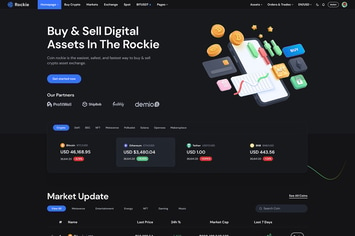
Rockie - Crypto Exchange HTML Template
by themesflat

ICOLand | NFT landing page & Crypto HTML Template
by themesflat
You May Also Like
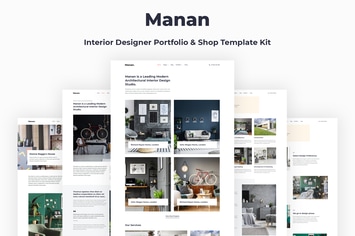
Manan - Interior Designer Elementor Template Kit
by energeticthemes
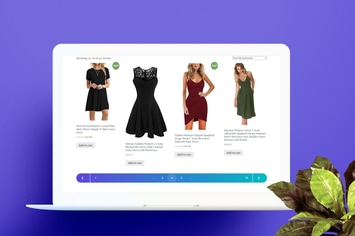
Custom Pagination for Wordpress / WooCommerce
by AA-Team
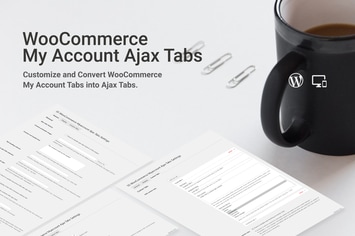
WooCommerce Myaccount AJAX Tabs
by SaurabhSharma

WordPress Countdown Timer Plugin
by Elfsight
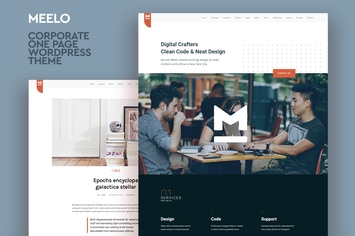
Meelo - Corporate One Page WordPress Theme
by CocoBasic
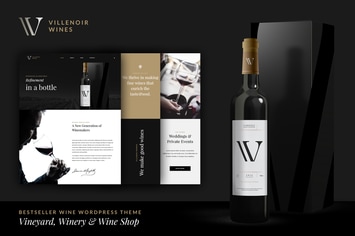
Villenoir - Vineyard, Winery & Wine Shop
by disgogo
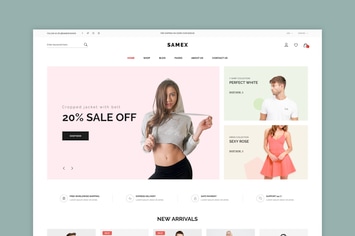
Samex - Clean, Minimal Shop WooCommerce WordPress
by snstheme
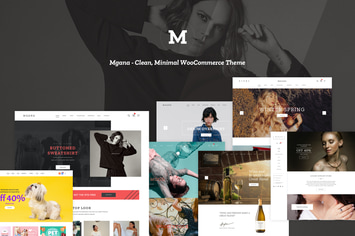
Mgana - Clean, Minimal WooCommerce Theme
by LA-Studio