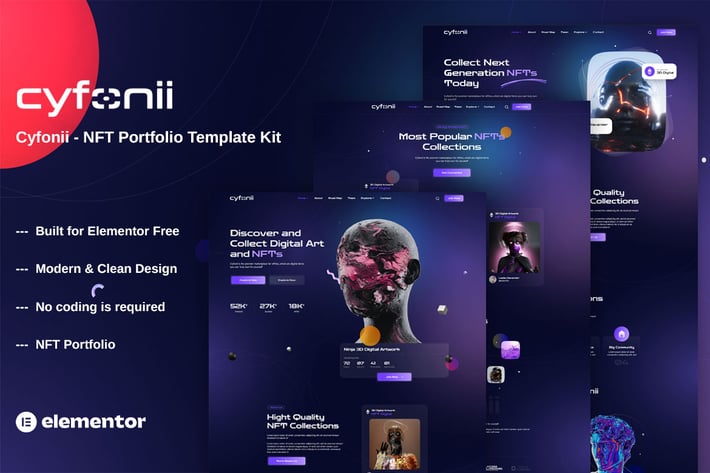
Cyfonii - NFT Digital Asset Agency Portfolio Elementor Template Kit
Author
themesflat
Published
Oct 24, 2024
Item Code
d48676cd-7d15-4a75-8637-214063e479f9
How to Download
- 1 Copy the Item Code above
- 2 Go to fuckdcma.com
- 3 Paste the code in the text box and click "Generate Download Link"
About This Item
Cyfonii NFT Portfolio Template Kit for Blockchain NFT, Collectibles, Crypto, Crypto Art, Crypto Asset, Cryptoart, Digital, and many more. Use the template to create an online marketplace. Buy, sell, trade, and auction items in the NFT game easily. Cyfonii Template Kit is used the Elementor Free page builder plugin, This template easily customizable, fully responsive and support all modern browser and device.
### Required Plugins :
Elementor
Themesflat Addons For Elementor
ElementsKit Lite
Sticky Header Effects for Elementor
### Kit Key Features:
03 Pages Unique
NFT Portfolio Template Kit
No Coding Knowledge
One Click Demo Import
Unique and Modern Style.
Clear and Clean Layout
Cross browser compatible
Post Widget
Carousel Slide Box ( Create sliders with anything )
Responsive and Retina Ready
Compatible with most WordPress themes
Optimized for search engines
How to Install
Template Kits use the Envato Elements plugin to install to WordPress (no subscription required).
Detailed Guide:
How to Import Metforms
1. Import the metform block templates
2. Import the page template where the form appears and right-click to enable the Navigator
3. Locate and select the Metform widget and click Edit Form. Choose New, then Edit Form. The builder will appear
4. Click ‘Add Template’ grey folder icon.
5. Click ‘My Templates’ tab.
6. Choose your imported metform template, then click ‘Insert’ (click No for page settings).
7. Once the template is loaded, make any desired customizations and click ‘Update & Close’ The form will appear in the template
8. Click Update
Setup Global Header and Footer in ElementsKit
1. Import the header and footer template
2. Go to ElementsKit > Header Footer and click Add New (if prompted with a wizard, you may click Next through it without taking any action)
3. Title the header, leave Entire Site selected and toggle Activation to On
4. Click the gray Edit Content button to load the builder
5. Click the gray folder icon and select the header template to import, select your menu in the nav element and click Update.
6. Repeat for Footer
This Template Kit uses demo images from Envato Elements. You will need to license these images from Envato Elements to use them on your website, or you can substitute them with your own.
### Required Plugins :
Elementor
Themesflat Addons For Elementor
ElementsKit Lite
Sticky Header Effects for Elementor
### Kit Key Features:
03 Pages Unique
NFT Portfolio Template Kit
No Coding Knowledge
One Click Demo Import
Unique and Modern Style.
Clear and Clean Layout
Cross browser compatible
Post Widget
Carousel Slide Box ( Create sliders with anything )
Responsive and Retina Ready
Compatible with most WordPress themes
Optimized for search engines
How to Install
Template Kits use the Envato Elements plugin to install to WordPress (no subscription required).
Detailed Guide:
How to Import Metforms
1. Import the metform block templates
2. Import the page template where the form appears and right-click to enable the Navigator
3. Locate and select the Metform widget and click Edit Form. Choose New, then Edit Form. The builder will appear
4. Click ‘Add Template’ grey folder icon.
5. Click ‘My Templates’ tab.
6. Choose your imported metform template, then click ‘Insert’ (click No for page settings).
7. Once the template is loaded, make any desired customizations and click ‘Update & Close’ The form will appear in the template
8. Click Update
Setup Global Header and Footer in ElementsKit
1. Import the header and footer template
2. Go to ElementsKit > Header Footer and click Add New (if prompted with a wizard, you may click Next through it without taking any action)
3. Title the header, leave Entire Site selected and toggle Activation to On
4. Click the gray Edit Content button to load the builder
5. Click the gray folder icon and select the header template to import, select your menu in the nav element and click Update.
6. Repeat for Footer
This Template Kit uses demo images from Envato Elements. You will need to license these images from Envato Elements to use them on your website, or you can substitute them with your own.
More from themesflat
View all →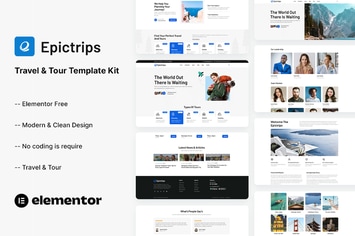
EpicTrips - Travel & Tour Elementor Template Kit
by themesflat
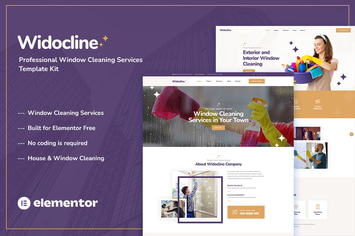
Widocline - Professional Window Cleaning Services Template Kit
by themesflat

Indro - Business Consulting Elementor Template Kit
by themesflat

Onatrix - Finance Consulting & Business Elementor Template Kit
by themesflat

Xstar - Creative Agency & Portfolio WordPress Them
by themesflat
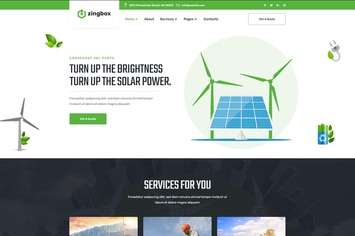
Zingbox – Wind & Solar Energy HTML Template
by themesflat
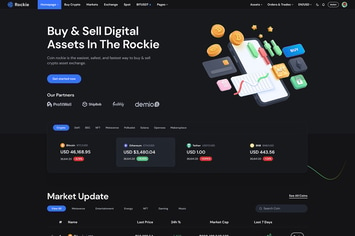
Rockie - Crypto Exchange HTML Template
by themesflat

ICOLand | NFT landing page & Crypto HTML Template
by themesflat
You May Also Like

Before & After Images Comparison WordPress Plugin
by CurlyThemes
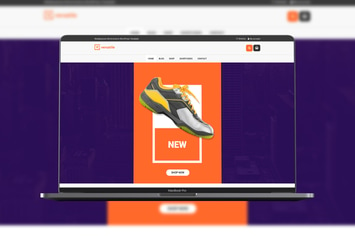
Versatile - Multipurpose WooCommerce WordPress The
by modeltheme
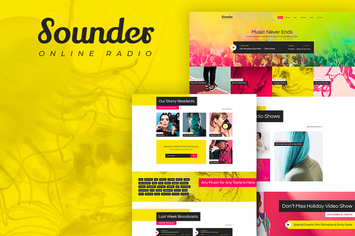
Sounder
by ThemeREX

Testimonials Showcase for WordPress — Excited!
by looks_awesome
NEX-Forms - Add-on Bundle
by Basix

Angela
by AncoraThemes
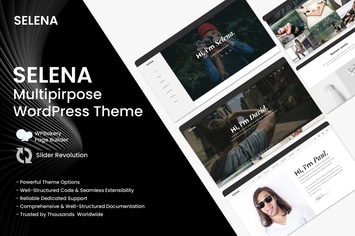
Selena. - Portfolio WordPress Theme
by 7_miles

Epic Social Share Button for WordPress
by jegtheme