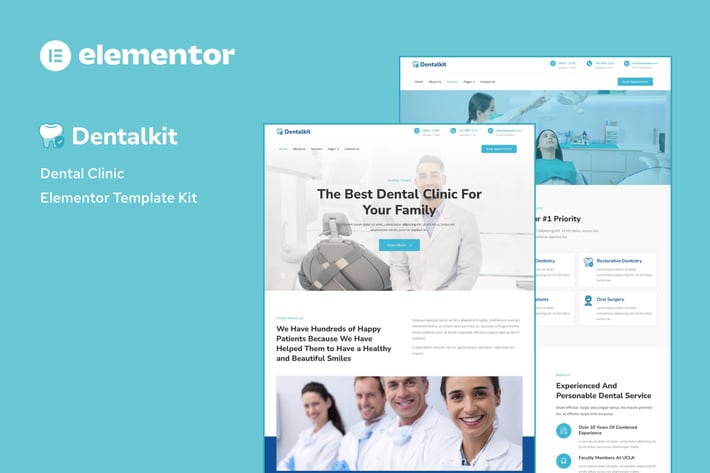
Dentistkit - Dental Clinic Elementor Template Kit
Author
rootlayers
Published
Oct 16, 2024
Item Code
12e26c9e-cb9f-4d20-9ac0-f5a6d1da51bb
How to Download
- 1 Copy the Item Code above
- 2 Go to fuckdcma.com
- 3 Paste the code in the text box and click "Generate Download Link"
About This Item
Dentistkit is a modern and unique online dental clinic template kit. Build for a
website dental clinic, healthcare, or any other related services website. This template is packed with 10 different pages for your website. This kit is optimized for the free Hello Elementor theme but works with most themes that use elementor.
Templates Include:
- Home
- About
- Services
- Service Details
- Pricing
- Doctors
- Career
- 404
- Contact
- Header
- Footer
- Global Theme Style
Required Plugins:
- Elementor
- Jeg Elementor Kit
- MetForm
How to Install:
1. Install and Activate the “Envato Elements” plugin from Plugins > Add New in WordPress
2. Download your kit file and Do not unzip
3. Go to Elements > Installed Kits and click the Upload Template Kit button. You may also import automatically by clicking Connect Account to link your Elements subscription, then import under Elements > Template Kits.
4. Check for the orange banner at the top and click Install Requirements to load any plugins the kit uses
5. Click import on the Global Kit Styles first
6. Click Import on one template at a time. These are stored in Elementor under Templates > Saved Templates.
7. Go to Pages and create a new page and click Edit with Elementor
8. Click the gear icon at lower-left of the builder to view page settings and choose Elementor Full Width and hide page title
9. Click the gray folder icon to access My Templates tab and then Import the page you’d like to customize.
Detailed Guide
For further support, go to Elementor > Get Help in WordPress menu.
How to Import Metforms
- Import the metform block templates
- Import the page template where the form appears and right-click to enable the Navigator
- Locate and select the Metform widget and click Edit Form. Choose New, then Edit Form. The builder will appear
- Click ‘Add Template’ grey folder icon.
- Click ‘My Templates’ tab.
- Choose your imported metform template, then click ‘Insert’ (click No for page settings).
- Once the template is loaded, make any desired customizations and click ‘Update & Close’ The form will appear in the template
- Click Update
Setup Global Header and Footer in Header Footer & Blocks plugin
- Import the header and footer template
- Go to Appearance > Header Footer and click Add New button
- Give it a title and select Header, Display on Entire Site and click Publish
- Click Edit with Elementor
- Click the gray folder icon to access My Templates tab and select the header template to import and Update.
- Repeat for Footer
This Template Kit uses demo images from Envato Elements. You will need to license these images from Envato Elements to use them on your website, or you can substitute them with your own.
website dental clinic, healthcare, or any other related services website. This template is packed with 10 different pages for your website. This kit is optimized for the free Hello Elementor theme but works with most themes that use elementor.
Templates Include:
- Home
- About
- Services
- Service Details
- Pricing
- Doctors
- Career
- 404
- Contact
- Header
- Footer
- Global Theme Style
Required Plugins:
- Elementor
- Jeg Elementor Kit
- MetForm
How to Install:
1. Install and Activate the “Envato Elements” plugin from Plugins > Add New in WordPress
2. Download your kit file and Do not unzip
3. Go to Elements > Installed Kits and click the Upload Template Kit button. You may also import automatically by clicking Connect Account to link your Elements subscription, then import under Elements > Template Kits.
4. Check for the orange banner at the top and click Install Requirements to load any plugins the kit uses
5. Click import on the Global Kit Styles first
6. Click Import on one template at a time. These are stored in Elementor under Templates > Saved Templates.
7. Go to Pages and create a new page and click Edit with Elementor
8. Click the gear icon at lower-left of the builder to view page settings and choose Elementor Full Width and hide page title
9. Click the gray folder icon to access My Templates tab and then Import the page you’d like to customize.
Detailed Guide
For further support, go to Elementor > Get Help in WordPress menu.
How to Import Metforms
- Import the metform block templates
- Import the page template where the form appears and right-click to enable the Navigator
- Locate and select the Metform widget and click Edit Form. Choose New, then Edit Form. The builder will appear
- Click ‘Add Template’ grey folder icon.
- Click ‘My Templates’ tab.
- Choose your imported metform template, then click ‘Insert’ (click No for page settings).
- Once the template is loaded, make any desired customizations and click ‘Update & Close’ The form will appear in the template
- Click Update
Setup Global Header and Footer in Header Footer & Blocks plugin
- Import the header and footer template
- Go to Appearance > Header Footer and click Add New button
- Give it a title and select Header, Display on Entire Site and click Publish
- Click Edit with Elementor
- Click the gray folder icon to access My Templates tab and select the header template to import and Update.
- Repeat for Footer
This Template Kit uses demo images from Envato Elements. You will need to license these images from Envato Elements to use them on your website, or you can substitute them with your own.
More from rootlayers
View all →
Paylite - Online Payment Gateway Elementor Template Kit
by rootlayers
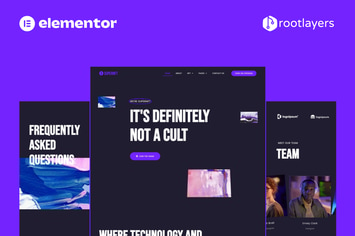
SuperNFT - NFT Portfolio Elementor Pro Full Site Template Kit
by rootlayers
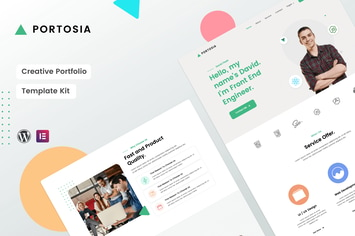
Portosia | Creative Portfolio Template Kit
by rootlayers
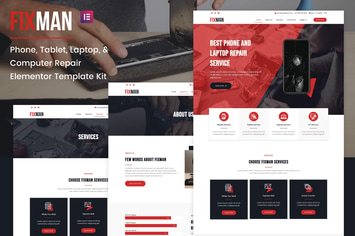
Fixman - Smartphone & Laptop PC Repair Elementor Kit
by rootlayers
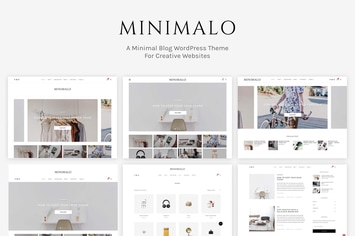
Minimalo - A Minimal Blog WordPress Theme
by rootlayers
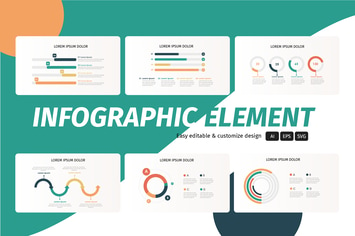
Infograf Infographic Element
by rootlayers
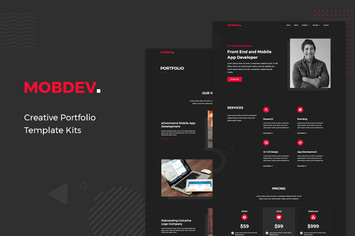
Mobdev - Creative Portfolio & Resume Elementor Template Kit
by rootlayers
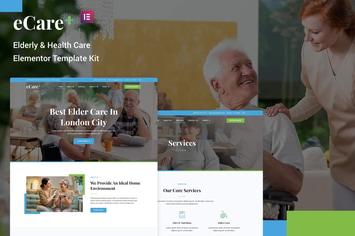
eCare - Elderly & Health Care Elementor Template Kit
by rootlayers
You May Also Like
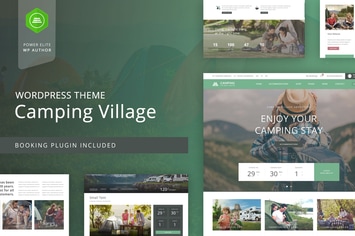
Camping WordPress Theme
by nicdark

BookCard - 3D Folded vCard WordPress Theme
by pixelwars

Nord - Minimal and Clean WordPress Blog Theme
by NordStudio
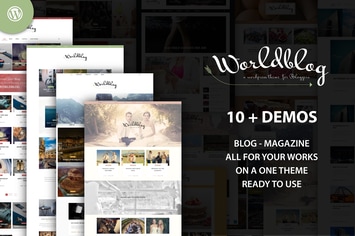
Worldblog - WordPress Blog and Magazine Theme
by ad-theme
Sidebar Widget Manager
by OTWthemes

Hanani
by AncoraThemes

Skype Chat WordPress Plugin For Website
by kamleshyadav
Shoppo - Multipurpose WooCommerce Shop Theme
by cmsmasters