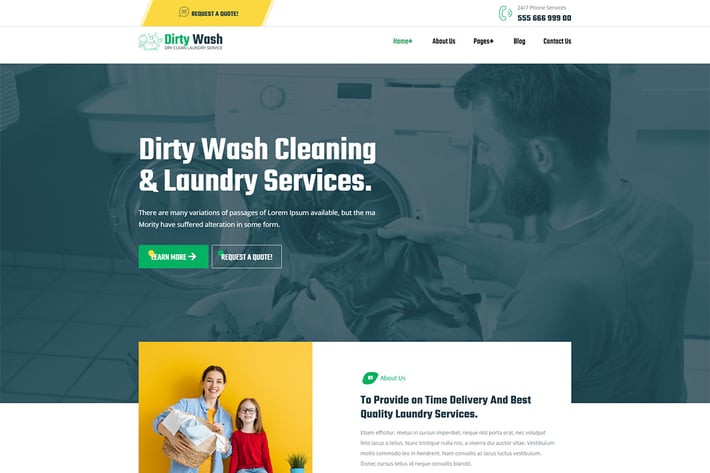
DirtyWash - Dry Cleaning & Laundry Service Elementor Template Kit
Author
themesflat
Published
Apr 11, 2022
Item Code
7cce0a7b-4217-4d74-a0ab-0734079acf3b
How to Download
- 1 Copy the Item Code above
- 2 Go to fuckdcma.com
- 3 Paste the code in the text box and click "Generate Download Link"
About This Item
DirtyWash - Dry Cleaning & Laundry Service Elementor Template Kit
DirtyWash is an Elementor Template Kits build for the website development such as Dirty Wash – Dry Cleaning & Laundry Service. Sure you can create your website without touching a line of code. You will find all the essential features to make your website a successful. This is a very powerful template. Fully functional as Header Footer, Carousel Slider, Post Widget, Contact Form, Tab, It's easy to use it to build a perfect website, optimize seo.
Understanding the needs of your customers, our design team has created an optimized, fast-loading, easy-to-customize seo template into an informative website for users, you will definitely use it to create a successful website.
Required Plugins
- Elementor (Free)
- Themesflat Addons For Elementor (Free) (By Themesflat )
- MetForm
Kit Key Features
- One Click Import
- Lifetime Free Updates
- Cross browser compatible
- Header and Footer
- Support Post Widget
- Support Carousel Slide Box ( Create sliders with anything )
- Ultra Responsive and Retina Ready
- Compatible with most WordPress themes that support Elementor
- Optimized for search engines
How to Install
Install and Activate the Envato Elements plugin from Plugins > Add New in WordPress, then import the Kit zip under Installed Kits by clicking the Import Kit button.Before importing a template, ensure the Install Requirements button is clicked to activate required plugins. For best results, do not import more than one template at a time.
How to import Metform custom form
- Import metform templates
- Add new Metform form, click ‘Edit with Elementor’ to open in Elementor editor.
- Click ‘Add Template’ grey button.
- Click ‘My Templates’ tab.
- Choose your imported elementor template, then click ‘Insert’.
- Once the template is loaded, click ‘Update’.
Images
This Template Kit uses demo images from Envato Elements. You will need to license these images from Envato Elements to use them on your website, or you can substitute them with your own.
DirtyWash is an Elementor Template Kits build for the website development such as Dirty Wash – Dry Cleaning & Laundry Service. Sure you can create your website without touching a line of code. You will find all the essential features to make your website a successful. This is a very powerful template. Fully functional as Header Footer, Carousel Slider, Post Widget, Contact Form, Tab, It's easy to use it to build a perfect website, optimize seo.
Understanding the needs of your customers, our design team has created an optimized, fast-loading, easy-to-customize seo template into an informative website for users, you will definitely use it to create a successful website.
Required Plugins
- Elementor (Free)
- Themesflat Addons For Elementor (Free) (By Themesflat )
- MetForm
Kit Key Features
- One Click Import
- Lifetime Free Updates
- Cross browser compatible
- Header and Footer
- Support Post Widget
- Support Carousel Slide Box ( Create sliders with anything )
- Ultra Responsive and Retina Ready
- Compatible with most WordPress themes that support Elementor
- Optimized for search engines
How to Install
Install and Activate the Envato Elements plugin from Plugins > Add New in WordPress, then import the Kit zip under Installed Kits by clicking the Import Kit button.Before importing a template, ensure the Install Requirements button is clicked to activate required plugins. For best results, do not import more than one template at a time.
How to import Metform custom form
- Import metform templates
- Add new Metform form, click ‘Edit with Elementor’ to open in Elementor editor.
- Click ‘Add Template’ grey button.
- Click ‘My Templates’ tab.
- Choose your imported elementor template, then click ‘Insert’.
- Once the template is loaded, click ‘Update’.
Images
This Template Kit uses demo images from Envato Elements. You will need to license these images from Envato Elements to use them on your website, or you can substitute them with your own.
More from themesflat
View all →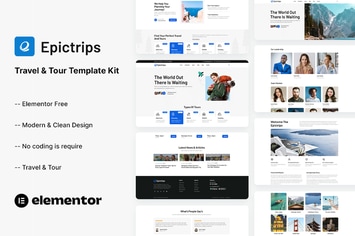
EpicTrips - Travel & Tour Elementor Template Kit
by themesflat
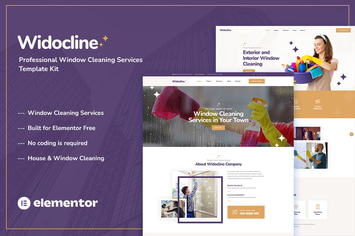
Widocline - Professional Window Cleaning Services Template Kit
by themesflat
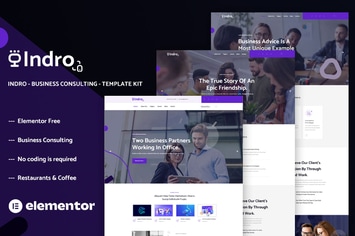
Indro - Business Consulting Elementor Template Kit
by themesflat
Onatrix - Finance Consulting & Business Elementor Template Kit
by themesflat
Xstar - Creative Agency & Portfolio WordPress Them
by themesflat
Zingbox – Wind & Solar Energy HTML Template
by themesflat
Rockie - Crypto Exchange HTML Template
by themesflat

ICOLand | NFT landing page & Crypto HTML Template
by themesflat
You May Also Like
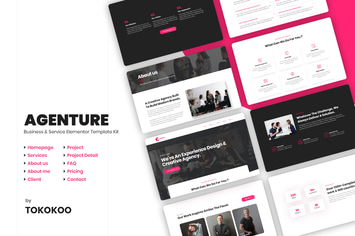
Agenture | Digital Agency & Startup Elementor Template Kit
by Tokokoo
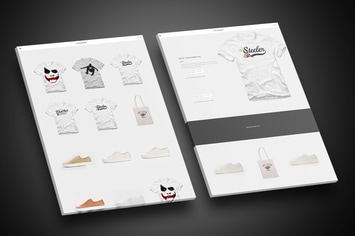
Affliction - Multipurpose Minimal WordPress WooCom
by eovo

Testimonials Showcase for WordPress — Excited!
by looks_awesome
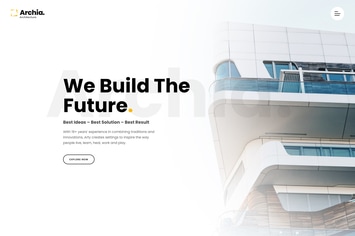
Archia - Architecture & Interior WordPress Theme
by cththemes
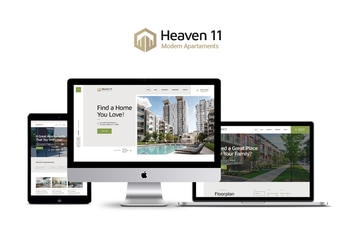
Heaven11
by axiomthemes
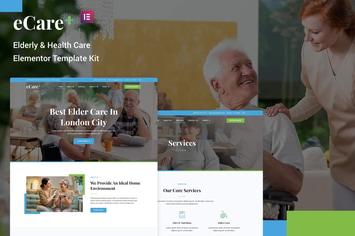
eCare - Elderly & Health Care Elementor Template Kit
by rootlayers
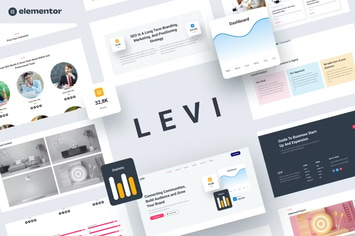
Levi - Digital Marketing Elementor Template Kit
by YumnaStudio
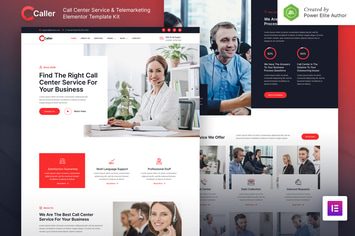
Callerr – Call Center Service & Telemarketing Elementor Template Kit
by jegtheme