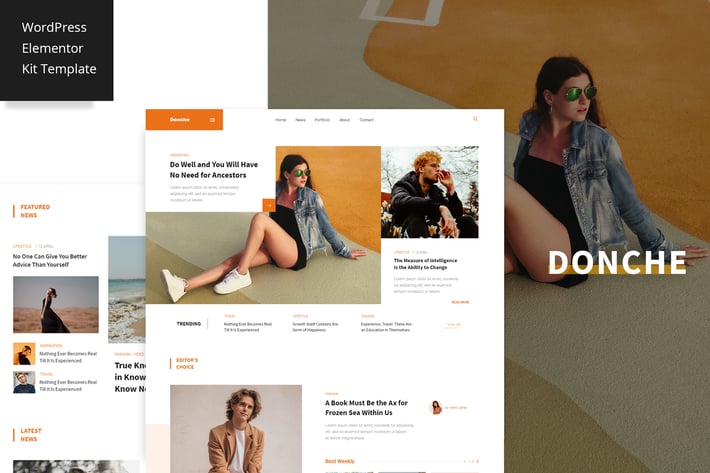
Donche - News & Magazine Elementor Pro Template Kit
Author
bkninja
Published
Jul 10, 2021
Item Code
07c50a0b-848e-4a8c-a2db-b67b1b6352f9
How to Download
- 1 Copy the Item Code above
- 2 Go to fuckdcma.com
- 3 Paste the code in the text box and click "Generate Download Link"
About This Item
Donche is the Blog/Magazine Elementor Template Kit, that perfectly fits for any blogger needs. Donche clean & balanced layout make it best choice for bloggers. The Kit includes a lot of templates that are easy to edit.
This is not a WordPress theme. Template Kits contain page content for Elementor page builder. This kit has been optimized for use with the free Hello Elementor theme but may be used with most themes that support Elementor.
Checkout the online documentation
Download the demo content
Kit Includes:
- Home 1 Template
- Home 2 Template
- Home 3 Template
- Home 4 Template
- Home 5 Template
- Header Template
- Footer Template
- Contact Page Template
- Archive Author Template
- Archive Category Template
- Archive Tags Template
- Archive Search Template
- 404 Page Template
- Off Canvas Menu Template
- Single Post 1 Page Template
- Single Post 2 Page Template
Elementor Pro upgrade is required for some templates and features (not included)
Fonts
- Source Sans Pro
- Roboto
How to Use Template Kits:
1. Install and Activate the "Envato Elements" plugin from Plugins > Add New in WordPress
2. Download your kit file and Do not unzip
3. Go to Elements > Installed Kits and click the Upload Template Kit button. You may also import automatically by clicking Connect Account to link your Elements subscription, then import under Elements > Template Kits.
4. Check for the orange banner at the top and click Install Requirements to load any plugins the kit uses
5. Click import on the Global Kit Styles first
6. Click Import on one template at a time. These are stored in Elementor under Templates > Saved Templates.
7. Go to Pages and create a new page and click Edit with Elementor
8. Click the gear icon at lower-left of the builder to view page settings and choose Elementor Full Width and hide page title
9. Click the gray folder icon to access My Templates tab and then Import the page you'd like to customize.
If you have Elementor Pro, headers and footers may be customized under Theme Builder.
Detailed Guide:
For further support, go to Elementor > Get Help in WordPress menu.
This is not a WordPress theme. Template Kits contain page content for Elementor page builder. This kit has been optimized for use with the free Hello Elementor theme but may be used with most themes that support Elementor.
Checkout the online documentation
Download the demo content
Kit Includes:
- Home 1 Template
- Home 2 Template
- Home 3 Template
- Home 4 Template
- Home 5 Template
- Header Template
- Footer Template
- Contact Page Template
- Archive Author Template
- Archive Category Template
- Archive Tags Template
- Archive Search Template
- 404 Page Template
- Off Canvas Menu Template
- Single Post 1 Page Template
- Single Post 2 Page Template
Elementor Pro upgrade is required for some templates and features (not included)
Fonts
- Source Sans Pro
- Roboto
How to Use Template Kits:
1. Install and Activate the "Envato Elements" plugin from Plugins > Add New in WordPress
2. Download your kit file and Do not unzip
3. Go to Elements > Installed Kits and click the Upload Template Kit button. You may also import automatically by clicking Connect Account to link your Elements subscription, then import under Elements > Template Kits.
4. Check for the orange banner at the top and click Install Requirements to load any plugins the kit uses
5. Click import on the Global Kit Styles first
6. Click Import on one template at a time. These are stored in Elementor under Templates > Saved Templates.
7. Go to Pages and create a new page and click Edit with Elementor
8. Click the gear icon at lower-left of the builder to view page settings and choose Elementor Full Width and hide page title
9. Click the gray folder icon to access My Templates tab and then Import the page you'd like to customize.
If you have Elementor Pro, headers and footers may be customized under Theme Builder.
Detailed Guide:
For further support, go to Elementor > Get Help in WordPress menu.
More from bkninja
View all →
Suga
by bkninja
Takei - News & Magazine Elementor Pro Template Kit
by bkninja
The Next Mag
by bkninja
Banshee - News & Magazine WordPress Elementor Pro Template Kit
by bkninja
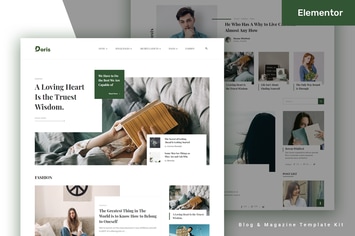
Doris - Blog & Magazine Elementor Pro Template Kit
by bkninja
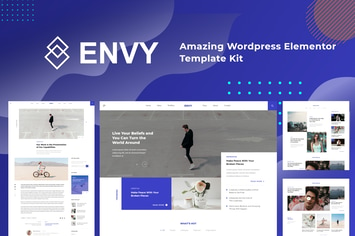
Envy - News Magazine Elementor Pro Template Kit
by bkninja
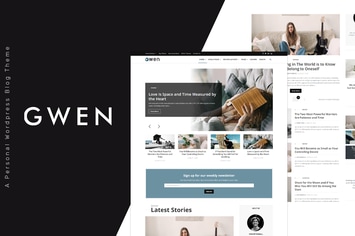
Gwen
by bkninja
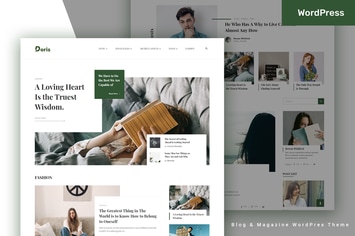
Doris
by bkninja
You May Also Like
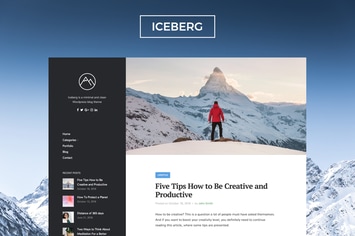
Iceberg - Clean & Modern WordPress Blog Theme
by NordStudio
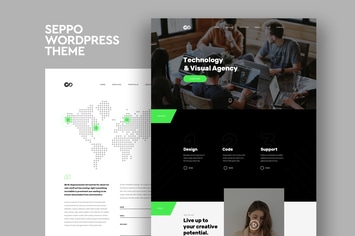
Seppo - Corporate One Page WordPress Theme
by CocoBasic

Bloom - Photography / Portfolio WordPress Theme
by cththemes
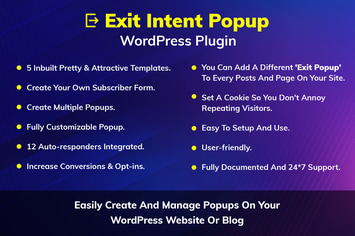
Exit Intent Popup WordPress Plugin
by kamleshyadav
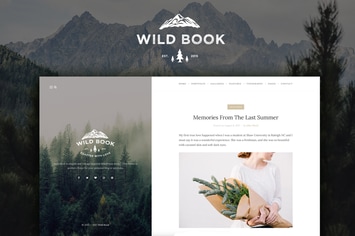
Wild Book - Vintage Blog & Portfolio Theme
by NordStudio
WordPress Social Share Buttons
by Elfsight
DiveIt - Scuba Diving School, Sea Travel
by AncoraThemes
Architeca – Architecture Agency & Interior Design Elementor Template Kit
by jegtheme