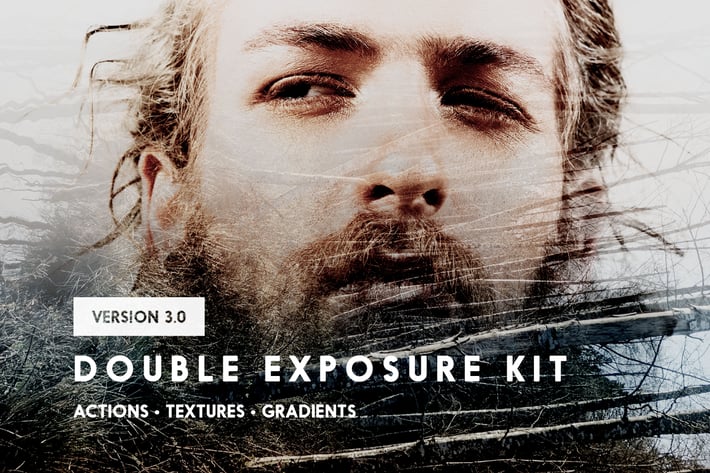
Double Exposure Kit
Author
sparklestock
Published
Jan 11, 2021
Item Code
56703016-bb54-4a09-b4f9-bbda2a5fd284
How to Download
- 1 Copy the Item Code above
- 2 Go to fuckdcma.com
- 3 Paste the code in the text box and click "Generate Download Link"
About This Item
Create perfect double exposure photos with this kit. This kit contains Photoshop actions, gradients, and textures. The actions let you create double exposures using different techniques in different intensities in just one click - a huge time saver. Afterwards, use the gradients to further enhance your artwork. This kit also contains high-res textures so that you can get started quickly.
The actions:
Play All Effects
Play All Effects (Black and White)
Normal
Opacity
Lighten
Screen
Color Dodge
Linear Dodge
Lighter Color
Hard Light
Linear Light
Pin Light
New: Difference
New: Difference Mask
New: Difference Mask Inverted
New: Exclusion
New: Exclusion Mask
New: Exclusion Mask Inverted
New: Auto-Blend
New: Linear Gradient
New: Radial Gradient
New: Reflected Gradient
Bonus Extras
- 30 High-Res Textures
- 10 Double Exposure Gradients
✔ Generates 160 Variations in One Click
Double Exposure Kit is the only product that creates 160 variations with just one Photoshop action. Simply play the action then pick an effect that looks the best. The effects are prerendered and switches instantly to save you massive amounts of time.
✔ Get Started with Free Textures
This kit contains free high res double exposure textures that you can experiment with.
✔ Add Double Exposure Gradients in One Click
Simply enable on the Gradient layer and you'll get a modern gradient effect that works great with many double exposure photos. You can also switch effects using one of the many included gradients.
✔ 100% Nondestructive Editing
To meet the demands of professional photographers, all effects are created nondestructively. Your layers are never merged.
✔ Supports 16-bit RGB photos
There's no need to convert your image into 8-bit mode. All effects are compatible with 16-bit RGB photos.
Works With:
- Photoshop CS3 and newer (including Photoshop CC)
- Photoshop Elements 11 and newer
- Mac and Windows
Product Updates
February 2, 2017
- New Difference Mask mode
- New Difference Mask Inverted mode
- New Exclusion mode
- New Exclusion Mask mode
- New Exclusion Mask Inverted mode
- New Radial Gradient mode
- New Reflected Gradient mode
- Improved fade layer
- 8 extra textures (Rock Canyon, Clouds, Sea, Mount Fuji, Tidal Pools, Tulips 1, Tulips 2, Sandstone)
April 19, 2016
- New Difference mode
- New Auto-Blend mode
- New Gradient mode
- 6 Extra Textures (Aerial Mountains, Guangzhou, Koi Fish, Lake, Mossy Bricks, Rapids).
The actions:
Play All Effects
Play All Effects (Black and White)
Normal
Opacity
Lighten
Screen
Color Dodge
Linear Dodge
Lighter Color
Hard Light
Linear Light
Pin Light
New: Difference
New: Difference Mask
New: Difference Mask Inverted
New: Exclusion
New: Exclusion Mask
New: Exclusion Mask Inverted
New: Auto-Blend
New: Linear Gradient
New: Radial Gradient
New: Reflected Gradient
Bonus Extras
- 30 High-Res Textures
- 10 Double Exposure Gradients
✔ Generates 160 Variations in One Click
Double Exposure Kit is the only product that creates 160 variations with just one Photoshop action. Simply play the action then pick an effect that looks the best. The effects are prerendered and switches instantly to save you massive amounts of time.
✔ Get Started with Free Textures
This kit contains free high res double exposure textures that you can experiment with.
✔ Add Double Exposure Gradients in One Click
Simply enable on the Gradient layer and you'll get a modern gradient effect that works great with many double exposure photos. You can also switch effects using one of the many included gradients.
✔ 100% Nondestructive Editing
To meet the demands of professional photographers, all effects are created nondestructively. Your layers are never merged.
✔ Supports 16-bit RGB photos
There's no need to convert your image into 8-bit mode. All effects are compatible with 16-bit RGB photos.
Works With:
- Photoshop CS3 and newer (including Photoshop CC)
- Photoshop Elements 11 and newer
- Mac and Windows
Product Updates
February 2, 2017
- New Difference Mask mode
- New Difference Mask Inverted mode
- New Exclusion mode
- New Exclusion Mask mode
- New Exclusion Mask Inverted mode
- New Radial Gradient mode
- New Reflected Gradient mode
- Improved fade layer
- 8 extra textures (Rock Canyon, Clouds, Sea, Mount Fuji, Tidal Pools, Tulips 1, Tulips 2, Sandstone)
April 19, 2016
- New Difference mode
- New Auto-Blend mode
- New Gradient mode
- 6 Extra Textures (Aerial Mountains, Guangzhou, Koi Fish, Lake, Mossy Bricks, Rapids).
More from sparklestock
View all →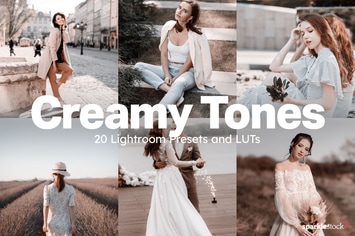
20 Creamy Lightroom Presets and LUTs
by sparklestock
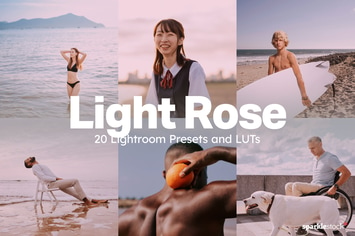
20 Light Rose Lightroom Presets and LUTs
by sparklestock
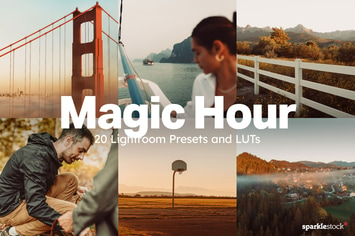
20 Magic Hour Lightroom Presets and LUTs
by sparklestock
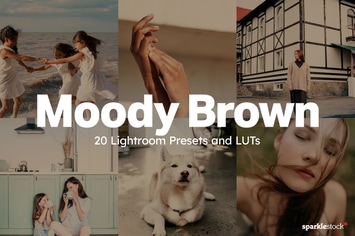
20 Moody Brown Lightroom Presets and LUTs
by sparklestock
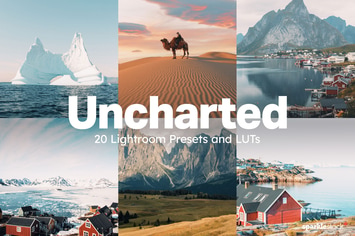
20 Uncharted Lightroom Presets and LUTs
by sparklestock
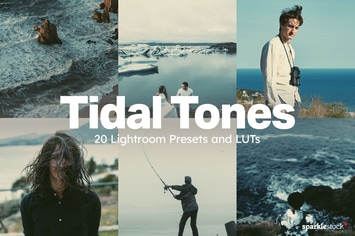
20 Tidal Tones Lightroom Presets and LUTs
by sparklestock
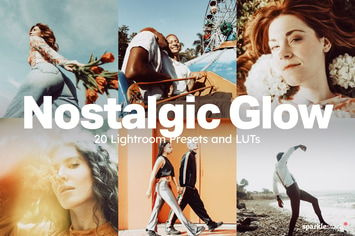
20 Nostalgic Glow Lightroom Presets and LUTs
by sparklestock

20 Kindred Lightroom Presets and LUTs
by sparklestock
You May Also Like

Drama Photoshop Actions
by Artmonk
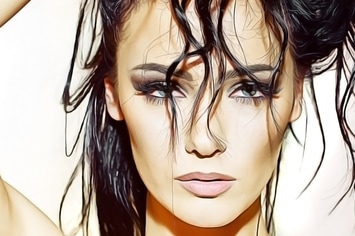
Oil Paint Photoshop Action
by ClauGabriel
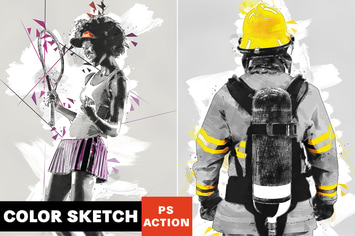
Color Sketch Photoshop Action
by AB-TheDesigner
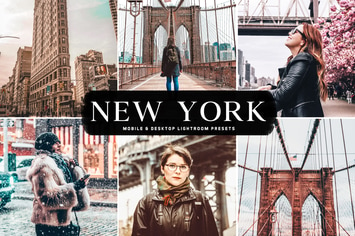
New York Mobile & Desktop Lightroom Presets
by creativetacos
Scribbles Photoshop Action
by profactions
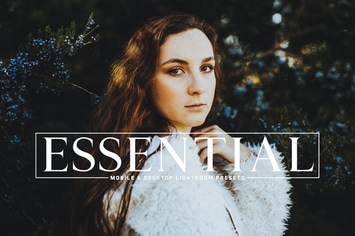
Essential Mobile & Desktop Lightroom Presets
by creativetacos

Bubblegum Mobile & Desktop Lightroom Presets
by creativetacos

Apricot Mobile & Desktop Lightroom Presets
by creativetacos