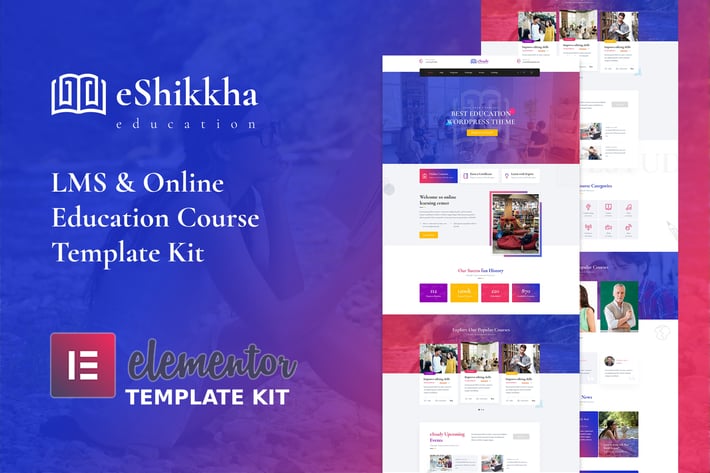
eShikkha - eLearning Elementor Template Kit
Author
envalab
Published
Nov 23, 2021
Item Code
d8413106-54dd-4d46-b4a3-e824e24d030b
How to Download
- 1 Copy the Item Code above
- 2 Go to fuckdcma.com
- 3 Paste the code in the text box and click "Generate Download Link"
About This Item
Introduction
eShikkha is an Elementor Template Kit for quickly and easily creating websites for your business using the Elementor Page Builder plugin for WordPress. This kit has been optimized for use with the free Hello Elementor theme but may be used with most themes that support Elementor.
Features
True no-code customization with drag and drop visual builder
Customize fonts and colors in one place or fine-tune on individual elements
Modern, professional design
Fast-loading
Works with most Elementor themes.
eShikkha comes with a home page, about page, contact page, course page, blog page, blog details, teachers page with a single page, and more than 16 sections ready to use with Elementor.
eShikkha – Templates
Pages
Home Page
AboutUs Page
Crouse Grid Page
Crouse Detail Page
Teachers Page
Blog Page
Blog Detail Page
ContactUs Page
Coming Soon Page
404 Error Page
Sections
Header Section
HeaderTop Section
Footer Section
Welcome Section
Fun Fact Section
Course Categories Section
Newsletter Section
Hero Section
Popular Course Section
Teachers Section
Blog Section
Banner Section
Services Section
Testimonial Section
Upcoming Events Section
404 Error Section
Required Plugins: Installed with Kit
No pro or premium plugin required. All of these are Free plugin
Elementor
ElementsKit Lite
Elementor - Header, Footer & Blocks
Elementor Addons, Widgets and Enhancements - Stax
PowerPack Lite for Elementor
Contact Form 7
How to Install:**
1. Install and Activate the "Template Kit Import" plugin from Plugins > Add New in WordPress
2. Do not unzip
3. Go to Elements > Installed Kits and click the Upload Template Kit button.
4. Before importing a template, ensure the Install Requirements button is clicked to activate required plugins
5. For best results, do not import more than one template at a time.
Detailed Guide:
This Template Kit uses demo images from Envato Elements. You will need to license these images from Envato Elements to use them on your website, or you can substitute them with your own.
eShikkha is an Elementor Template Kit for quickly and easily creating websites for your business using the Elementor Page Builder plugin for WordPress. This kit has been optimized for use with the free Hello Elementor theme but may be used with most themes that support Elementor.
Features
True no-code customization with drag and drop visual builder
Customize fonts and colors in one place or fine-tune on individual elements
Modern, professional design
Fast-loading
Works with most Elementor themes.
eShikkha comes with a home page, about page, contact page, course page, blog page, blog details, teachers page with a single page, and more than 16 sections ready to use with Elementor.
eShikkha – Templates
Pages
Home Page
AboutUs Page
Crouse Grid Page
Crouse Detail Page
Teachers Page
Blog Page
Blog Detail Page
ContactUs Page
Coming Soon Page
404 Error Page
Sections
Header Section
HeaderTop Section
Footer Section
Welcome Section
Fun Fact Section
Course Categories Section
Newsletter Section
Hero Section
Popular Course Section
Teachers Section
Blog Section
Banner Section
Services Section
Testimonial Section
Upcoming Events Section
404 Error Section
Required Plugins: Installed with Kit
No pro or premium plugin required. All of these are Free plugin
Elementor
ElementsKit Lite
Elementor - Header, Footer & Blocks
Elementor Addons, Widgets and Enhancements - Stax
PowerPack Lite for Elementor
Contact Form 7
How to Install:**
1. Install and Activate the "Template Kit Import" plugin from Plugins > Add New in WordPress
2. Do not unzip
3. Go to Elements > Installed Kits and click the Upload Template Kit button.
4. Before importing a template, ensure the Install Requirements button is clicked to activate required plugins
5. For best results, do not import more than one template at a time.
Detailed Guide:
This Template Kit uses demo images from Envato Elements. You will need to license these images from Envato Elements to use them on your website, or you can substitute them with your own.
More from envalab
View all →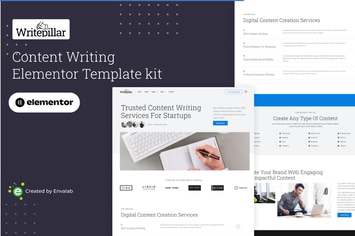
Writepillar - Content Writing Services Elementor Template Kit
by envalab

TravelX - Travels Tourism Agency Elementor Template Kit
by envalab

Consl - Consulting Business HTML5 Template
by envalab
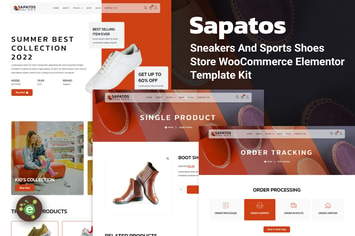
Sapatos - Sneakers & Sports Shoes Store WooCommerce Elementor Template Kit
by envalab

Essien - Eye Care Clinic Elementor Template Kit
by envalab

Unded - Creative Agency & Portfolio React Template
by envalab
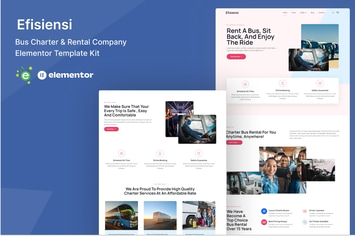
Efisiensi - Bus Charter & Rental Company Elementor Template Kit
by envalab

EnvArch – Single Property React Template
by envalab
You May Also Like
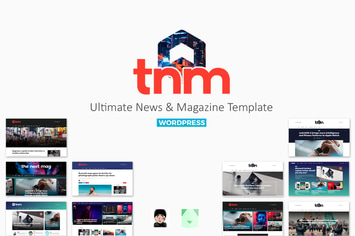
The Next Mag
by bkninja
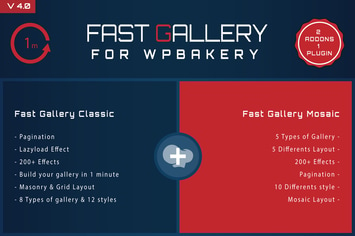
Fast Gallery for WPBakery Wordpress Plugin
by ad-theme

WooCommerce Image Review for Discount
by AA-Team

Frida - A Sweet & Classic Blog Theme
by Burnhambox
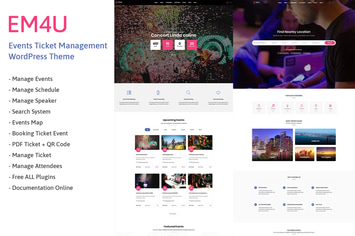
EM4U - Event Tickets WordPress Theme
by ovatheme
TraveX - Travel & Tour Agency Elementor Template Kit
by CoombCo
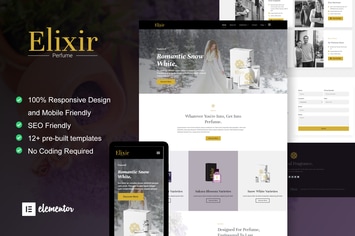
Elixir - Perfume Maker Elementor Template Kit
by moxcreative

RANGES - Video Player With Multiple Intervals
by LambertGroup