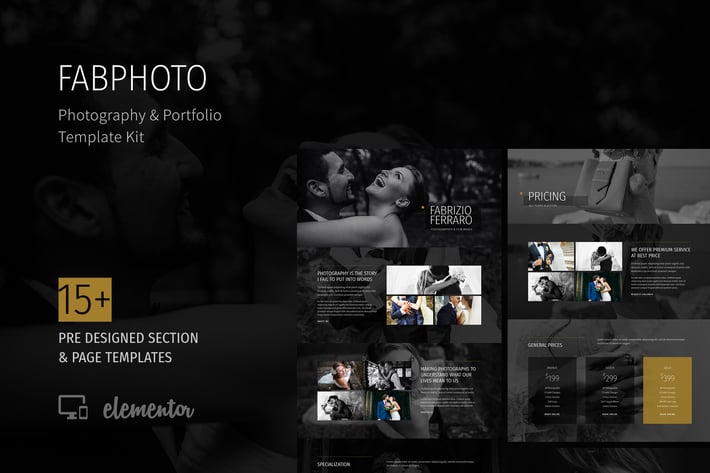
FabPhoto - Photography and Portfolio Template Kit
Author
SaurabhSharma
Published
Jan 22, 2021
Item Code
7fdf424d-48ad-4b4d-acea-5fe710baad71
How to Download
- 1 Copy the Item Code above
- 2 Go to fuckdcma.com
- 3 Paste the code in the text box and click "Generate Download Link"
About This Item
FabPhoto is a kit of classic and elegant templates for the photography websites, fashion portfolio and photo galleries.
The template kit is designed for photography niche, which encompasses a broad range of businesses that involve photography, video shooting, portfolio photography, wedding photo-shoots and fashion related portfolio. The template kit is best suited for photographers, models and creative professionals.
The design style of this template kit is kept elegant and classic for a royal and premium feel. The template kit comes with 15+ section blocks and 9 complete pages to get started with your next Photography website project.
Pages
What's included in the kit
15+ Section Block Templates including
About
Call to Action
Pricing
Contact
Stats Counter
Features
Header
Hero
Gallery
Logo Grid
Testimonials
9 Full Pages demonstrating the use of these blocks, including
Home
About
Gallery (2 Pages)
Photo Single
Portfolio
Pricing
Testimonials/li>
Contact
Other details
Clean and Classic design, WordPress 5.3.2+ ready
Fully responsive design
Tested and compatible up to Elementor 2.9.x
All templates compatible with the Free version of Elementor Page Builder
System Requirements to Install Elementor Kit
Memory Limit Hosting Server Should Be 512 Mb
MySQL version 5.6 or greater OR MariaDB version 10.0 or greater
PHP 7 or Greater with PHPZip Extension enabled
Wordpres 6 or Greater
Modern browser such as Chrome or Firefox
For More Info Kindly Visit this Guide:
How to Install
Template Kits use the Envato Elements plugin to install to WordPress (no subscription required).
Follow Manual Install section here:
Detailed Guide:
How to Use Template Kits:
This is not a WordPress Theme. Template kits contain the design data for Elementor only and are installed using the envato Elements plugin for WordPress or directly through Elementor.
1. Download your kit file from Envato and do not unzip it. If you use Safari browser you may need to ensure "Open safe files after downloading" is disabled in the browser preferences.
2. Go to Settings > Permalinks and ensure Post Name is selected
3. Go to Appearance > Themes > Add New and ensure Hello Elementor is installed and activated. This will prompt you to install Elementor if you haven't already.
4. Go to Plugins and ensure Elementor and Envato Elements are installed and at the latest version. If your kit requires Elementor Pro, it must be installed now and connected to your account.
5. Go to Elements > Installed Kits and click Upload Template Kit Zip (or click your kit to view it)
6. Check for the orange banner at the top and click Install Requirements to load any plugins the kit uses.
7. Click import on the Global Kit Styles first. This will setup the site settings.
8. Click Import on one template at a time in the order shown. These are stored in Elementor under Templates > Saved Templates and are re-used from here.
Creating pages
1. Go to Pages and create a new page and click Edit with Elementor
2. Click the gear icon at lower-left of the builder to view page settings and choose Elementor Full Width and hide page title
3. Click the gray folder icon to access My Templates tab and then Import the page you'd like to customize.
4. The home page is set under Settings > Reading by selecting Static Front Page.
If you have Elementor Pro, headers and footers are customized under Templates > Theme Builder.
Detailed Guide:
For further support, go to Elementor > Get Help in WordPress menu.
For support and any general query, please comment on the item details section, or drop me an email at xconsau[at]gmail[dot]com. I would be happy to respond.
Thank you for browsing the kit.
The template kit is designed for photography niche, which encompasses a broad range of businesses that involve photography, video shooting, portfolio photography, wedding photo-shoots and fashion related portfolio. The template kit is best suited for photographers, models and creative professionals.
The design style of this template kit is kept elegant and classic for a royal and premium feel. The template kit comes with 15+ section blocks and 9 complete pages to get started with your next Photography website project.
Pages
What's included in the kit
15+ Section Block Templates including
About
Call to Action
Pricing
Contact
Stats Counter
Features
Header
Hero
Gallery
Logo Grid
Testimonials
9 Full Pages demonstrating the use of these blocks, including
Home
About
Gallery (2 Pages)
Photo Single
Portfolio
Pricing
Testimonials/li>
Contact
Other details
Clean and Classic design, WordPress 5.3.2+ ready
Fully responsive design
Tested and compatible up to Elementor 2.9.x
All templates compatible with the Free version of Elementor Page Builder
System Requirements to Install Elementor Kit
Memory Limit Hosting Server Should Be 512 Mb
MySQL version 5.6 or greater OR MariaDB version 10.0 or greater
PHP 7 or Greater with PHPZip Extension enabled
Wordpres 6 or Greater
Modern browser such as Chrome or Firefox
For More Info Kindly Visit this Guide:
How to Install
Template Kits use the Envato Elements plugin to install to WordPress (no subscription required).
Follow Manual Install section here:
Detailed Guide:
How to Use Template Kits:
This is not a WordPress Theme. Template kits contain the design data for Elementor only and are installed using the envato Elements plugin for WordPress or directly through Elementor.
1. Download your kit file from Envato and do not unzip it. If you use Safari browser you may need to ensure "Open safe files after downloading" is disabled in the browser preferences.
2. Go to Settings > Permalinks and ensure Post Name is selected
3. Go to Appearance > Themes > Add New and ensure Hello Elementor is installed and activated. This will prompt you to install Elementor if you haven't already.
4. Go to Plugins and ensure Elementor and Envato Elements are installed and at the latest version. If your kit requires Elementor Pro, it must be installed now and connected to your account.
5. Go to Elements > Installed Kits and click Upload Template Kit Zip (or click your kit to view it)
6. Check for the orange banner at the top and click Install Requirements to load any plugins the kit uses.
7. Click import on the Global Kit Styles first. This will setup the site settings.
8. Click Import on one template at a time in the order shown. These are stored in Elementor under Templates > Saved Templates and are re-used from here.
Creating pages
1. Go to Pages and create a new page and click Edit with Elementor
2. Click the gear icon at lower-left of the builder to view page settings and choose Elementor Full Width and hide page title
3. Click the gray folder icon to access My Templates tab and then Import the page you'd like to customize.
4. The home page is set under Settings > Reading by selecting Static Front Page.
If you have Elementor Pro, headers and footers are customized under Templates > Theme Builder.
Detailed Guide:
For further support, go to Elementor > Get Help in WordPress menu.
For support and any general query, please comment on the item details section, or drop me an email at xconsau[at]gmail[dot]com. I would be happy to respond.
Thank you for browsing the kit.
More from SaurabhSharma
View all →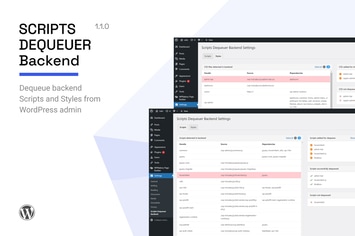
Scripts Dequeuer Backend
by SaurabhSharma
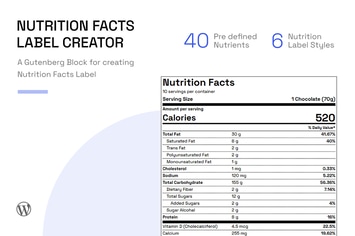
Nutrition Facts Label Creator (Gutenberg Block)
by SaurabhSharma
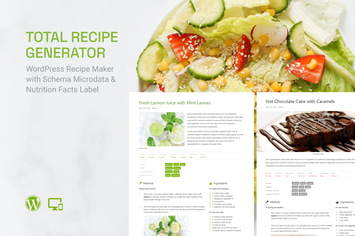
Total Recipe Generator (Recipe Gutenberg Block)
by SaurabhSharma
WP Post Modules for News & Magazine (Gutenberg)
by SaurabhSharma
Scripts Dequeuer (Frontend)
by SaurabhSharma
FinCap - Finance Template Kit
by SaurabhSharma
PetCare - Pet Boarding and Care Centre Template Kit
by SaurabhSharma
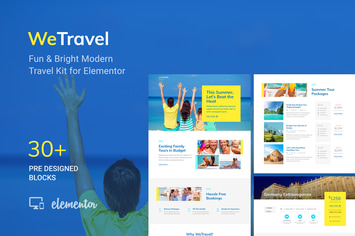
WeTravel - Travel and Tourism Template Kit
by SaurabhSharma
You May Also Like
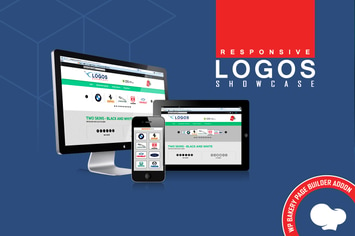
WPBakery Addon - Logos Showcase Pro
by LambertGroup

Optima - Multipurpose WordPress Theme
by LA-Studio
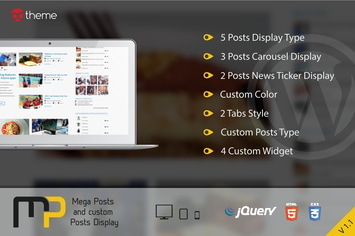
Mega Posts and Custom Posts Display WP Plugin
by ad-theme
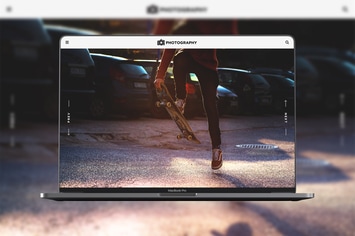
MT Photography - Eye-catching, Unique Photography
by modeltheme

Alanzo
by AncoraThemes
Responsive Coming Soon Landing Page for WordPress
by AA-Team

WPBakery Addon - HTML5 Audio Player PRO
by LambertGroup

Mediso - Corporate / One-Page WordPress Theme
by GoodLayers