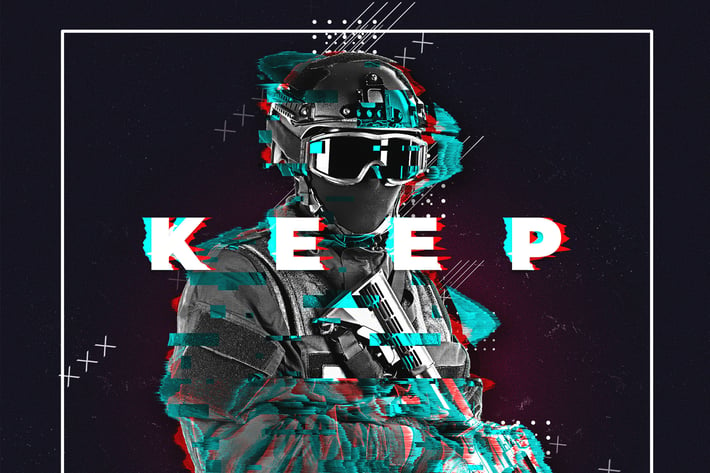
Glitch Poster Maker Photoshop Action
Author
Oxygen_Art
Published
Mar 16, 2022
Item Code
b92f1247-538f-4f54-a380-afee25839fc2
How to Download
- 1 Copy the Item Code above
- 2 Go to fuckdcma.com
- 3 Paste the code in the text box and click "Generate Download Link"
About This Item
Are you a graphic designer and you need to make a modern poster design without any effort? OK! you’re in the right place!!
With Glitch Poster Maker you can make a professional modern poster design in a few clicks without any effort and save more & more hours of hard works.
Glitch Poster Maker Contains:
+ 05 Glitch Effects
+ 100% Editable Colors
+ +10 Colors FX
+ 02 Glitch Texts
+ 03 Editable Shapes Colors
+ 05 Colors FX
+ & More Editable Elements
NOTE: Your final result depends on your photo and your final editing, just make a perfect mask and make a good text and you’ll get a perfect result, also don’t miss to watch the video tutorial above.
Before use Glitch Poster Maker:
+ Make Sure Your Minimum Photoshop Version’s CS4
+ Make Sure Your Color Mode’s RGB.
+ Make Sure Your Channel Bit’s 8 bits/channel.
+ Make Sure Your Photoshop Language’s English.
How To use Glitch Poster Maker:
+ Open Your Image Inside Your Photoshop.
+ Create a New Empty Layer & Name it “object”.
+ Select Your Soft Brush Tool & Brush on Your Object With Any Color.
+ Open The Action Folder, Choose The Action Start Glitch Poster Maker and Play it
+ Follow The Instructions Inside The Processing.
For Best Result Use a Photo With High Dimension (Minimum Width Size’s 3000px). For Best Result Use a Portrait Photo or a Photo With a close-up object. For Best Result Make Your Object in The Middle of Your Document.
With Glitch Poster Maker you can make a professional modern poster design in a few clicks without any effort and save more & more hours of hard works.
Glitch Poster Maker Contains:
+ 05 Glitch Effects
+ 100% Editable Colors
+ +10 Colors FX
+ 02 Glitch Texts
+ 03 Editable Shapes Colors
+ 05 Colors FX
+ & More Editable Elements
NOTE: Your final result depends on your photo and your final editing, just make a perfect mask and make a good text and you’ll get a perfect result, also don’t miss to watch the video tutorial above.
Before use Glitch Poster Maker:
+ Make Sure Your Minimum Photoshop Version’s CS4
+ Make Sure Your Color Mode’s RGB.
+ Make Sure Your Channel Bit’s 8 bits/channel.
+ Make Sure Your Photoshop Language’s English.
How To use Glitch Poster Maker:
+ Open Your Image Inside Your Photoshop.
+ Create a New Empty Layer & Name it “object”.
+ Select Your Soft Brush Tool & Brush on Your Object With Any Color.
+ Open The Action Folder, Choose The Action Start Glitch Poster Maker and Play it
+ Follow The Instructions Inside The Processing.
For Best Result Use a Photo With High Dimension (Minimum Width Size’s 3000px). For Best Result Use a Portrait Photo or a Photo With a close-up object. For Best Result Make Your Object in The Middle of Your Document.
More from Oxygen_Art
View all →
Watercolor Art Photoshop Action
by Oxygen_Art
Isometrical - 3D View Generator - Photoshop Plugin
by Oxygen_Art
Diffusion - Artistic Photoshop Action
by Oxygen_Art
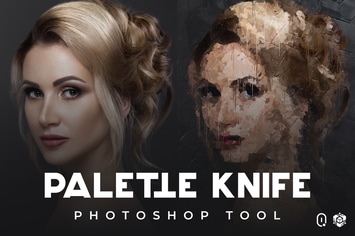
Palette Knife Photoshop Tool
by Oxygen_Art
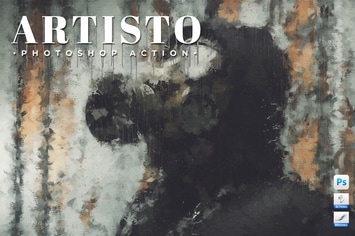
Artisto - Realistic Painting Photoshop Action
by Oxygen_Art
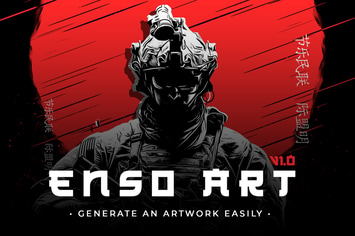
Enso Art Photoshop Tool
by Oxygen_Art
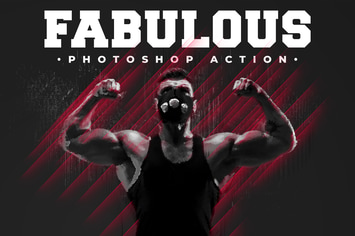
Fabulous - Photoshop Action
by Oxygen_Art
The Storm Photoshop Action
by Oxygen_Art
You May Also Like
Splat and Spray Pro Brushes
by Layerform
Sensation - Watercolor Photoshop Action
by AB-TheDesigner
Action Painting Textures
by guerillacraft
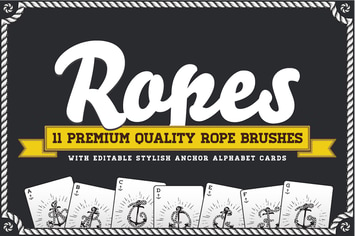
Rope Brush Set with Stylish Anchor ABC
by CkyBe
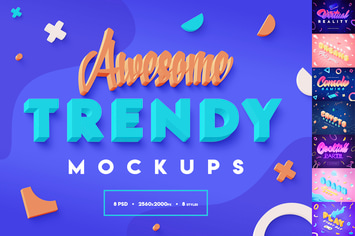
Vibrant 3D Text Effects
by Sko4
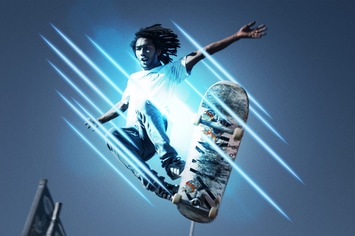
Light Effects Photoshop Brush Kit
by GraphicMonkee
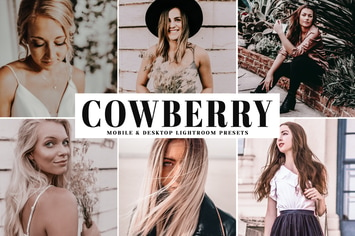
Cowberry Mobile & Desktop Lightroom Presets
by creativetacos
20 Pro Clean & Minimal Lightroom Presets
by zvolia