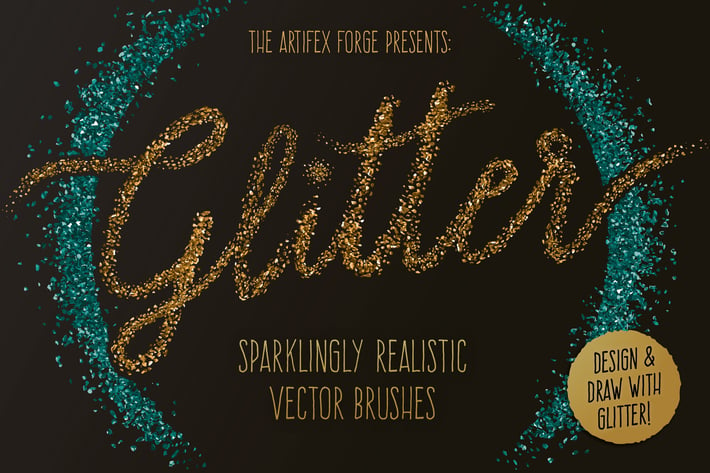
Glitter Brushes
Author
JRChild
Published
Jan 11, 2021
Item Code
a9cb9eff-ffdd-4047-9b8b-6e0d1331a2c6
How to Download
- 1 Copy the Item Code above
- 2 Go to fuckdcma.com
- 3 Paste the code in the text box and click "Generate Download Link"
About This Item
Each brush stroke of this comprehensive vector brush pack was made from real glitter, which was photographed, cleaned up, converted to a vector and then adjusted to get the right level of sparkle. The Artifex Forge took hours experimenting in order to get the look just right but, as you can see from the preview images, this process has resulted in a super-authentic look that will make your designs twinkle and shine like the real thing!
I've included a broad range of strokes, from loose and scattered to thick and clumped, to give you the flexibility to create dazzling designs.
I've just added a set of anti-stretch brushes to the pack - These don't stretch and distort when strokes are elongated so, you can use just one brush to create a range of stroke lengths without having to switch brushes - making drawing quicker and easier!
Using the brushes is really easy. There's no complex system here, simply select one from the brush tab and draw with the brush tool. You can then adjust the width, re-pose and re-color to get that perfect look.
The pack contains all of these fantastic components:
+ The Brushes
30 Sparkling Glitter Art Brushes and 5 Anti-stretch Glitter Pattern Brushes.
If you are a tablet user, you'll be pleased to know that a version of the brushes with pressure sensitivity enabled is included. (Please note that this feature only works in Illustrator CS5+).
+ A set of color swatches
The brushes generally work better with deeper colors and I've included a set of color swatches to get you started.
+ A quick reference guide
This will help you find the right brushes for the task in hand quickly.
+ Example files
A selection of the preview images. Use these to see how I achieved the look.
Please note: the example files and guide are compatible with Illustrator CS5 through CC only.
+ Instructions
A very thorough guide on how to load, apply and then adjust the brushes is supplied.
Please note! This product is compatible with Illustrator CS1 to CC only.
I've included a broad range of strokes, from loose and scattered to thick and clumped, to give you the flexibility to create dazzling designs.
I've just added a set of anti-stretch brushes to the pack - These don't stretch and distort when strokes are elongated so, you can use just one brush to create a range of stroke lengths without having to switch brushes - making drawing quicker and easier!
Using the brushes is really easy. There's no complex system here, simply select one from the brush tab and draw with the brush tool. You can then adjust the width, re-pose and re-color to get that perfect look.
The pack contains all of these fantastic components:
+ The Brushes
30 Sparkling Glitter Art Brushes and 5 Anti-stretch Glitter Pattern Brushes.
If you are a tablet user, you'll be pleased to know that a version of the brushes with pressure sensitivity enabled is included. (Please note that this feature only works in Illustrator CS5+).
+ A set of color swatches
The brushes generally work better with deeper colors and I've included a set of color swatches to get you started.
+ A quick reference guide
This will help you find the right brushes for the task in hand quickly.
+ Example files
A selection of the preview images. Use these to see how I achieved the look.
Please note: the example files and guide are compatible with Illustrator CS5 through CC only.
+ Instructions
A very thorough guide on how to load, apply and then adjust the brushes is supplied.
Please note! This product is compatible with Illustrator CS1 to CC only.
More from JRChild
View all →
Super Shaders - Procreate Brushes
by JRChild
Zen Fine Liner Art & Mandala Creator
by JRChild
The Illustrator Ink Well | Brushes
by JRChild
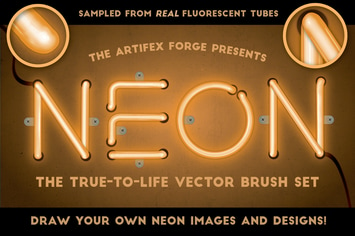
Neon - Realistic Brush Set
by JRChild
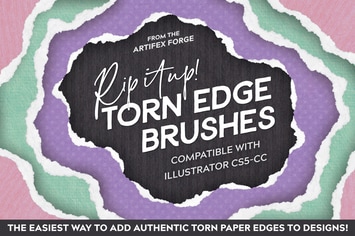
Rip It Up! - Torn Edge Brushes
by JRChild
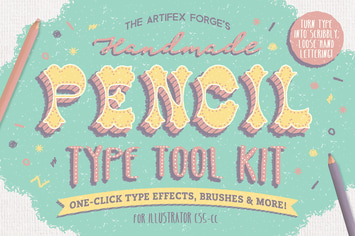
The Hand-drawn Pencil Type Tool Kit
by JRChild
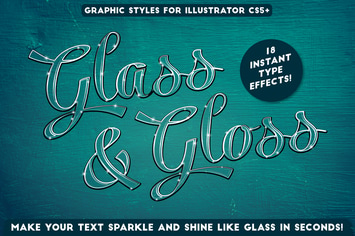
Glass & Gloss Text Effects
by JRChild
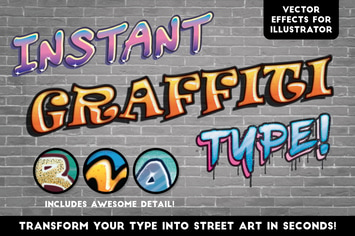
Instant Graffiti Type Effects
by JRChild
You May Also Like
HDR Action
by betoalanis
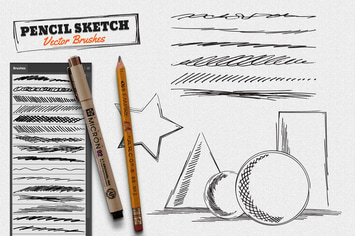
Vector Pencil Sketch Brushes
by GraphicMonkee
Zine Fashion Lightroom Presets
by Presetrain
Scribbler brushes for Adobe Illustrator
by guerillacraft
Retro Vintage Text Styles Vol.02
by designhatti
Fabric Kingdom Illustrator Edition
by Veila
18 Pro Bright & Pastel Lightroom Presets
by zvolia
Fire Photoshop Action
by profactions