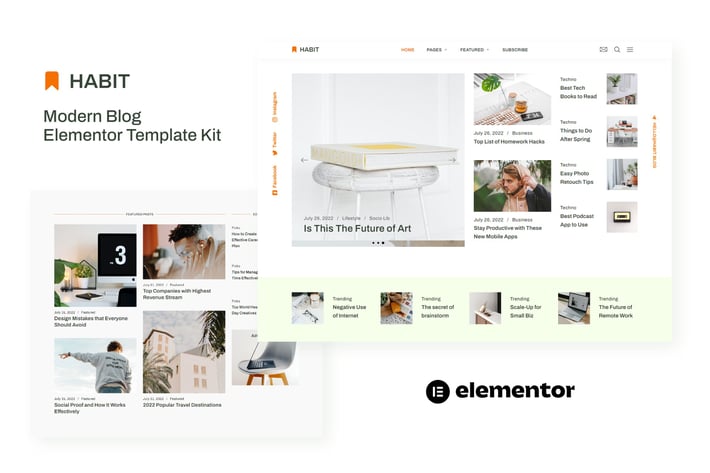
Habit - Modern Blog Elementor Template Kit
Author
sociolib
Published
Oct 30, 2024
Item Code
f09172bc-9205-4c73-bc4b-361ffb185cad
How to Download
- 1 Copy the Item Code above
- 2 Go to fuckdcma.com
- 3 Paste the code in the text box and click "Generate Download Link"
About This Item
Build your website faster. Create your project with live editing without single line of code.
Habit is an Elementor Template Kit for quickly and easily creating modern blog using the Elementor Page Builder plugin for WordPress. Suitable for blog review, news portal, techno blog, travel blog, daily blog etc. Style your wordpress website with this creative and modern design style template kit to bring a modern feel to your blog.
This is not a WordPress theme. Template Kits contain page content for Elementor page builder. This kit has been optimized for use with the free Hello Elementor theme but may be used with most themes that support Elementor.
Features:
13+ Templates
True no-code customization with drag and drop visual builder
Customize fonts and colors in one place or fine-tune on individual elements
Clean and Minimal Design
Fast-loading
Works with most Elementor themes
Responsive Design
Templates:
Home
Subscribe
About
Archive
Categories
Contact
Gallery
Videos
Single Post
Header
Footer
Featured Menu
Off Canvas
Global Style
Required Plugins (installed with kit)
Qi Addons For Elementor
* ElementsKit Lite
How to Use Template Kits:
1. Install and Activate the "Envato Elements" plugin from Plugins > Add New in WordPress
2. Do not unzip
3. Go to Elements > Installed Kits and click the Upload Template Kit button.
4. Before importing a template, ensure the Install Requirements button is clicked to activate required plugins
5. For best results, do not import more than one template at a time.
6. Go to Pages and create a new page and click Edit with Elementor
7. Click the gear icon at lower-left of the builder to view page settings and choose Elementor Full Width and hide page title
8. Click the gray folder icon to access My Templates tab and then Import the page you'd like to customize
9. Check each post element to set the Query to your blog categories
Detailed Guide:
For further support, go to Elementor > Get Help in WordPress menu.
Setup Global Header and Footer in ElementsKit Lite Header Footer Builder Plugin
1. Import the header and footer template
2. Go to ElementsKit Lite > Header Footer and click Add New button
3. Give it a title and select Header, Display on Entire Site and click Publish
4. Click Edit with Elementor
5. Click the gray folder icon to access My Templates tab and select the header template to import and Update.
6. Repeat for Footer
Blog Content is not included - you will need to add a few posts to WordPress before post content will appear in templates.
Habit is an Elementor Template Kit for quickly and easily creating modern blog using the Elementor Page Builder plugin for WordPress. Suitable for blog review, news portal, techno blog, travel blog, daily blog etc. Style your wordpress website with this creative and modern design style template kit to bring a modern feel to your blog.
This is not a WordPress theme. Template Kits contain page content for Elementor page builder. This kit has been optimized for use with the free Hello Elementor theme but may be used with most themes that support Elementor.
Features:
13+ Templates
True no-code customization with drag and drop visual builder
Customize fonts and colors in one place or fine-tune on individual elements
Clean and Minimal Design
Fast-loading
Works with most Elementor themes
Responsive Design
Templates:
Home
Subscribe
About
Archive
Categories
Contact
Gallery
Videos
Single Post
Header
Footer
Featured Menu
Off Canvas
Global Style
Required Plugins (installed with kit)
Qi Addons For Elementor
* ElementsKit Lite
How to Use Template Kits:
1. Install and Activate the "Envato Elements" plugin from Plugins > Add New in WordPress
2. Do not unzip
3. Go to Elements > Installed Kits and click the Upload Template Kit button.
4. Before importing a template, ensure the Install Requirements button is clicked to activate required plugins
5. For best results, do not import more than one template at a time.
6. Go to Pages and create a new page and click Edit with Elementor
7. Click the gear icon at lower-left of the builder to view page settings and choose Elementor Full Width and hide page title
8. Click the gray folder icon to access My Templates tab and then Import the page you'd like to customize
9. Check each post element to set the Query to your blog categories
Detailed Guide:
For further support, go to Elementor > Get Help in WordPress menu.
Setup Global Header and Footer in ElementsKit Lite Header Footer Builder Plugin
1. Import the header and footer template
2. Go to ElementsKit Lite > Header Footer and click Add New button
3. Give it a title and select Header, Display on Entire Site and click Publish
4. Click Edit with Elementor
5. Click the gray folder icon to access My Templates tab and select the header template to import and Update.
6. Repeat for Footer
Blog Content is not included - you will need to add a few posts to WordPress before post content will appear in templates.
More from sociolib
View all →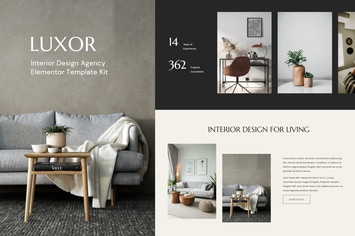
Luxor - Interior Design Agency Elementor Template Kit
by sociolib
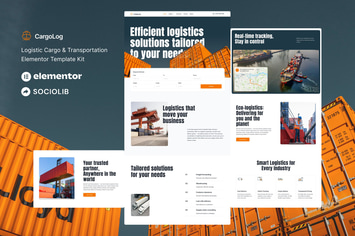
CargoLog - Logistic Cargo & Transportation Elementor Template Kit
by sociolib
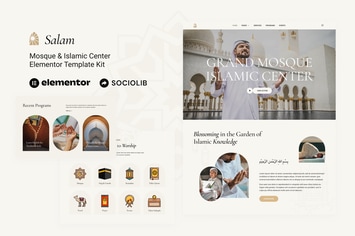
Salam - Mosque & Islamic Center Elementor Template Kit
by sociolib

Cybro - Cyber Security Services Elementor Template Kit
by sociolib
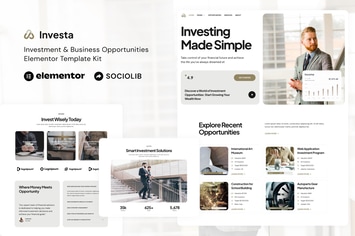
Investa - Investment & Business Opportunities Elementor Template Kit
by sociolib
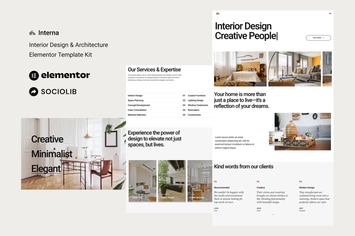
Interna - Interior Design & Architecture Elementor Template Kit
by sociolib

Keen - Digital Marketing Agency HTML Template
by sociolib
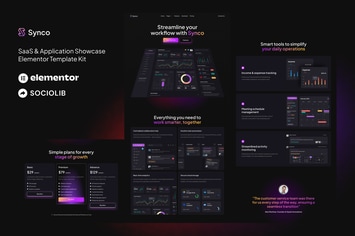
Synco - SaaS & Software Showcase Elementor Template Kit
by sociolib
You May Also Like
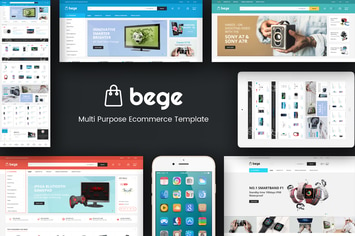
Bege - Responsive WooCommerce WordPress Theme
by Plaza-Themes

Rubbez- WooCommerce & Corporate WordPress Theme
by roadthemes
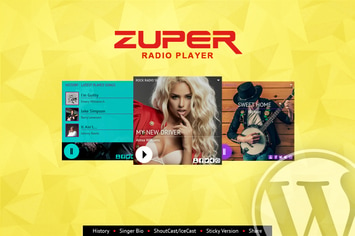
Zuper - Shoutcast and Icecast Radio Player
by LambertGroup
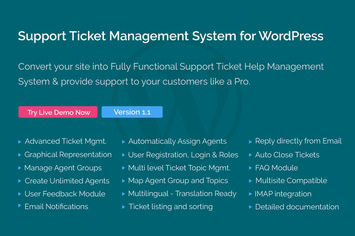
Support Ticket Management System for WordPress
by themepassion
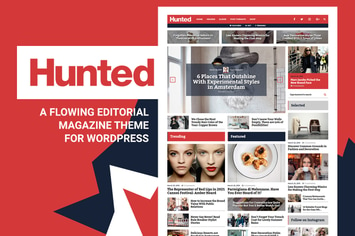
Hunted - Editorial Magazine Blog Theme
by Burnhambox
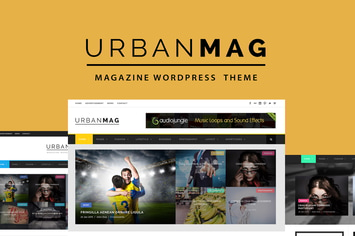
Urban Mag - News & Magazine WordPress Theme
by GoodLayers

Pets Land | Domestic Animals Shop & Veterinary WP
by AncoraThemes
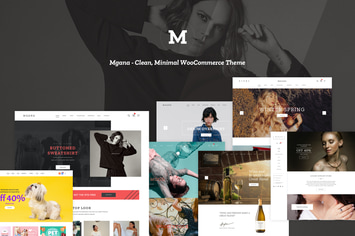
Mgana - Clean, Minimal WooCommerce Theme
by LA-Studio