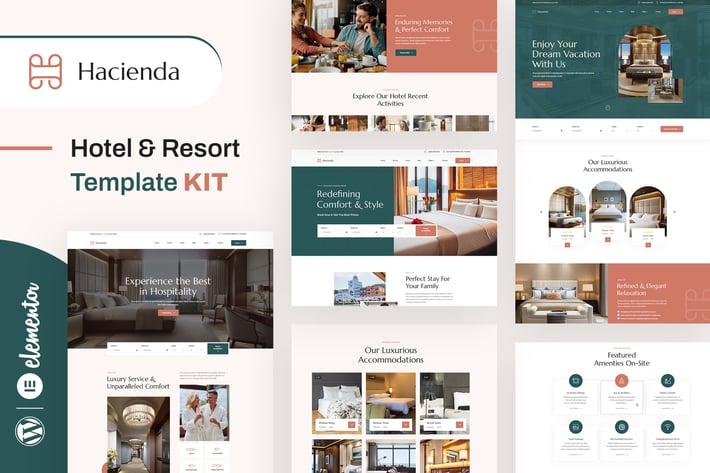
Hacienda - Hotel & Resort Elementor Template Kit
Author
designingmedia
Published
Sep 16, 2025
Item Code
9195cad7-d677-4c4f-820d-7476c1053846
How to Download
- 1 Copy the Item Code above
- 2 Go to fuckdcma.com
- 3 Paste the code in the text box and click "Generate Download Link"
About This Item
Hacienda is an Elementor Template Kit featuring professionally designed templates specifically crafted for hotels, resorts, and vacation properties. With its elegant design, comprehensive features, and user-friendly interface, this template kit provides a solid foundation for creating a professional and captivating website.
Created to meet the unique needs of the hospitality industry, our template includes elements optimized for showcasing room details, amenities, and guest testimonials. In addition to pre-built pages, the kit offers a versatile array of customizable design components, such as buttons and typography, enabling effortless personalization to craft a distinctive and professionally polished website.
Note: This is not a WordPress theme; it is a web design. Template Kits contain page content for the Elementor page builder. This kit has been optimized for use with the free Hello Elementor theme but can be used with most themes that support Elementor.
Features
- True no-code customization with drag and drop visual builder
- Customize fonts and colors in one place or fine-tune on individual elements
- Modern, professional design
- Fast-loading
- Works with most Elementor themes.
Templates Includes
- 03 Home Page Styles
- 02 Header Styles
- Footer Styles
- About Us
- Services
- Room Page
- Testimonial Page
- Comming Soon
- 404 Page
- Contact Page
Required plugins installed with kit
Elementor
ElementsKit Lite
Jeg Elementor Kit
MetForm
How to Use Template Kits:
This is not a WordPress Theme. Template kits contain the design data for Elementor only and are installed using the envato Elements plugin for WordPress or directly through Elementor.
Elementor Template Kits use the Envato Elements plugin to install.
Detailed Guide:
For further support, go to Elementor > Get Help in WordPress menu.
How to Import Metforms
1. Import the metform block templates
2. Import the page template where the form appears and right-click to enable the Navigator
3. Locate and select the Metform widget and click Edit Form. Choose New, then Edit Form. The builder will appear
4. Click ‘Add Template’ grey folder icon.
5. Click ‘My Templates’ tab.
6. Choose your imported metform template, then click ‘Insert’ (click No for page settings).
7. Once the template is loaded, make any desired customizations and click ‘Update & Close’ The form will appear in the template
8. Click Update
How to setup header in Jeg Elementor Kit plugin
If you have Elementor Pro, headers and footers may be customized under Theme Builder.
1. Go to Jeg Elementor Kit menu item > Header Template
2. Click Add New Header
3. Add condition > All Site and click Create
4. Click gray folder icon to access My Templates tab
5. Insert the header template.
6. Customize and Save.
Image License
This Template Kit uses demo images from Envato Elements. You will need to license these images from Envato Elements to use them on your website, or you can substitute them with your own.
Created to meet the unique needs of the hospitality industry, our template includes elements optimized for showcasing room details, amenities, and guest testimonials. In addition to pre-built pages, the kit offers a versatile array of customizable design components, such as buttons and typography, enabling effortless personalization to craft a distinctive and professionally polished website.
Note: This is not a WordPress theme; it is a web design. Template Kits contain page content for the Elementor page builder. This kit has been optimized for use with the free Hello Elementor theme but can be used with most themes that support Elementor.
Features
- True no-code customization with drag and drop visual builder
- Customize fonts and colors in one place or fine-tune on individual elements
- Modern, professional design
- Fast-loading
- Works with most Elementor themes.
Templates Includes
- 03 Home Page Styles
- 02 Header Styles
- Footer Styles
- About Us
- Services
- Room Page
- Testimonial Page
- Comming Soon
- 404 Page
- Contact Page
Required plugins installed with kit
Elementor
ElementsKit Lite
Jeg Elementor Kit
MetForm
How to Use Template Kits:
This is not a WordPress Theme. Template kits contain the design data for Elementor only and are installed using the envato Elements plugin for WordPress or directly through Elementor.
Elementor Template Kits use the Envato Elements plugin to install.
Detailed Guide:
For further support, go to Elementor > Get Help in WordPress menu.
How to Import Metforms
1. Import the metform block templates
2. Import the page template where the form appears and right-click to enable the Navigator
3. Locate and select the Metform widget and click Edit Form. Choose New, then Edit Form. The builder will appear
4. Click ‘Add Template’ grey folder icon.
5. Click ‘My Templates’ tab.
6. Choose your imported metform template, then click ‘Insert’ (click No for page settings).
7. Once the template is loaded, make any desired customizations and click ‘Update & Close’ The form will appear in the template
8. Click Update
How to setup header in Jeg Elementor Kit plugin
If you have Elementor Pro, headers and footers may be customized under Theme Builder.
1. Go to Jeg Elementor Kit menu item > Header Template
2. Click Add New Header
3. Add condition > All Site and click Create
4. Click gray folder icon to access My Templates tab
5. Insert the header template.
6. Customize and Save.
Image License
This Template Kit uses demo images from Envato Elements. You will need to license these images from Envato Elements to use them on your website, or you can substitute them with your own.
More from designingmedia
View all →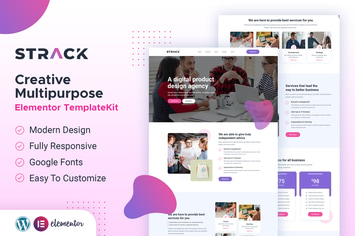
STRACK Multipurpose Business | Elementor Template Kit
by designingmedia
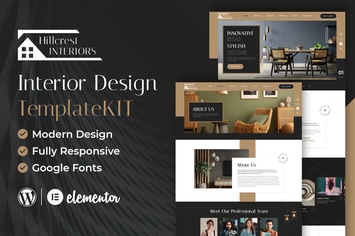
Hillcrest - Interior Design Elementor Template Kit
by designingmedia
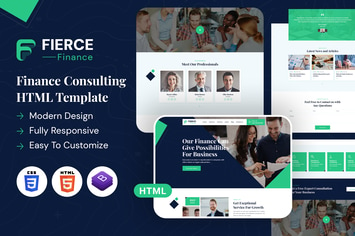
Fierce Finance | HTML Template
by designingmedia
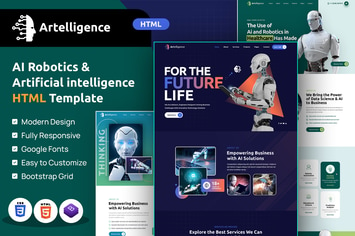
Artelligence | AI & Robotics HTML Template
by designingmedia

Repay | Payment Gateway HTML Template
by designingmedia
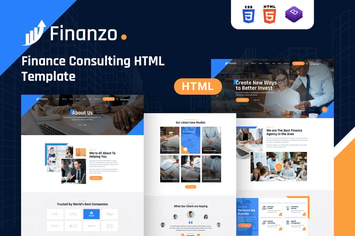
Finanzo | HTML Template
by designingmedia
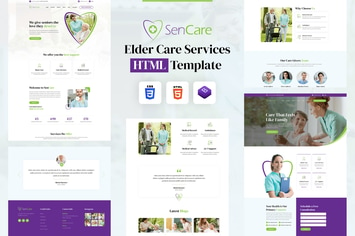
SenCare | Elderly Home & Senior Care HTML Template
by designingmedia
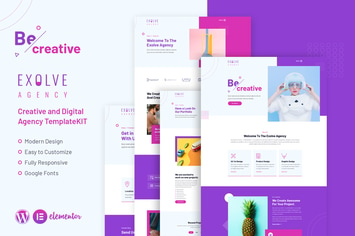
Exolve | Creative Portfolio Elementor Template Kit
by designingmedia
You May Also Like
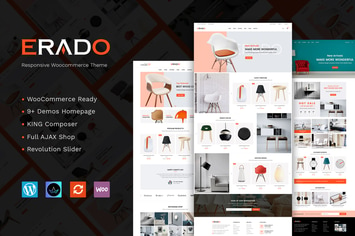
Erado - unique design WordPress theme
by joommasters

Famous - Responsive Image And Video Grid Gallery
by LambertGroup
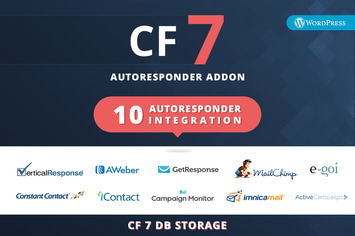
CF7 Auto Responder Addon
by kamleshyadav

Universal Video Player - WordPress Plugin
by LambertGroup
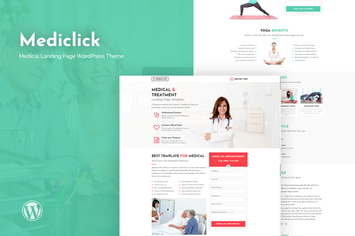
Mediclick - Medical Landing Page WordPress Theme
by ThemeModern
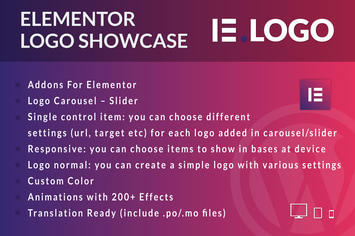
Logo Showcase for Elementor WordPress Plugin
by ad-theme
Voux Fashion Shopping Theme
by disgogo

Business Hours for WPBakery
by merkulove