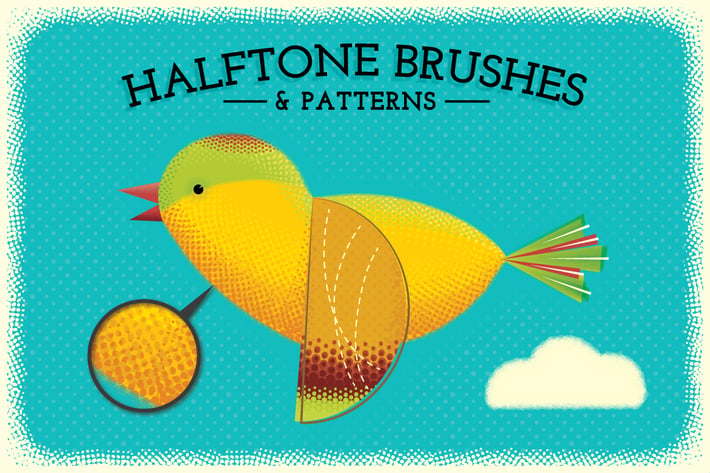
Halftone Brushes + Bonus Patterns
Author
JRChild
Published
Jun 29, 2021
Item Code
93d97d79-6472-4942-ae11-0f976f1f645e
How to Download
- 1 Copy the Item Code above
- 2 Go to fuckdcma.com
- 3 Paste the code in the text box and click "Generate Download Link"
About This Item
Add depth and style to your designs and artwork with these textured Halftone Brushes and repeat patterns!
I've supplied two types of brushes:
Scatter Halftone - (The first 6 in the preview) They are great for a messy screen-tone look. By adjusting the settings you can change the size, scatter and rotation or even make them pressure sensitive if you have a graphics tablet..
Line Halftone - Perfect for a neater finish. These are basically pattern brushes but without the corner and end tiles. They distribute the screen-tones evenly along a stroke with minimal distortion.
I've also included a pressure sensitive version of the brushes for tablet users that will work with CS5 - CC.
The repeat patterns are all supplied in black but you can adjust the colors using the 'Recolor artwork' menu (Edit/Edit Colors/Re-color Artwork).
Here's a complete list of what's included:
- 26 Halftone Brushes
- A pressure sensitive version of the brushes for use with graphics tablets (for CS5 and above only)
- 10 Halftone Repeat Patterns
- Demo file - The bird image. Use this to see how I achieved the look from the preview (CS5 to CC only).
- Instructions.
Compatible with Illustrator CS1+
I've supplied two types of brushes:
Scatter Halftone - (The first 6 in the preview) They are great for a messy screen-tone look. By adjusting the settings you can change the size, scatter and rotation or even make them pressure sensitive if you have a graphics tablet..
Line Halftone - Perfect for a neater finish. These are basically pattern brushes but without the corner and end tiles. They distribute the screen-tones evenly along a stroke with minimal distortion.
I've also included a pressure sensitive version of the brushes for tablet users that will work with CS5 - CC.
The repeat patterns are all supplied in black but you can adjust the colors using the 'Recolor artwork' menu (Edit/Edit Colors/Re-color Artwork).
Here's a complete list of what's included:
- 26 Halftone Brushes
- A pressure sensitive version of the brushes for use with graphics tablets (for CS5 and above only)
- 10 Halftone Repeat Patterns
- Demo file - The bird image. Use this to see how I achieved the look from the preview (CS5 to CC only).
- Instructions.
Compatible with Illustrator CS1+
More from JRChild
View all →
Super Shaders - Procreate Brushes
by JRChild
Zen Fine Liner Art & Mandala Creator
by JRChild
The Illustrator Ink Well | Brushes
by JRChild
Neon - Realistic Brush Set
by JRChild
Rip It Up! - Torn Edge Brushes
by JRChild
The Hand-drawn Pencil Type Tool Kit
by JRChild
Glass & Gloss Text Effects
by JRChild
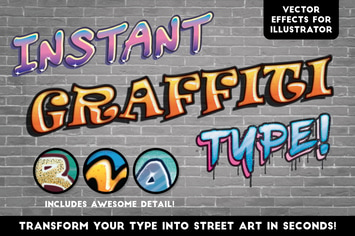
Instant Graffiti Type Effects
by JRChild
You May Also Like
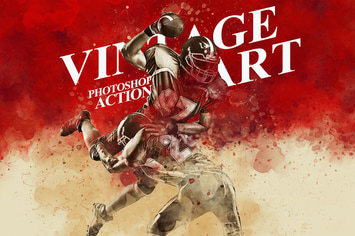
Vintage Art Photoshop Action
by iHemalaya
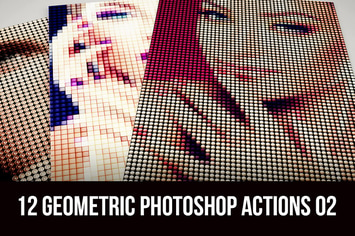
12 Geometric Photoshop Actions 02
by cruzine

FilterGrade Light Leaks Photoshop Actions S1
by filtergrade
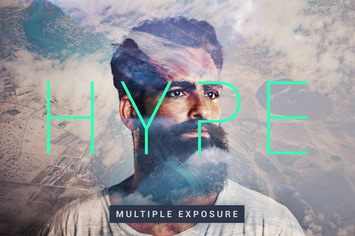
Hype | Multiple Exposure FX
by devotchkah

50 Premium Matte Photoshop Actions
by beart-presets
25 Bokeh Cluster Photoshop Stamp Brushes
by M-e-f
Player Battlegrounds Photoshop Action PUGB
by iHemalaya
Oil Painter CS4+ Photoshop Action
by FD-Design