
Investure - Venture Capital & Investment Elementor Template Kit
Author
Kitpro
Published
Feb 22, 2026
Item Code
58cd62ef-e971-49c5-806a-68ec3ef579f8
How to Download
- 1 Copy the Item Code above
- 2 Go to fuckdcma.com
- 3 Paste the code in the text box and click "Generate Download Link"
About This Item
Investure is an Elementor Template Kit designed for businesses aiming to establish a commanding online presence in the venture capital and investment industry. Ideal for firms specializing in funding innovative startups, portfolio management, and financial growth strategies, this kit empowers you to showcase your expertise in driving transformative investments and sustainable success. Investure uses free elements, so don't worry about trying this one. Investure provides various pages including Home, About Us, Team, Sector, Portfolio, FAQs, Single Blog, Blog, 404, Contact Us.
### Templates
01. Home
02. About Us
03. Team
04. Sector
05. Portfolio
06. FAQs
07. Blog
08. Single Blog
09. 404
10. Contact Us
Font Used
Poppins
Noto Serif Display
Roboto
### Plugin Dependencies :
Elementor
ElementsKit Lite
Jeg Elementor Kit
Metform
Header & footer builder
### How to Use Template Kits:
This is not a WordPress Theme. Template kits contain the design data for Elementor only and are installed using the envato Elements plugin for WordPress or directly through Elementor.
Elementor Template Kits use the Envato Elements plugin to install.
Detailed Guide:
For further support, go to Elementor > Get Help in WordPress menu.
How to Import Metforms
If you have Elementor Pro, skip install of Metform and form blocks.
1. Import the metform block templates
2. Import the page template where the form appears and right-click to enable the Navigator
3. Locate and select the Metform widget and click Edit Form. Choose New, then Edit Form. The builder will appear
4. Click ‘Add Template’ grey folder icon.
5. Click ‘My Templates’ tab.
6. Choose your imported metform template, then click ‘Insert’ (click No for page settings).
7. Once the template is loaded, make any desired customizations and click ‘Update & Close’ The form will appear in the template
8. Click Update
Setup Global Header and Footer
If you have Elementor Pro, headers and footers may be customized under Theme Builder.
1. Go to Appearance > Header Footer and click Add New button
3. Give it a title and select Header, Display on Entire Site and click Publish
4. Click Edit with Elementor
5. Click the gray folder icon to access My Templates tab and select the header template to import and Update.
6. Repeat for Footer
Images
This Template Kit uses demo images from Envato Elements. You will need to license these images from Envato Elements to use them on your website, or you can substitute them with your own.
### Templates
01. Home
02. About Us
03. Team
04. Sector
05. Portfolio
06. FAQs
07. Blog
08. Single Blog
09. 404
10. Contact Us
Font Used
Poppins
Noto Serif Display
Roboto
### Plugin Dependencies :
Elementor
ElementsKit Lite
Jeg Elementor Kit
Metform
Header & footer builder
### How to Use Template Kits:
This is not a WordPress Theme. Template kits contain the design data for Elementor only and are installed using the envato Elements plugin for WordPress or directly through Elementor.
Elementor Template Kits use the Envato Elements plugin to install.
Detailed Guide:
For further support, go to Elementor > Get Help in WordPress menu.
How to Import Metforms
If you have Elementor Pro, skip install of Metform and form blocks.
1. Import the metform block templates
2. Import the page template where the form appears and right-click to enable the Navigator
3. Locate and select the Metform widget and click Edit Form. Choose New, then Edit Form. The builder will appear
4. Click ‘Add Template’ grey folder icon.
5. Click ‘My Templates’ tab.
6. Choose your imported metform template, then click ‘Insert’ (click No for page settings).
7. Once the template is loaded, make any desired customizations and click ‘Update & Close’ The form will appear in the template
8. Click Update
Setup Global Header and Footer
If you have Elementor Pro, headers and footers may be customized under Theme Builder.
1. Go to Appearance > Header Footer and click Add New button
3. Give it a title and select Header, Display on Entire Site and click Publish
4. Click Edit with Elementor
5. Click the gray folder icon to access My Templates tab and select the header template to import and Update.
6. Repeat for Footer
Images
This Template Kit uses demo images from Envato Elements. You will need to license these images from Envato Elements to use them on your website, or you can substitute them with your own.
More from Kitpro
View all →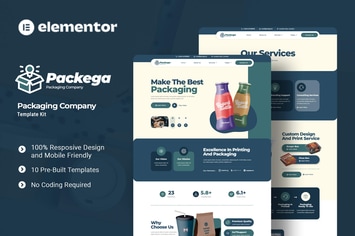
Packega - Packaging Company Elementor Template Kit
by Kitpro

Soccia - Social Media Agency Elementor Template Kit
by Kitpro

Cinepix - Film & Video Production Elementor Template Kit
by Kitpro
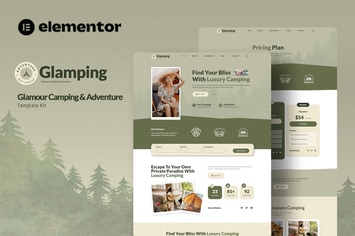
Glamping - Glamour Camping & Adventure Elementor Template Kit
by Kitpro

MedEase - Pharmacy & Medical Elementor Template Kit
by Kitpro
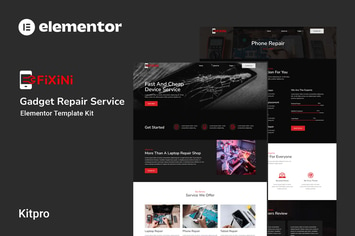
Fixini - Gadget Repair Service Elementor Template Kit
by Kitpro

MindTalk - Psychology & Counseling Elementor Template Kit
by Kitpro
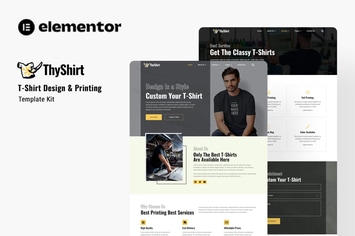
Thyshirt - TShirt Design and Printing Elementor Template Kit
by Kitpro
You May Also Like
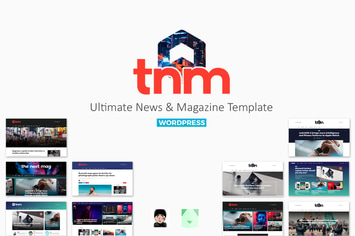
The Next Mag
by bkninja

WordPress Countdown Timer Plugin
by Elfsight
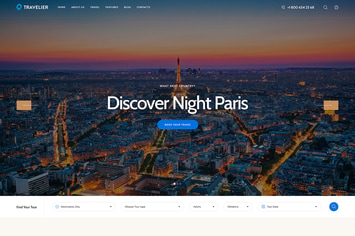
Travesia
by axiomthemes

Digitax - SEO & Digital Marketing Agency Themes
by ovatheme
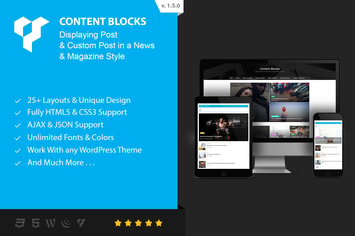
Content Blocks Layout For WPBakery Page Builder
by beeteam368

WP Ultimate Firewall - Performance & Security
by divcoderPlugins
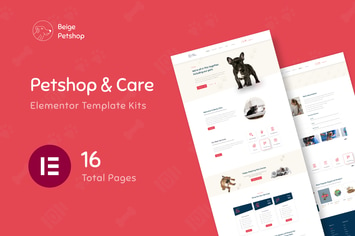
Beige - Pet Shop Woocommerce Elementor Template Kit
by Pathfinderstd
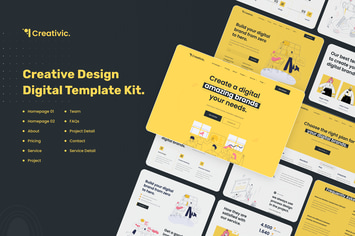
Creativic - Creative Agency Elementor Template Kit
by pinisiart