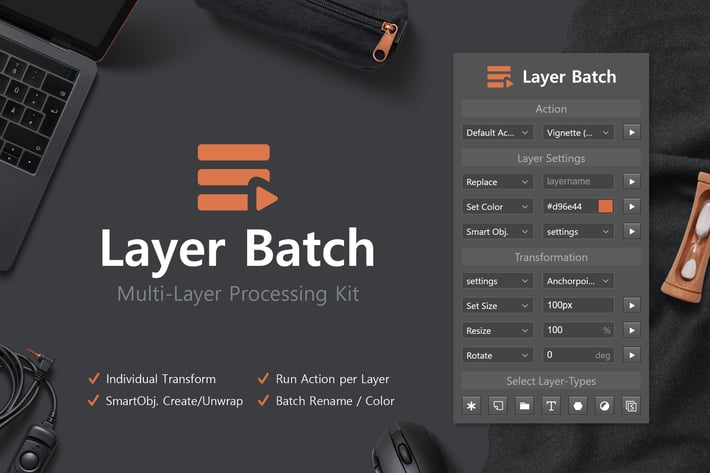
Layer Batch - Processing Kit
Author
h3-design
Published
Jan 11, 2021
Item Code
48c47ef9-16e2-4081-9c19-6071738b9808
How to Download
- 1 Copy the Item Code above
- 2 Go to fuckdcma.com
- 3 Paste the code in the text box and click "Generate Download Link"
About This Item
Save time in Photoshop by editing all selected layers at once - 'Layer Batch' makes it possible to resize, rotate, colorize or rename multiple layers at once. You can also create or unwrap multiple Smart Objects. If you still have other use-cases, you can simply create your own action and run it for all selected Layer using the panel.
Features
- Batch-Process Selected Layers
- Individual Transformations (each layer in its own coordinate system)
- Play Action for each layer
- Batch Rename / Colorize (detects layer type)
- Smart Object Create/ Unwrap
- Quick Selection by Type
- Transformation Settings: Anchor Point, Keep Aspect Ratio, Scale Styles
- Different Transform Modes (Set Size, Set Width, Set Height, Resize, Resize Width, Resize Height, Rotate, Set Rotation)
- Unit Value Inputs (px,%,mm, in,..)
- Optimized Script Performance
- Easy-to-use Interface
Features
- Batch-Process Selected Layers
- Individual Transformations (each layer in its own coordinate system)
- Play Action for each layer
- Batch Rename / Colorize (detects layer type)
- Smart Object Create/ Unwrap
- Quick Selection by Type
- Transformation Settings: Anchor Point, Keep Aspect Ratio, Scale Styles
- Different Transform Modes (Set Size, Set Width, Set Height, Resize, Resize Width, Resize Height, Rotate, Set Rotation)
- Unit Value Inputs (px,%,mm, in,..)
- Optimized Script Performance
- Easy-to-use Interface
More from h3-design
View all →
10 Food Photography Patterns
by h3-design
Minimalistic Branding Mockups
by h3-design

Dart Flight Mockups
by h3-design
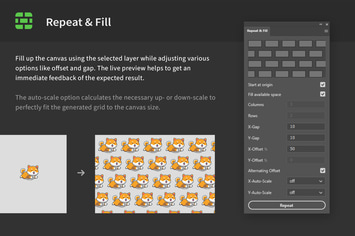
Repeat & Fill - Pattern Grid Creator
by h3-design
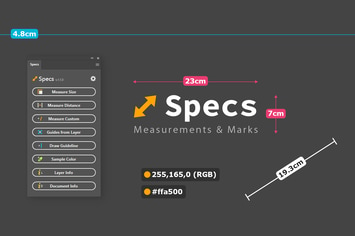
Specs - Custom Measures & Marks (Photoshop 2021)
by h3-design
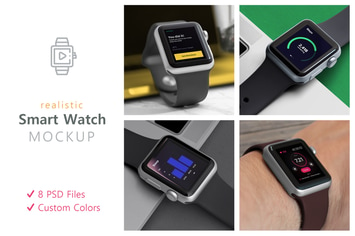
Realistic Smart Watch Mockups
by h3-design
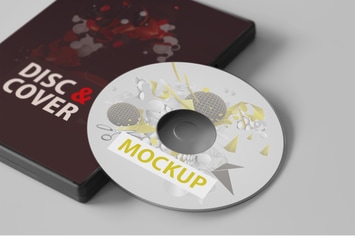
CD/DVD Disc & Cover Mockups
by h3-design
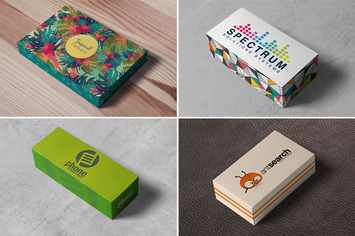
Box / Packaging Mockups
by h3-design
You May Also Like
Haunted Photoshop Actions
by micromove
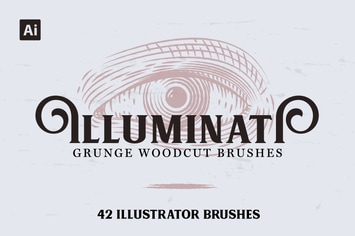
Illuminati Woodcut Brushes
by andrewtimothy
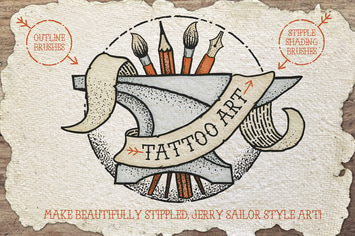
Tattoo Style Art Brushes
by JRChild

Shimmer Photoshop Action
by sevenstyles
Duotone Geometric Shapes
by Kahuna_Design
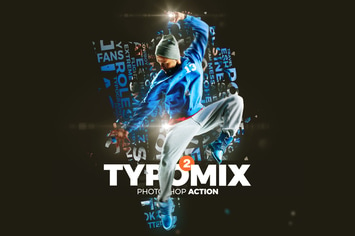
TypoMix 2 Photoshop Action
by iHemalaya
Solar Animation Photoshop Action
by sreda

Holidays Bokeh Photoshop Action
by iHemalaya