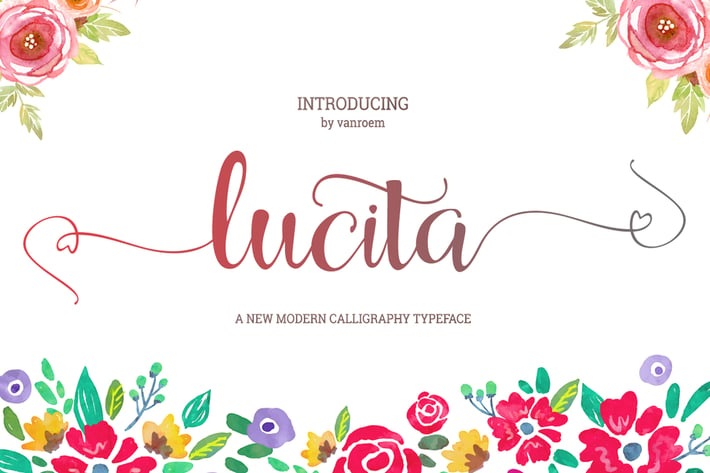
Lucita Script
Author
vanroem
Published
Jan 11, 2021
Item Code
38599389-55e5-4757-bc18-a2de86bb8d1d
How to Download
- 1 Copy the Item Code above
- 2 Go to fuckdcma.com
- 3 Paste the code in the text box and click "Generate Download Link"
About This Item
Lucita is a new script typeface beautiful calligraphy and modern. This font is suitable for a wide range of products each project, such as wedding invitations, greeting cards, correspondence, and various other purposes and many more. This language support that some international fonts. So many options that you can use for your projects with glyph and alternates!
Languages supported: Breton, Catalan, Czech, Danish, Estonian,French, German, Hungarian, Icelandic, Italian, Romanian, Scottish Gaelic, Slovak, Latvian, Lithuanian, Norwegian, English, Finnish, Polish, Portuguese, Slovenian, Spanish, Swedish, Turkish, Welsh. Basically, all european languages that are based on latin alphabet
Can be used for various purposes.such as headings, logos, wedding invitation, t-shirt, letterhead, signage, lable, news, posters, badges etc. To enable the OpenType Stylistic alternates, you need a program that supports OpenType features such as Adobe Illustrator CS, Adobe Indesign & CorelDraw X6-X7
Features:
Initial Alternates
Terminal Alternates
Standard ligatures
Stylistic sets
Basic Latin A-Z and a-z
Numbers
International Symbols include
Files included:
Lucita Script.ttf
Lucita Script.otf
Lucita Web Fonts (eot, svg, woff)
How to Access OpenType Features?
In Adobe Illustrator or InDesign; simply open Window Type Glyphs, it will show the Glyphs panel. By default, it will show the entire glyphs contained in the font. If you block a glyph, you can find alternative characters to that glyph easily by changing 'Entire Font' to 'Alternates for Current Selection' in the Show section.
For other programs that doesn't support OpenType features or Glyphs Panel such as Photoshop, you can use Character Map in Windows to access the alternate characters; simply follow this tutorial -
Languages supported: Breton, Catalan, Czech, Danish, Estonian,French, German, Hungarian, Icelandic, Italian, Romanian, Scottish Gaelic, Slovak, Latvian, Lithuanian, Norwegian, English, Finnish, Polish, Portuguese, Slovenian, Spanish, Swedish, Turkish, Welsh. Basically, all european languages that are based on latin alphabet
Can be used for various purposes.such as headings, logos, wedding invitation, t-shirt, letterhead, signage, lable, news, posters, badges etc. To enable the OpenType Stylistic alternates, you need a program that supports OpenType features such as Adobe Illustrator CS, Adobe Indesign & CorelDraw X6-X7
Features:
Initial Alternates
Terminal Alternates
Standard ligatures
Stylistic sets
Basic Latin A-Z and a-z
Numbers
International Symbols include
Files included:
Lucita Script.ttf
Lucita Script.otf
Lucita Web Fonts (eot, svg, woff)
How to Access OpenType Features?
In Adobe Illustrator or InDesign; simply open Window Type Glyphs, it will show the Glyphs panel. By default, it will show the entire glyphs contained in the font. If you block a glyph, you can find alternative characters to that glyph easily by changing 'Entire Font' to 'Alternates for Current Selection' in the Show section.
For other programs that doesn't support OpenType features or Glyphs Panel such as Photoshop, you can use Character Map in Windows to access the alternate characters; simply follow this tutorial -
More from vanroem
View all →
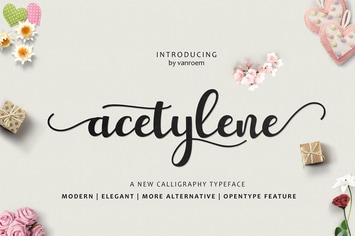
You May Also Like
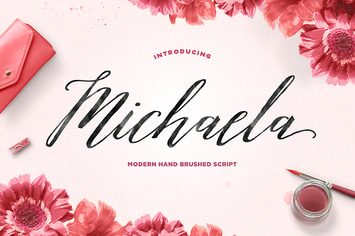
Michaela Script
by dhanstudio
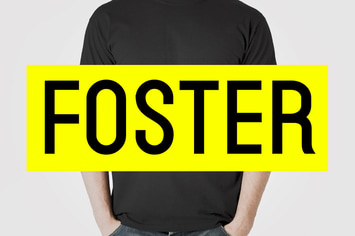
FOSTER - Amazing Display / Headline Typeface
by designova
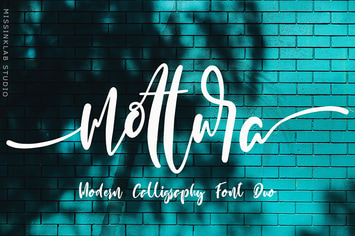
Mottura Font Duo
by Pineungtype
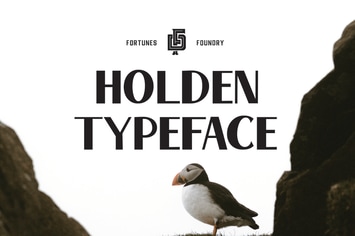
Holden VIntage Type
by celciusdesigns
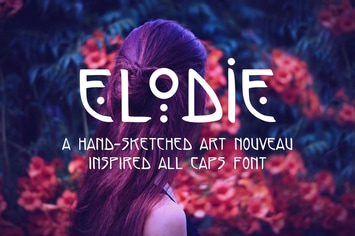
Elodie - Hand Sketched Art Nouveau Font
by frimages
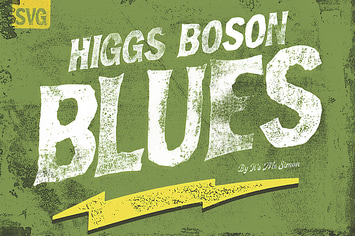
Higgs Boson Blues handmade OpenType SVG color font
by simonok
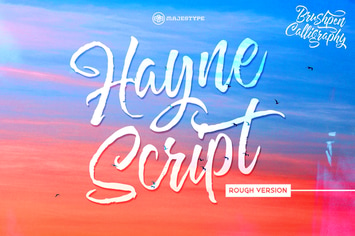
Hayne Script Rough
by dexsarharry
Layne Rogan
by eztudio