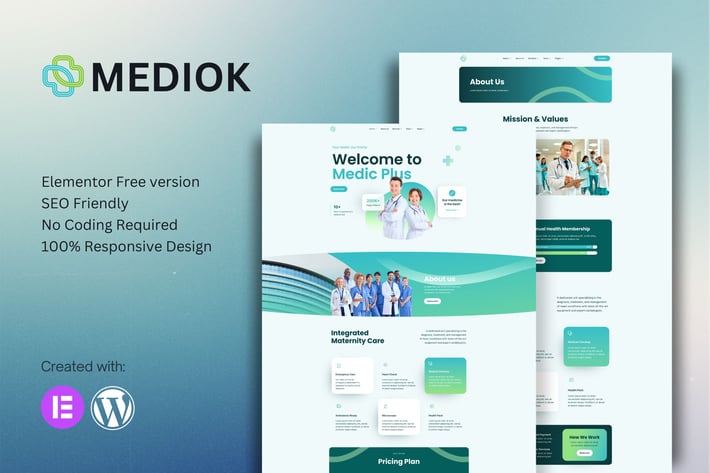
Mediok - Medical Elementor Template Kit
Author
sigitdwipa
Published
Jan 23, 2026
Item Code
1088816a-4eb7-48d0-af59-18d512cc91dd
How to Download
- 1 Copy the Item Code above
- 2 Go to fuckdcma.com
- 3 Paste the code in the text box and click "Generate Download Link"
About This Item
Mediok - Medical Elementor Template Kit is a collection of layouts for the Elementor page builder WordPress plugin, designed for use with Elementor Free Version for a clean Design. It works with most themes and is optimized for use with the free Hello Elementor theme.
10+ Import Templates Ready For Use :
Home 1
Home 2
About
Service
Service Details
Team
Team Details
Coming Soon
Faq
News
Faq
404
Global Style Kit
Block | Header
Block | Footer
Template Features
No upgrades or pro plugin required
True No Coding Required
Global Theme Style
Plugins installed with kit
Elementor
Elements Kit Lite
MetForm
How to Install:
1. Install and Activate the "Template Kit Import" plugin from Plugins > Add New in WordPress
2. Do not unzip
3. Go to Elements > Installed Kits and click the Upload Template Kit button.
4. Before importing a template, ensure the Install Requirements button is clicked to activate required plugins
5. For best results, do not import more than one template at a time.
How to import Metforms Template
Import metform
Import the template where the form appears, then click View Template to load in the builder
Right click the page to open Metform widgets
Click New, leave blank selected then click Edit Form button
Click ‘Add Template’ grey folder icon.
Click ‘My Templates’ tab.
Choose your imported metform template, then click ‘Insert’.
Once the template is loaded, click ‘Update’.
Setup Global Header and Footer in ElementsKit
1. Import the header and footer template
2. Go to ElementsKit > Header Footer select Header and click Add New
3. Give it a title, leave Entire Site selected and toggle Activation to On
4. Click the template title and Edit Content
5. Click the gray folder icon and select the header template to import and Update.
6. Repeat for Footer
Detailed Guide:
This Template Kit uses demo images from Envato Elements. You will need to license these images from Envato Elements to use them on your website, or you can substitute them with your own.
Collections
10+ Import Templates Ready For Use :
Home 1
Home 2
About
Service
Service Details
Team
Team Details
Coming Soon
Faq
News
Faq
404
Global Style Kit
Block | Header
Block | Footer
Template Features
No upgrades or pro plugin required
True No Coding Required
Global Theme Style
Plugins installed with kit
Elementor
Elements Kit Lite
MetForm
How to Install:
1. Install and Activate the "Template Kit Import" plugin from Plugins > Add New in WordPress
2. Do not unzip
3. Go to Elements > Installed Kits and click the Upload Template Kit button.
4. Before importing a template, ensure the Install Requirements button is clicked to activate required plugins
5. For best results, do not import more than one template at a time.
How to import Metforms Template
Import metform
Import the template where the form appears, then click View Template to load in the builder
Right click the page to open Metform widgets
Click New, leave blank selected then click Edit Form button
Click ‘Add Template’ grey folder icon.
Click ‘My Templates’ tab.
Choose your imported metform template, then click ‘Insert’.
Once the template is loaded, click ‘Update’.
Setup Global Header and Footer in ElementsKit
1. Import the header and footer template
2. Go to ElementsKit > Header Footer select Header and click Add New
3. Give it a title, leave Entire Site selected and toggle Activation to On
4. Click the template title and Edit Content
5. Click the gray folder icon and select the header template to import and Update.
6. Repeat for Footer
Detailed Guide:
This Template Kit uses demo images from Envato Elements. You will need to license these images from Envato Elements to use them on your website, or you can substitute them with your own.
Collections
More from sigitdwipa
View all →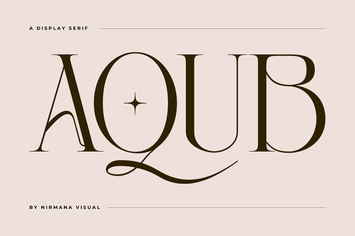
Aqub - Modern Branding Logo Font
by sigitdwipa
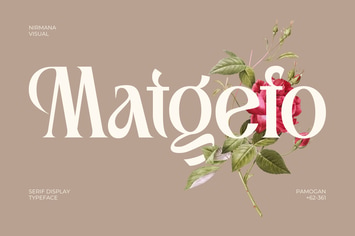
Matgefo Vintage - Logo Font
by sigitdwipa
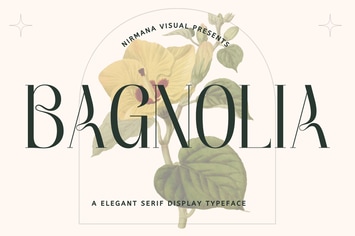
Bagnolia - Vintage Font
by sigitdwipa
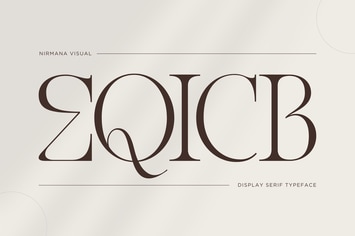
Eqicb - Branding Logo Font
by sigitdwipa
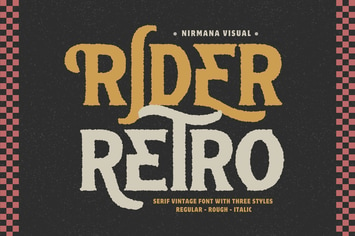
Retro Rider - Branding Logo Font
by sigitdwipa
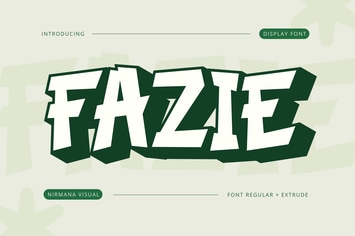
Fazie Retro - Retro Logo Font
by sigitdwipa
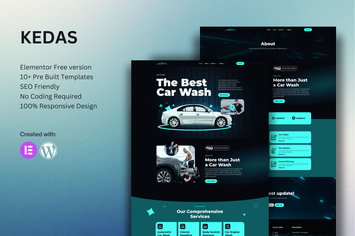
Kedas - Car Wash & Detailing Service Elementor Template Kit
by sigitdwipa
Aorix - Psychedelic Font
by sigitdwipa
You May Also Like
Arvo - A Clever & Flexible Multipurpose WordPress
by G5Theme

Youtenberg - Gutenberg YouTube Player with Playlis
by AA-Team
Belly - Multipurpose Theme WooCommerce WordPress
by roadthemes
Seller - Responsive MultiPurpose WordPress Theme
by themeton
CEZAN - Minimal Creative WordPress Theme
by ovatheme
Car Service - Mechanic Auto Shop WordPress Theme
by QuanticaLabs
EmojiNation
by ThemeREX
Westex - A True Western Experience WordPress
by shtheme