
Ometry - Psychology Therapy & Counseling Elementor Template Kit
Author
askproject
Published
Jan 12, 2025
Item Code
361f907c-3621-4bbe-9bb8-87d578c7d54e
How to Download
- 1 Copy the Item Code above
- 2 Go to fuckdcma.com
- 3 Paste the code in the text box and click "Generate Download Link"
About This Item
Ometry - Psychology, Therapy & Counseling Elementor Template Kit created especially for counseling, consulting psychiatrist, psychologist, psychology, therapist, Counseling Centers, Mental Specialists, Psychocare, Mental Counselors, individual psychologists, therapy website. Ometry has a simple, modern and clean design with 100% responsive layout, and very easy to customize and can be used by anyone without having to understand coding.\
This template kit includes stunning carefully crafted 13 Pages and 15 Stunning Templates, you can build your professional-looking website just a click away.
Features
- Using Free Elementor (Elementor Pro is not required)
- Unique & Clean Design
- 13 Ready to Use Pages
- 15 Ready to Use Templates
- Fully Responsive Layout
- Fully Customizable
- Cross Browser Compatibility: Chrome, Firefox, Safari, Opera
Templates Include
- Global Theme Style
- Home
- About
- Services
- Service Details
- Appointment
- FAQs
- Pricing
- Team
- Review
- Blog
- Single Post
- Contact
- 404 Page
- Header
- Footer
Required Plugin
- Elementor
- ElementsKit Lite
- Elementor - Header, Footer & Blocks
- WPForms Lite
- DethemeKit for Elementor
How to Use Template Kits:
1. Install and Activate the "Envato Elements" plugin from Plugins > Add New in WordPress
2. Download your kit file and Do not unzip
3. Go to Elements > Installed Kits and click the Upload Template Kit button. You may also import automatically by clicking Connect Account to link your Elements subscription, then import under Elements > Template Kits.
4. Check for the orange banner at the top and click Install Requirements to load any plugins the kit uses
5. Click import on the Global Kit Styles first
6. Click Import on one template at a time. These are stored in Elementor under Templates > Saved Templates.
7. Go to Pages and create a new page and click Edit with Elementor
8. Click the gear icon at lower-left of the builder to view page settings and choose Elementor Full Width and hide page title
9. Click the gray folder icon to access My Templates tab and then Import the page you'd like to customize.
If you have Elementor Pro, headers and footers may be customized under Theme Builder.
Detailed Guide:
For further support, go to Elementor > Get Help in WordPress menu.
How to Import Metforms
1. Import the metform block templates
2. Import the page template where the form appears and right-click to enable the Navigator
3. Locate and select the Metform widget and click Edit Form. Choose New, then Edit Form. The builder will appear
4. Click ‘Add Template’ grey folder icon.
5. Click ‘My Templates’ tab.
6. Choose your imported metform template, then click ‘Insert’ (click No for page settings).
7. Once the template is loaded, make any desired customizations and click ‘Update & Close’ The form will appear in the template
8. Click Update
This Template Kit uses demo images from Envato Elements. You will need to license these images from Envato Elements to use them on your website, or you can substitute them with your own.
This template kit includes stunning carefully crafted 13 Pages and 15 Stunning Templates, you can build your professional-looking website just a click away.
Features
- Using Free Elementor (Elementor Pro is not required)
- Unique & Clean Design
- 13 Ready to Use Pages
- 15 Ready to Use Templates
- Fully Responsive Layout
- Fully Customizable
- Cross Browser Compatibility: Chrome, Firefox, Safari, Opera
Templates Include
- Global Theme Style
- Home
- About
- Services
- Service Details
- Appointment
- FAQs
- Pricing
- Team
- Review
- Blog
- Single Post
- Contact
- 404 Page
- Header
- Footer
Required Plugin
- Elementor
- ElementsKit Lite
- Elementor - Header, Footer & Blocks
- WPForms Lite
- DethemeKit for Elementor
How to Use Template Kits:
1. Install and Activate the "Envato Elements" plugin from Plugins > Add New in WordPress
2. Download your kit file and Do not unzip
3. Go to Elements > Installed Kits and click the Upload Template Kit button. You may also import automatically by clicking Connect Account to link your Elements subscription, then import under Elements > Template Kits.
4. Check for the orange banner at the top and click Install Requirements to load any plugins the kit uses
5. Click import on the Global Kit Styles first
6. Click Import on one template at a time. These are stored in Elementor under Templates > Saved Templates.
7. Go to Pages and create a new page and click Edit with Elementor
8. Click the gear icon at lower-left of the builder to view page settings and choose Elementor Full Width and hide page title
9. Click the gray folder icon to access My Templates tab and then Import the page you'd like to customize.
If you have Elementor Pro, headers and footers may be customized under Theme Builder.
Detailed Guide:
For further support, go to Elementor > Get Help in WordPress menu.
How to Import Metforms
1. Import the metform block templates
2. Import the page template where the form appears and right-click to enable the Navigator
3. Locate and select the Metform widget and click Edit Form. Choose New, then Edit Form. The builder will appear
4. Click ‘Add Template’ grey folder icon.
5. Click ‘My Templates’ tab.
6. Choose your imported metform template, then click ‘Insert’ (click No for page settings).
7. Once the template is loaded, make any desired customizations and click ‘Update & Close’ The form will appear in the template
8. Click Update
This Template Kit uses demo images from Envato Elements. You will need to license these images from Envato Elements to use them on your website, or you can substitute them with your own.
More from askproject
View all →
Furro - Pet Care & Veterinary Elementor Template Kit
by askproject
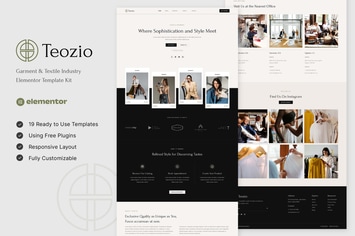
Teozio - Garment & Textile Industry Elementor Template Kit
by askproject
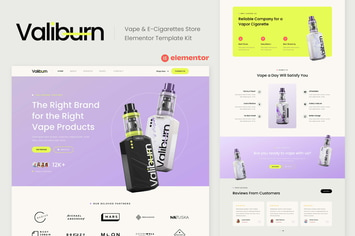
Valiburn - Vape & E-Cigarettes Store Elementor Template Kit
by askproject
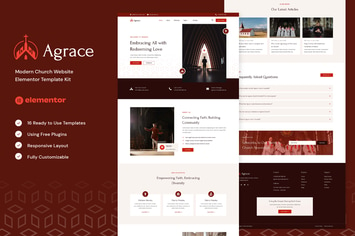
Agrace - Modern Church Website Elementor Template Kit
by askproject
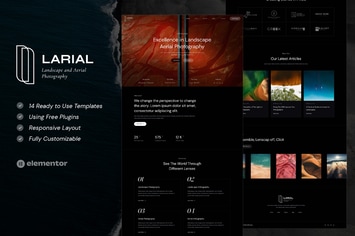
Larial - Landscape & Aerial Photography Elementor Template Kit
by askproject
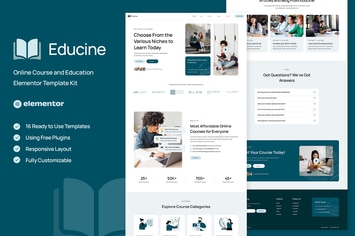
Educine - Online Course & Education Elementor Template Kit
by askproject
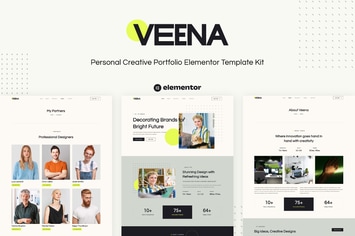
Veena - Personal Creative Portfolio Elementor Template Kit
by askproject
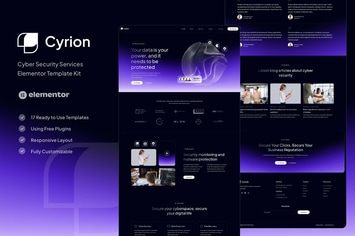
Cyrion - Cyber Security Services Elementor Template Kit
by askproject
You May Also Like

Translang
by axiomthemes

Radio Player Shoutcast & Icecast WordPress Plugin
by LambertGroup

Barber - WordPress Theme for Barbers & Hair Salons
by gljivec
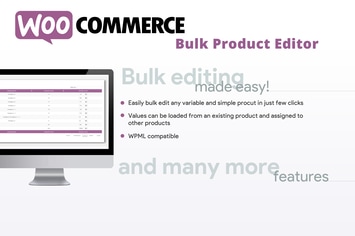
WooCommerce Bulk Product Editor
by vanquish
Roof - Construction, Building WordPress Theme
by VictorThemes
MoveMe | Moving & Storage Relocation Company WP
by AncoraThemes
Fast Carousel - Wordpress Premium Plugin
by ad-theme
Caliris - Responsive One Page WordPress Theme
by CocoBasic