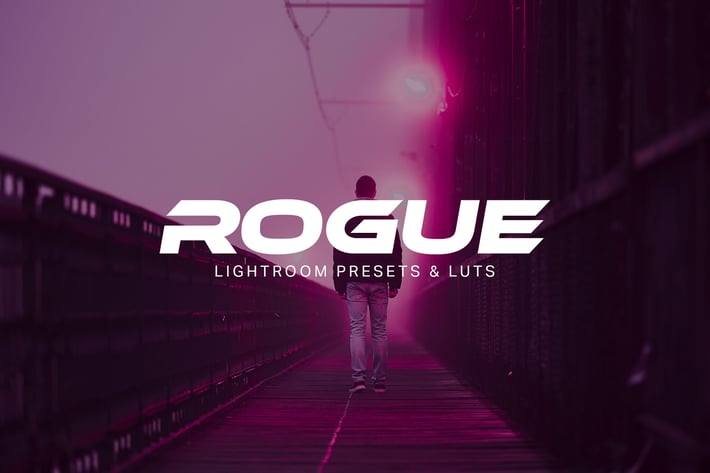
Rogue - Lightroom Presets and LUTs
Author
sparklestock
Published
Jun 24, 2021
Item Code
5e1a0c46-ac6b-49f7-a7a3-feccee581393
How to Download
- 1 Copy the Item Code above
- 2 Go to fuckdcma.com
- 3 Paste the code in the text box and click "Generate Download Link"
About This Item
Download these Lightroom presets and LUTs inspired by the movie Blade Runner 2049. These looks and presets are a great way to give your photos the cyberpunk/sci-fi look. The color palette is also a useful storytelling tool.
What You'll Get
9 Fadeable Lighroom Presets
9 Fast-Render LUTs
9 High Quality LUTs
✔ Fadeable Lightroom Presets
Don't be stuck with one look. These presets come in five variations from light to strong so that you can pick the perfect amount to add to your photo.
✔ Lightweight and Fast
These presets have been optimized for performance. By minimizing the amount of settings, they much faster and it's easier to edit. Best of all, any white balance and exposure fixes you made are preserved - the presets don't touch those crucial settings.
How to Install Lightroom Presets
1. In Lightroom, go to Edit Preferences (Lightroom Preferences on Macs).
2. Go to the Presets tab then click the "Show Lightroom Presets Folder" button.
3, Copy the "Rogue by SparkleStock" folder into your Lightroom Develop Presets folder. Restart Lightroom. The presets will appear in the Presets panel located in the Develop module.
How to Use LUTs in Photoshop CC
1. Go to Layer New Adjustment Layer Color Lookup.
2. Click on the 3DLUT file dropdown menu then select "Load 3D LUT...".
3. Browse for the .CUBE file then click Load.
Notes:
To use the LUTs in Photoshop CC, go to Layer New Adjustment Layer Color Lookup. In the "3DLUT file" dropdown, select "Load 3DLUT". Browse for the .CUBE file then click Load.
LUTs can only emulate the color grading. They cannot reproduce the Clarity and Dehaze settings used in the Lightroom presets.
The Fast-Render LUTs are recommended for video projects. They process faster with minimal difference compared to the HQ LUTs.
Works With:
Lightroom CC 2015 - 2017
Lightroom Classic CC (All Versions)
All software that supports LUTs (including Photoshop CC, Affinity Photo, Adobe Premiere CC, Adobe After Effects CC, etc.)
Mac and Windows
What You'll Get
9 Fadeable Lighroom Presets
9 Fast-Render LUTs
9 High Quality LUTs
✔ Fadeable Lightroom Presets
Don't be stuck with one look. These presets come in five variations from light to strong so that you can pick the perfect amount to add to your photo.
✔ Lightweight and Fast
These presets have been optimized for performance. By minimizing the amount of settings, they much faster and it's easier to edit. Best of all, any white balance and exposure fixes you made are preserved - the presets don't touch those crucial settings.
How to Install Lightroom Presets
1. In Lightroom, go to Edit Preferences (Lightroom Preferences on Macs).
2. Go to the Presets tab then click the "Show Lightroom Presets Folder" button.
3, Copy the "Rogue by SparkleStock" folder into your Lightroom Develop Presets folder. Restart Lightroom. The presets will appear in the Presets panel located in the Develop module.
How to Use LUTs in Photoshop CC
1. Go to Layer New Adjustment Layer Color Lookup.
2. Click on the 3DLUT file dropdown menu then select "Load 3D LUT...".
3. Browse for the .CUBE file then click Load.
Notes:
To use the LUTs in Photoshop CC, go to Layer New Adjustment Layer Color Lookup. In the "3DLUT file" dropdown, select "Load 3DLUT". Browse for the .CUBE file then click Load.
LUTs can only emulate the color grading. They cannot reproduce the Clarity and Dehaze settings used in the Lightroom presets.
The Fast-Render LUTs are recommended for video projects. They process faster with minimal difference compared to the HQ LUTs.
Works With:
Lightroom CC 2015 - 2017
Lightroom Classic CC (All Versions)
All software that supports LUTs (including Photoshop CC, Affinity Photo, Adobe Premiere CC, Adobe After Effects CC, etc.)
Mac and Windows
More from sparklestock
View all →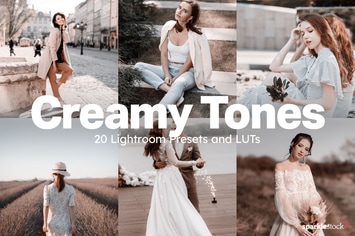
20 Creamy Lightroom Presets and LUTs
by sparklestock
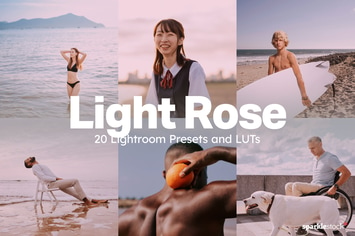
20 Light Rose Lightroom Presets and LUTs
by sparklestock
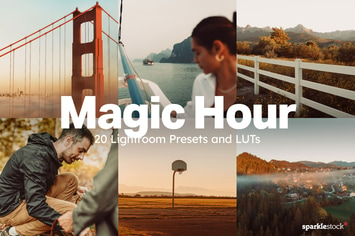
20 Magic Hour Lightroom Presets and LUTs
by sparklestock
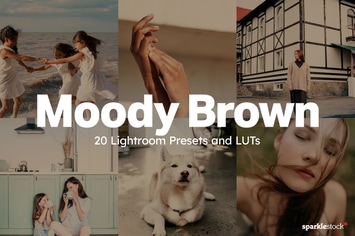
20 Moody Brown Lightroom Presets and LUTs
by sparklestock

20 Uncharted Lightroom Presets and LUTs
by sparklestock
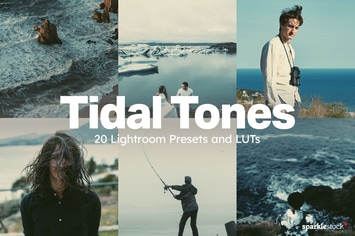
20 Tidal Tones Lightroom Presets and LUTs
by sparklestock
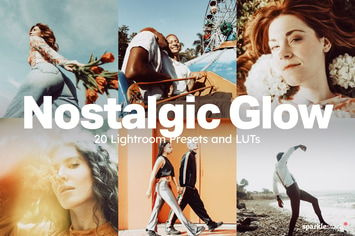
20 Nostalgic Glow Lightroom Presets and LUTs
by sparklestock
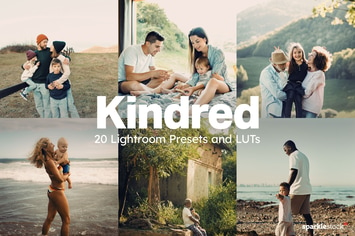
20 Kindred Lightroom Presets and LUTs
by sparklestock
You May Also Like
Photoshop Glitch Text Effects
by MiksKS
Light Show Animation Photoshop Action
by sreda
Double Exposure Photoshop Action
by sreda

The Film Lightroom Collection
by Presetworks
Mojito Mobile & Desktop Lightroom Presets
by creativetacos
Frenzy Photoshop Action
by AB-TheDesigner
12 Rich Mood Lightroom Presets
by zvolia

Africa Mobile & Desktop Lightroom Presets
by creativetacos