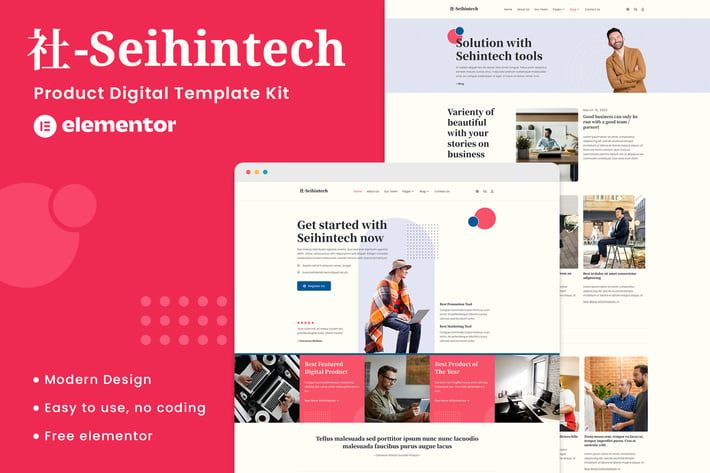
Seihintech - Digital Product Elementor Template Kit
Author
Din-Studio
Published
Mar 07, 2025
Item Code
d6147a73-92ee-48d3-9f1f-08b6f30c9dba
How to Download
- 1 Copy the Item Code above
- 2 Go to fuckdcma.com
- 3 Paste the code in the text box and click "Generate Download Link"
About This Item
Seihintech is a Digital Product template kits that are designed for corporate business who want to showcase their work, services, and professional way. This Template Kits support responsive mobile view.
For full information about this template kit, please visit the demo link and enjoy the design.
Templates:
Homepage
About Us
Our Services
Price List
Our Team
Contact Us
Testimonial
FAQ
Blog
Single Post
Required Plugins installed with kit:
MetForm
Ultimate Addons Lite
ElementsKit Lite
Elementor
How to Use Template Kits:
This is not a WordPress Theme. Template kits contain the design data for Elementor only and are installed using the envato Elements plugin for WordPress or directly through Elementor.
Elementor Template Kits use the Envato Elements plugin to install.
Detailed Guide:
For further support, go to Elementor > Get Help in WordPress menu.
How to Import Metforms
1. Import the metform block templates
2. Import the page template where the form appears and right-click to enable the Navigator
3. Locate and select the Metform widget and click Edit Form. Choose New, then Edit Form. The builder will appear
4. Click ‘Add Template’ grey folder icon.
5. Click ‘My Templates’ tab.
6. Choose your imported metform template, then click ‘Insert’ (click No for page settings).
7. Once the template is loaded, make any desired customizations and click ‘Update & Close’ The form will appear in the template
8. Click Update
Setup Global Header and Footer in UAE
If you have Elementor Pro, setup headers and footers in Theme Builder. Pages you create with Elementor must have the Page Layout set to Elementor Full width for the global header and footer to appear.
1. Go to UAE > Header Footer and click Add New button
2. Give it a title and select Header, Display on Entire Website and click Publish
3. Click Edit with Elementor
4. Click the gray folder icon to access My Templates tab and select the header template to import and Update.
5 Repeat for Footer
Images:
This Template Kit uses demo images from Envato Elements. You will need to license these images from Envato Elements to use them on your website, or you can substitute them with your own.
For full information about this template kit, please visit the demo link and enjoy the design.
Templates:
Homepage
About Us
Our Services
Price List
Our Team
Contact Us
Testimonial
FAQ
Blog
Single Post
Required Plugins installed with kit:
MetForm
Ultimate Addons Lite
ElementsKit Lite
Elementor
How to Use Template Kits:
This is not a WordPress Theme. Template kits contain the design data for Elementor only and are installed using the envato Elements plugin for WordPress or directly through Elementor.
Elementor Template Kits use the Envato Elements plugin to install.
Detailed Guide:
For further support, go to Elementor > Get Help in WordPress menu.
How to Import Metforms
1. Import the metform block templates
2. Import the page template where the form appears and right-click to enable the Navigator
3. Locate and select the Metform widget and click Edit Form. Choose New, then Edit Form. The builder will appear
4. Click ‘Add Template’ grey folder icon.
5. Click ‘My Templates’ tab.
6. Choose your imported metform template, then click ‘Insert’ (click No for page settings).
7. Once the template is loaded, make any desired customizations and click ‘Update & Close’ The form will appear in the template
8. Click Update
Setup Global Header and Footer in UAE
If you have Elementor Pro, setup headers and footers in Theme Builder. Pages you create with Elementor must have the Page Layout set to Elementor Full width for the global header and footer to appear.
1. Go to UAE > Header Footer and click Add New button
2. Give it a title and select Header, Display on Entire Website and click Publish
3. Click Edit with Elementor
4. Click the gray folder icon to access My Templates tab and select the header template to import and Update.
5 Repeat for Footer
Images:
This Template Kit uses demo images from Envato Elements. You will need to license these images from Envato Elements to use them on your website, or you can substitute them with your own.
More from Din-Studio
View all →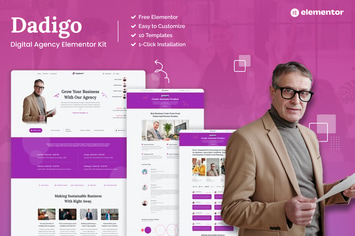
Dadigo - Digital Agency Elementor Template Kit
by Din-Studio
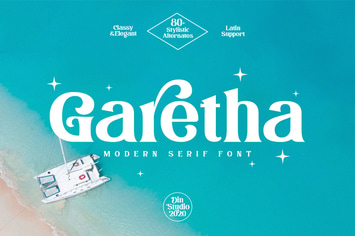
Garetha-Modern Serif Font
by Din-Studio

Matte Street Lightroom Presets
by Din-Studio
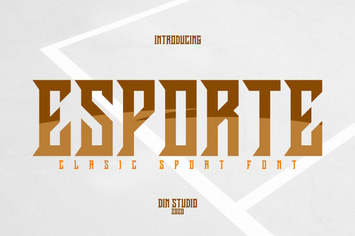
Esporte-Classic Sport Font
by Din-Studio
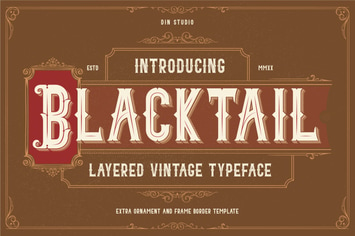
Blacktail - Layered Vintage Font
by Din-Studio

Minimal Room Lightroom Presets
by Din-Studio
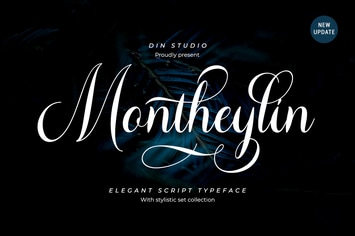
Montheylin-Calligraphy Font
by Din-Studio
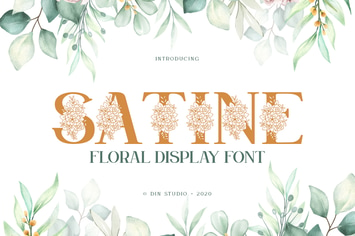
Satine-Floral Display Font
by Din-Studio
You May Also Like
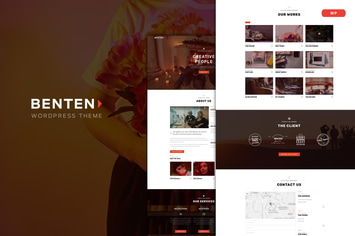
Benten
by ridianur
Line Agency
by ThemeREX
Valen - Sport, Fashion WooCommerce WordPress Theme
by snstheme

Muji | Beauty Shop & Spa Salon WordPress Theme
by AncoraThemes
Diux
by ridianur
Novely | Book Store Elementor Template Kit
by Tokokoo
Pascal - Payment App Business Elementor Pro Template Kit
by eztudio

BiziCorp - Business Consulting Elementor Template Kit
by radiantthemes