Technical Drawing Brushes
Author
JRChild
Published
Jan 11, 2021
Item Code
2cb0dff9-1a3a-4786-a027-202cc782a135
How to Download
- 1 Copy the Item Code above
- 2 Go to fuckdcma.com
- 3 Paste the code in the text box and click "Generate Download Link"
About This Item
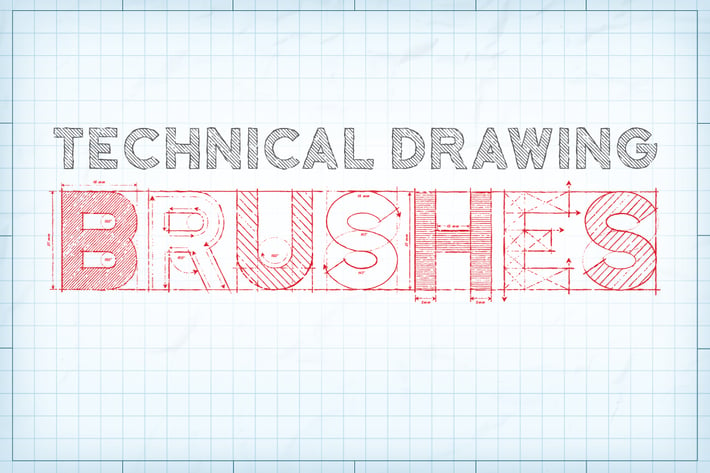
The brushes have loads of uses and are ideal for creating blueprints, maps, architectural drawings and plans. The uses are endless and the brushes are great for adding outlines to almost anything!
A version of the brushes with pressure sensitivity enabled is included - perfect for those who use graphics tablets (Please note that this feature only works in Illustrator CS5+).
As a bonus, I've included five repeat patterns:
- 3 technical drawing patterns. These were made using the brushes - they can be seen in action in the fill of the preview text. They have been supplied in black and white but you can adjust the colors by using the following menu - EDIT/EDIT COLORS/ADJUST COLOR BALANCE.
- 2 Blueprint patterns. These are shown in preview backgrounds.
To use the brushes: simply select a brush from the tab and draw with the brush tool. The color and width can be adjusted as required.
What's included:
- 7 Extra short outline brushes.
- 4 short outline brushes.
- 18 medium outline brushes.
- 4 long outline brushes.
- 5 extra long outline brushes.
- 7 dashed outline brushes.
- 6 measurement brushes.
- 9 arrow brushes.
-Pressure sensitive versions of these brushes.
- A demo file - Page one of the preview - so you can see how I achieved effects shown (CS5 to CC only).
- 5 BONUS repeat patterns.
- Instructions.
Take a look at the full-size preview to see the detail!
Compatible with Illustrator CS1+
A version of the brushes with pressure sensitivity enabled is included - perfect for those who use graphics tablets (Please note that this feature only works in Illustrator CS5+).
As a bonus, I've included five repeat patterns:
- 3 technical drawing patterns. These were made using the brushes - they can be seen in action in the fill of the preview text. They have been supplied in black and white but you can adjust the colors by using the following menu - EDIT/EDIT COLORS/ADJUST COLOR BALANCE.
- 2 Blueprint patterns. These are shown in preview backgrounds.
To use the brushes: simply select a brush from the tab and draw with the brush tool. The color and width can be adjusted as required.
What's included:
- 7 Extra short outline brushes.
- 4 short outline brushes.
- 18 medium outline brushes.
- 4 long outline brushes.
- 5 extra long outline brushes.
- 7 dashed outline brushes.
- 6 measurement brushes.
- 9 arrow brushes.
-Pressure sensitive versions of these brushes.
- A demo file - Page one of the preview - so you can see how I achieved effects shown (CS5 to CC only).
- 5 BONUS repeat patterns.
- Instructions.
Take a look at the full-size preview to see the detail!
Compatible with Illustrator CS1+
More from JRChild
View all →
Super Shaders - Procreate Brushes
by JRChild
Zen Fine Liner Art & Mandala Creator
by JRChild
The Illustrator Ink Well | Brushes
by JRChild
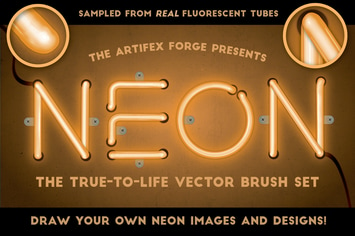
Neon - Realistic Brush Set
by JRChild
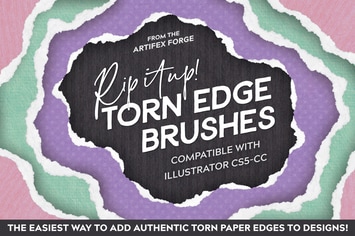
Rip It Up! - Torn Edge Brushes
by JRChild
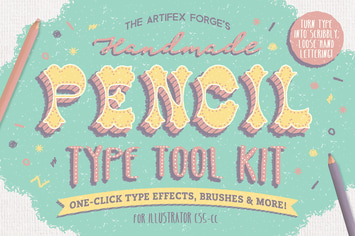
The Hand-drawn Pencil Type Tool Kit
by JRChild
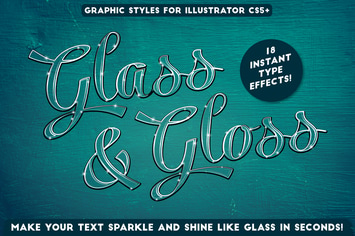
Glass & Gloss Text Effects
by JRChild
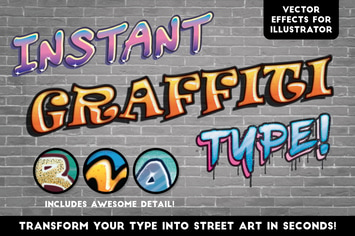
Instant Graffiti Type Effects
by JRChild
You May Also Like

Fairytale Mobile Lightroom Presets
by creativetacos
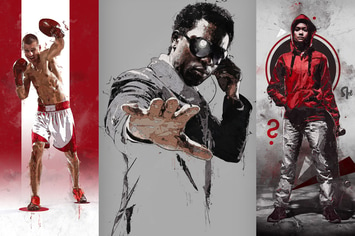
Canvas 2 Photoshop Action
by sevenstyles
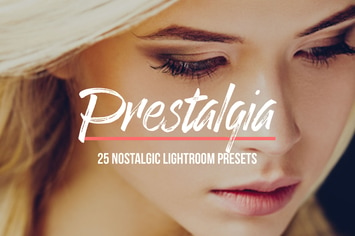
Prestalgia – 25 Retro Lightroom Presets
by sparklestock
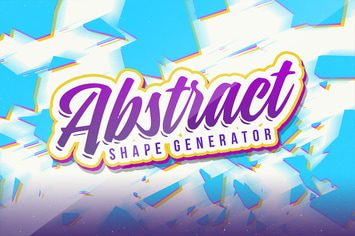
Abstract Vector Shape Generator
by Layerform
Magic Marker Brushes For Illustrator
by andrewtimothy
Action Painting Textures
by guerillacraft

Graphic Beats: Illustrator Brushes
by Veila

Parisian Mobile & Desktop Lightroom Presets
by creativetacos