TM Intro- User Onboarding Tour Addon For Elementor
Author
egemenerd
Published
Aug 22, 2024
Item Code
e63a55c0-b6cf-416b-bdb6-924b95f2e275
How to Download
- 1 Copy the Item Code above
- 2 Go to fuckdcma.com
- 3 Paste the code in the text box and click "Generate Download Link"
About This Item
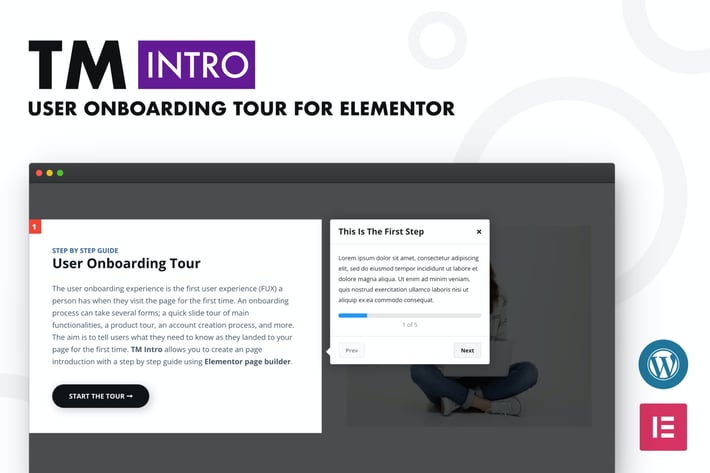
TM Intro is user onboarding tour add-on for Elementor page builder. Create introductions for your site with a step-by-step guide with ease.
The user onboarding experience is the first user experience (FUX) a person has when they visit the page for the first time. An onboarding process can take several forms; a quick slide tour of main functionalities, a product tour, an account creation process, and more. The aim is to tell users what they need to know as they landed to your page for the first time. TM Intro allows you to create an page introduction with a step by step guide using Elementor page builder.
Fully Customizable: TM Intro is highly flexible. You can add any Elementor section, column or widget to the user onboarding tour in a few clicks. TM Intro comes with a rich set of customization options. You can customize every details (colors, fonts, borders, shadows etc.) of the elements.
Customize Everything: You are not limited to the default theme. You can create your own! Edit colors, fonts, borders, shadows etc. as you want.
Select Start Time: Start the tour after the page load or create a button or link to allow the users start the tour whenever they want.
Set Cookie: If you enable cookies, after the user close the instructions, the user onboarding tour will not start again, for that user.
Fixed Or Sticky Tooltip: Make the tooltip fixed to the bottom of the page or stick it next to the highlighted box.
Step Numbers: You can enable/disable auto-generated step numbers and change the order the steps as you want.
Navigation: You can navigate between steps using prev/next buttons and bullets. It also supports keyboard navigation.
Control The Interaction: Enable/disable interactions with elements inside the highlighted box. This may be useful if you have a clickable element inside the box.
Progress Bar: Progress bar shows where exactly you are on the onboarding tour process.
Cross Browser Support: Compatible with all major browsers.
Lightweight: Developer friendly, clean code. All required files are loaded only if you use the plugin on the page.
Help documentation:
The user onboarding experience is the first user experience (FUX) a person has when they visit the page for the first time. An onboarding process can take several forms; a quick slide tour of main functionalities, a product tour, an account creation process, and more. The aim is to tell users what they need to know as they landed to your page for the first time. TM Intro allows you to create an page introduction with a step by step guide using Elementor page builder.
Fully Customizable: TM Intro is highly flexible. You can add any Elementor section, column or widget to the user onboarding tour in a few clicks. TM Intro comes with a rich set of customization options. You can customize every details (colors, fonts, borders, shadows etc.) of the elements.
Customize Everything: You are not limited to the default theme. You can create your own! Edit colors, fonts, borders, shadows etc. as you want.
Select Start Time: Start the tour after the page load or create a button or link to allow the users start the tour whenever they want.
Set Cookie: If you enable cookies, after the user close the instructions, the user onboarding tour will not start again, for that user.
Fixed Or Sticky Tooltip: Make the tooltip fixed to the bottom of the page or stick it next to the highlighted box.
Step Numbers: You can enable/disable auto-generated step numbers and change the order the steps as you want.
Navigation: You can navigate between steps using prev/next buttons and bullets. It also supports keyboard navigation.
Control The Interaction: Enable/disable interactions with elements inside the highlighted box. This may be useful if you have a clickable element inside the box.
Progress Bar: Progress bar shows where exactly you are on the onboarding tour process.
Cross Browser Support: Compatible with all major browsers.
Lightweight: Developer friendly, clean code. All required files are loaded only if you use the plugin on the page.
Help documentation:
More from egemenerd
View all →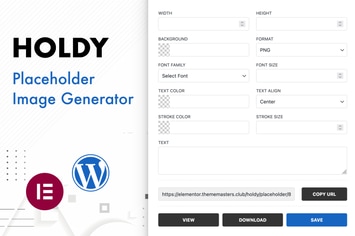
Holdy - Placeholder Image Generator
by egemenerd
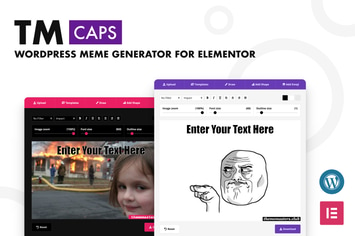
TM CAPS - WordPress Meme Generator For Elementor
by egemenerd
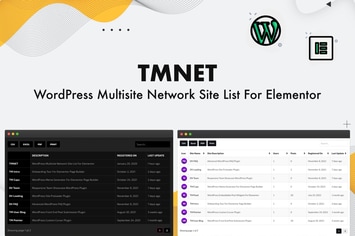
TMNET WordPress Multisite Site List For Elementor
by egemenerd
Pwork - Intranet For WordPress
by egemenerd
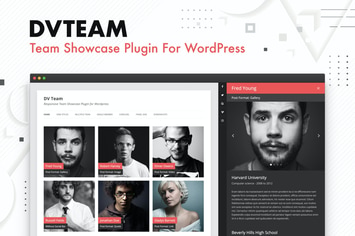
DV Team - Team Showcase Plugin For WordPress
by egemenerd
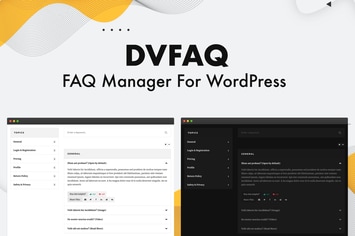
DV FAQ - Advanced WordPress FAQ Plugin
by egemenerd
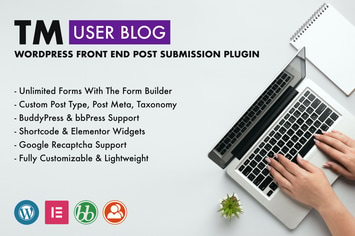
TM User Blog - WordPress Front End Post Submission
by egemenerd
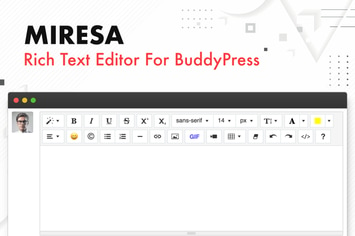
Miresa - WordPress Rich Text Editor For BuddyPress
by egemenerd
You May Also Like
Opus - Multipurpose Business WordPress Theme
by gljivec
Drone - Single Product WordPress Theme
by ApusTheme
Preston
by axiomthemes
MCKinney's Politics
by ThemeREX
Multi Scroll - Split Slider for WPBakery Builder
by Templines
Helas - Multipurpose WooCommerce Theme
by LA-Studio
Virgo. - Multipurpose WordPress Theme
by paul_tf
Scientia
by ThemeREX