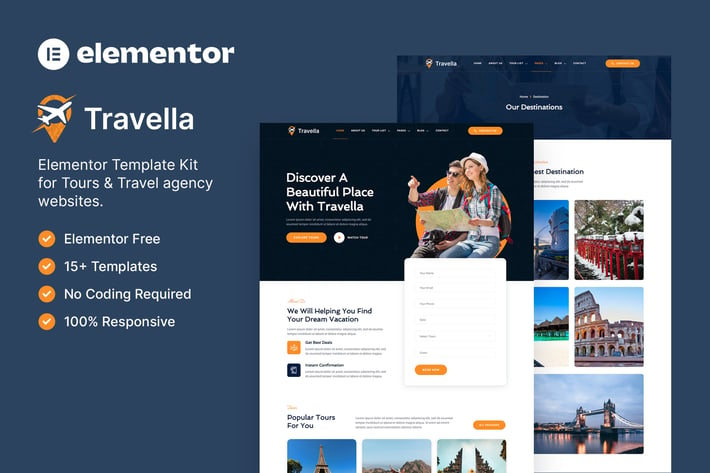
Travella – Tours & Travel Agency Elementor Template Kit
Author
baliniz
Published
Sep 27, 2024
Item Code
11cde683-29e2-4ac6-9332-47f199886220
How to Download
- 1 Copy the Item Code above
- 2 Go to fuckdcma.com
- 3 Paste the code in the text box and click "Generate Download Link"
About This Item
Travella is a modern ready-to-use Elementor Template Kit specially designed
for Travel Agency, Tours, Destinations, and any kind of tourism website.
Attract customers with an elegant design, present your tours package and
destinations in great detail and have people book trips online.
This template kit includes stunning carefully crafted 15+ stunning templates,
you can build your professional-looking company business website at an
affordable price just a click away!
Features:
Using Free Plugins (Elementor Pro is not required)
Modern & Clean Design
15+ Ready to use templates
Fully Responsive Layout
Retina Ready
Fully Customizable
Cross Browser Compatibility: Chrome, Firefox, Safari, Opera
Templates Include:
Home
About Us
Tour List
Tour Details
Destination
FAQ
Blog
Single Post
Contact
MetForm Booking
MetForm Contact
404 Page
Header
Footer
Global Theme Style
Required Plugin:
Elementor
Jeg Elementor Kit
MetForm
How to Use Template Kits:
1. Install and Activate the "Envato Elements" plugin from Plugins > Add New in WordPress
2. Download your kit file and Do not unzip
3. Go to Elements > Installed Kits and click the Upload Template Kit button. You may also import automatically by clicking Connect Account to link your Elements subscription, then import under Elements > Template Kits.
4. Check for the orange banner at the top and click Install Requirements to load any plugins the kit uses
5. Click import on the Global Kit Styles first
6. Click Import on one template at a time. These are stored in Elementor under Templates > Saved Templates.
7. Go to Pages and create a new page and click Edit with Elementor
8. Click the gear icon at lower-left of the builder to view page settings and choose Elementor Full Width and hide page title
9. Click the gray folder icon to access My Templates tab and then Import the page you'd like to customize.
If you have Elementor Pro, headers and footers may be customized under Theme Builder.
Detailed Guide:
For further support, go to Elementor > Get Help in WordPress menu.
How to Import Metforms
1. Import the metform block templates
2. Import the page template where the form appears and right-click to enable the Navigator
3. Locate and select the Metform widget and click Edit Form. Choose New, then Edit Form. The builder will appear
4. Click ‘Add Template’ grey folder icon.
5. Click ‘My Templates’ tab.
6. Choose your imported metform template, then click ‘Insert’ (click No for page settings).
7. Once the template is loaded, make any desired customizations and click ‘Update & Close’ The form will appear in the template
8. Click Update
How to setup header in Jeg Elementor Kit plugin
1. Go to Jeg Elementor Kit menu item > Header Template
2. Click Add New Header
3. Add condition > All Site and click Create
4. Click gray folder icon to access My Templates tab
5. Insert the header template.
6. Customize and Save.
Images:
This Template Kit uses demo images from Envato Elements. You will need to license these images from Envato Elements to use them on your website, or you can substitute them with your own.
for Travel Agency, Tours, Destinations, and any kind of tourism website.
Attract customers with an elegant design, present your tours package and
destinations in great detail and have people book trips online.
This template kit includes stunning carefully crafted 15+ stunning templates,
you can build your professional-looking company business website at an
affordable price just a click away!
Features:
Using Free Plugins (Elementor Pro is not required)
Modern & Clean Design
15+ Ready to use templates
Fully Responsive Layout
Retina Ready
Fully Customizable
Cross Browser Compatibility: Chrome, Firefox, Safari, Opera
Templates Include:
Home
About Us
Tour List
Tour Details
Destination
FAQ
Blog
Single Post
Contact
MetForm Booking
MetForm Contact
404 Page
Header
Footer
Global Theme Style
Required Plugin:
Elementor
Jeg Elementor Kit
MetForm
How to Use Template Kits:
1. Install and Activate the "Envato Elements" plugin from Plugins > Add New in WordPress
2. Download your kit file and Do not unzip
3. Go to Elements > Installed Kits and click the Upload Template Kit button. You may also import automatically by clicking Connect Account to link your Elements subscription, then import under Elements > Template Kits.
4. Check for the orange banner at the top and click Install Requirements to load any plugins the kit uses
5. Click import on the Global Kit Styles first
6. Click Import on one template at a time. These are stored in Elementor under Templates > Saved Templates.
7. Go to Pages and create a new page and click Edit with Elementor
8. Click the gear icon at lower-left of the builder to view page settings and choose Elementor Full Width and hide page title
9. Click the gray folder icon to access My Templates tab and then Import the page you'd like to customize.
If you have Elementor Pro, headers and footers may be customized under Theme Builder.
Detailed Guide:
For further support, go to Elementor > Get Help in WordPress menu.
How to Import Metforms
1. Import the metform block templates
2. Import the page template where the form appears and right-click to enable the Navigator
3. Locate and select the Metform widget and click Edit Form. Choose New, then Edit Form. The builder will appear
4. Click ‘Add Template’ grey folder icon.
5. Click ‘My Templates’ tab.
6. Choose your imported metform template, then click ‘Insert’ (click No for page settings).
7. Once the template is loaded, make any desired customizations and click ‘Update & Close’ The form will appear in the template
8. Click Update
How to setup header in Jeg Elementor Kit plugin
1. Go to Jeg Elementor Kit menu item > Header Template
2. Click Add New Header
3. Add condition > All Site and click Create
4. Click gray folder icon to access My Templates tab
5. Insert the header template.
6. Customize and Save.
Images:
This Template Kit uses demo images from Envato Elements. You will need to license these images from Envato Elements to use them on your website, or you can substitute them with your own.
More from baliniz
View all →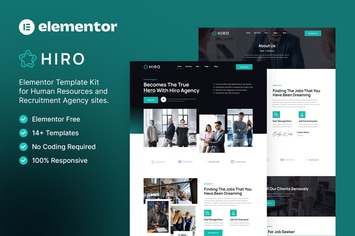
Hiro – Human Resources & Recruitment Agency Elementor Template Kit
by baliniz
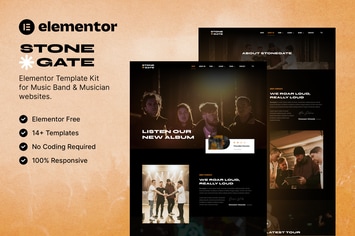
Stonegate – Music Band & Musician Elementor Template Kit
by baliniz
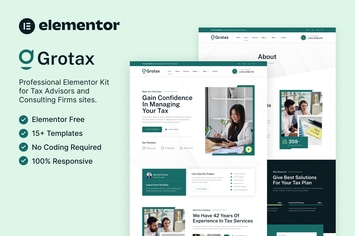
Grotax – Tax Advisor & Consulting Firm Elementor Template Kit
by baliniz

Socialzy – Social Media Marketing Agency Elementor Template Kit
by baliniz
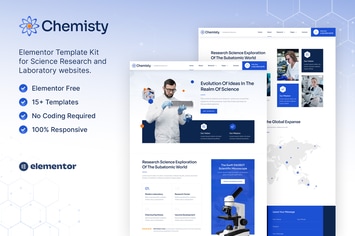
Chemisty – Science Research & Laboratory Elementor Template Kit
by baliniz
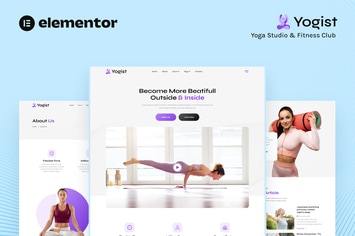
Yogist – Yoga Studio & Fitness Club Elementor Template Kit
by baliniz
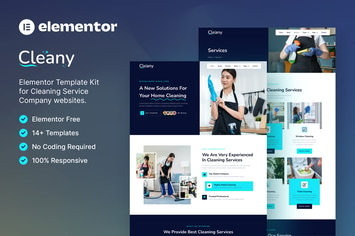
Cleany – Cleaning Service Company Elementor Template Kit
by baliniz
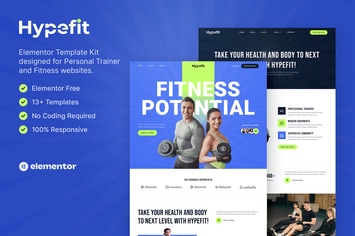
Hypefit – Personal Trainer & Fitness Elementor Template Kit
by baliniz
You May Also Like
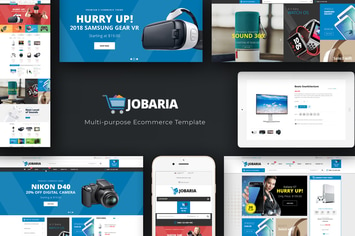
Jobaria - Technology WordPress Theme
by Plaza-Themes
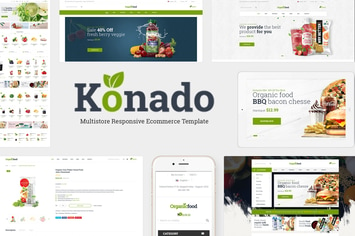
Konado - Organic WooCommerce WordPress Theme
by roadthemes
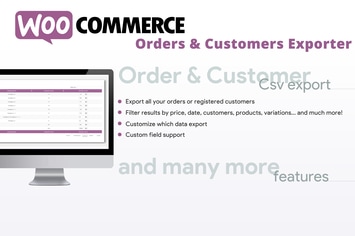
WooCommerce Orders & Customers Exporter
by vanquish
Accordion FAQ WordPress Plugin
by SUHETO
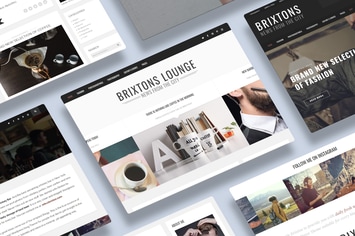
Brixton - A Responsive WordPress Blog Theme
by gljivec
Roof - Construction, Building WordPress Theme
by VictorThemes
CountDown PRO - Events/Products - Elementor Widget
by LambertGroup

Jonny - Personal WordPress Theme
by paul_tf