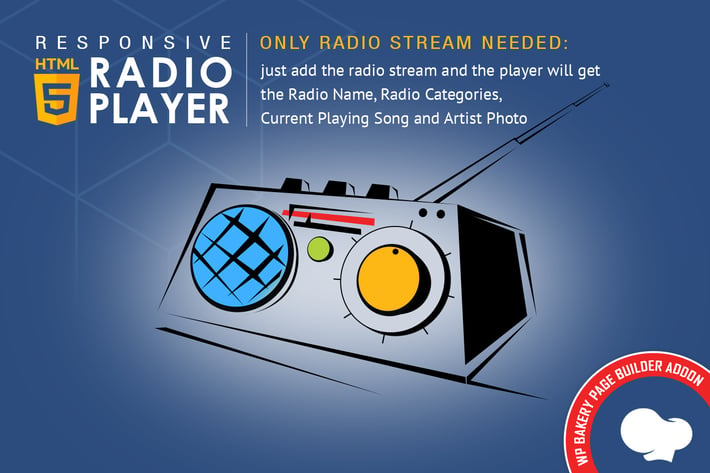
WPBakery Addon - HTML5 Radio Player
Author
LambertGroup
Published
Jan 11, 2021
Item Code
7c83fb9f-cd31-425c-adf7-c89a1c558953
How to Download
- 1 Copy the Item Code above
- 2 Go to fuckdcma.com
- 3 Paste the code in the text box and click "Generate Download Link"
About This Item
This is an addon / extension for WPBakery Page Builder
FEATURES:
+ Only Radio Stream Needed - Just add the radio stream and the player will get radio name, radio categories, current playing song and artist photo.
+ Shoutcast & Icecast Support - It supports ShoutCast and IceCast radio streaming. The radio stream should be MP3 type. It will also play AAC streams but only on browsers which support AAC.
+ Responsive Design - The radio player can be used in websites which are responsive. Optional parameter to disable responsive behavior in order to integrate it in non-responsive websites.
+ Mobile Compatible - It is compatible with IOS and Android operating systems.
+ Artist Image - The player will display the photo of the current playing singer, if it is present in the wikimedia.org/wikidata.org database, using the musicbrainz.org api.
+ Highly Customizable - You can choose from the 2 available skins: back & white. Also, from parameters you can create any color scheme, having the possibility to integrate it in any design.
+ Categories - The playlist items are structured in categories. A radio file can belong to multiple categories. The categories are automatically generated from the radio stream data.
+ Playlist Search - You have the option to search the playlist. The results will be displayed as you type the search term.
+ Show/Hide Playlist - Button to show or hide the playlist. Also option to start the player with the playlist hidden.
+ Share - You can share the radio player on Facebook and Twitter. Parameters to customize the share title and description.
+ Option To Manually Set Radio Name And Categories Name - If needed, you have the option to manually set the radio name and categories name
+ Multiple Instances - You can insert multiple radio players on your website or on the same page.
+ Show/Hide Buttons - You can set as visible or set as hidden: playlist, volume, share buttons
+ Multiple Parameters - Over 70 options from where you can customize your player, including: width, autoplay, initial volume, playlist, categories & color parameters.
Notes for IOS (restrictions imposed by Apple):
1. The autoplay will not work because IOS disables autoplay feature and it can’t be controlled from JS
2. Volume controllers will not work on IOS. You’ll have to adjust the volume with physical buttons of the mobile device.
VIDEO TUTORIAL:
+ You'll find detailed video tutorials in the help documentation
FEATURES:
+ Only Radio Stream Needed - Just add the radio stream and the player will get radio name, radio categories, current playing song and artist photo.
+ Shoutcast & Icecast Support - It supports ShoutCast and IceCast radio streaming. The radio stream should be MP3 type. It will also play AAC streams but only on browsers which support AAC.
+ Responsive Design - The radio player can be used in websites which are responsive. Optional parameter to disable responsive behavior in order to integrate it in non-responsive websites.
+ Mobile Compatible - It is compatible with IOS and Android operating systems.
+ Artist Image - The player will display the photo of the current playing singer, if it is present in the wikimedia.org/wikidata.org database, using the musicbrainz.org api.
+ Highly Customizable - You can choose from the 2 available skins: back & white. Also, from parameters you can create any color scheme, having the possibility to integrate it in any design.
+ Categories - The playlist items are structured in categories. A radio file can belong to multiple categories. The categories are automatically generated from the radio stream data.
+ Playlist Search - You have the option to search the playlist. The results will be displayed as you type the search term.
+ Show/Hide Playlist - Button to show or hide the playlist. Also option to start the player with the playlist hidden.
+ Share - You can share the radio player on Facebook and Twitter. Parameters to customize the share title and description.
+ Option To Manually Set Radio Name And Categories Name - If needed, you have the option to manually set the radio name and categories name
+ Multiple Instances - You can insert multiple radio players on your website or on the same page.
+ Show/Hide Buttons - You can set as visible or set as hidden: playlist, volume, share buttons
+ Multiple Parameters - Over 70 options from where you can customize your player, including: width, autoplay, initial volume, playlist, categories & color parameters.
Notes for IOS (restrictions imposed by Apple):
1. The autoplay will not work because IOS disables autoplay feature and it can’t be controlled from JS
2. Volume controllers will not work on IOS. You’ll have to adjust the volume with physical buttons of the mobile device.
VIDEO TUTORIAL:
+ You'll find detailed video tutorials in the help documentation
More from LambertGroup
View all →
Zuper - Shoutcast Icecast Radio Player - Elementor
by LambertGroup
Audio Player PRO - Beaver Builder Module
by LambertGroup
Hero - Shoutcast Icecast Radio Player - Elementor
by LambertGroup
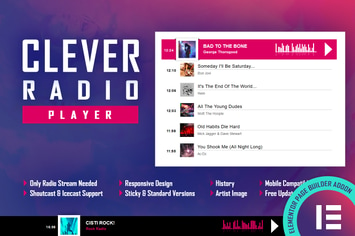
CLEVER - HTML5 Radio Player & History - Elementor
by LambertGroup
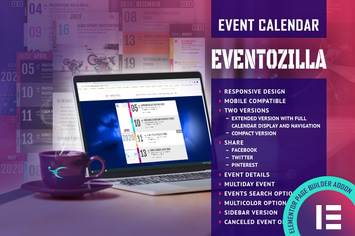
EventoZilla Event Calendar Elementor Widget Addon
by LambertGroup
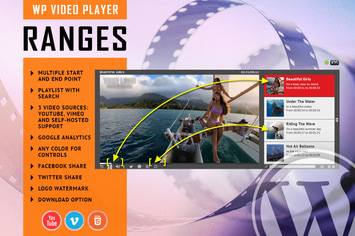
RANGES - Video Player With Multiple Intervals
by LambertGroup
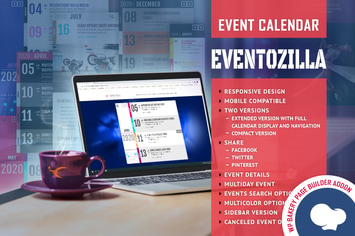
EventoZilla - Event Calendar - Addon For WPBakery
by LambertGroup
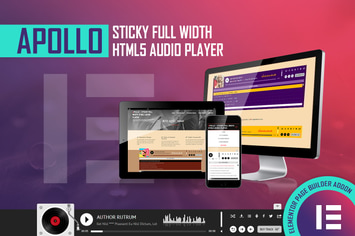
Apollo - HTML5 Audio Player - Elementor Widget
by LambertGroup
You May Also Like
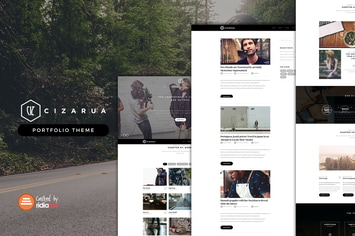
Cizarua
by ridianur
NEX-Forms - MailChimp Add-on
by Basix
Precise - A Modern, Minimalistic Shop Theme
by Be_Achemit
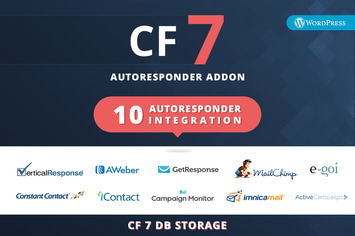
CF7 Auto Responder Addon
by kamleshyadav

Charihope - Charity and Donation WordPress Theme
by ovatheme
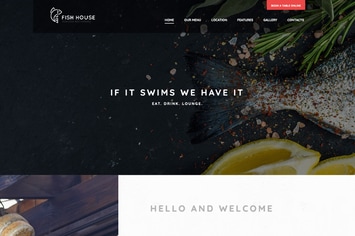
Fish House | A Stylish Seafood Restaurant / Cafe
by AncoraThemes

Wallhaven - Import High-Quality Images into WP
by AA-Team
Orgafe - Organic Food WordPress Theme
by shtheme