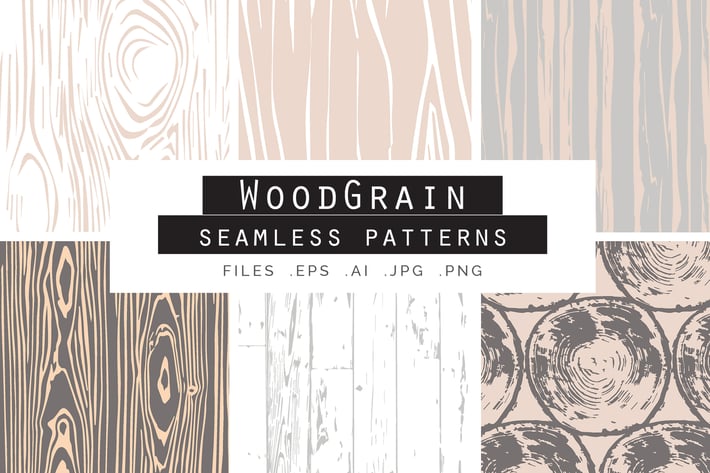
Woodgrain Seamless Vector Patterns
Author
Youandigraphics
Published
Oct 10, 2022
Item Code
8dc16ffb-fb11-44a5-a2c7-466315b0a6cd
How to Download
- 1 Copy the Item Code above
- 2 Go to fuckdcma.com
- 3 Paste the code in the text box and click "Generate Download Link"
About This Item
A great set of 6 Wood Grain Seamless Vector Patterns!
These beautiful Patterns are ideal as backgrounds for Business Cards, Wedding Invitations, Greeting Cards, Christmas cards, Fashion projects, Websites, crafts and so much more! They give a natural feel to your projects and they can be scaled up with no loss in quality!
What you get
+ A Vector EPS format file with 6 seamless patterns.
+ A Vector AI format file with 6 seamless patterns.
+ 6 JPEG files, one for each pattern, size: 3000 × 3000 px at 300dpi
+ 6 PNG files, one for each pattern, size: 3000 × 3000 px at 300dpi
If you want to change the size of the pattern when used go to Object Transform Scale but with only Transform Patterns ticked. Then change the size %. If it seems to not work, make sure the selection isn't grouped.
If you like to use the pattern as a smart object in Photoshop you can click on the pattern from the brushes panel in Illustrator, then select all (Ctrl +A) and then go ahead and paste it into your Photoshop file as a smart object.
These beautiful Patterns are ideal as backgrounds for Business Cards, Wedding Invitations, Greeting Cards, Christmas cards, Fashion projects, Websites, crafts and so much more! They give a natural feel to your projects and they can be scaled up with no loss in quality!
What you get
+ A Vector EPS format file with 6 seamless patterns.
+ A Vector AI format file with 6 seamless patterns.
+ 6 JPEG files, one for each pattern, size: 3000 × 3000 px at 300dpi
+ 6 PNG files, one for each pattern, size: 3000 × 3000 px at 300dpi
If you want to change the size of the pattern when used go to Object Transform Scale but with only Transform Patterns ticked. Then change the size %. If it seems to not work, make sure the selection isn't grouped.
If you like to use the pattern as a smart object in Photoshop you can click on the pattern from the brushes panel in Illustrator, then select all (Ctrl +A) and then go ahead and paste it into your Photoshop file as a smart object.
More from Youandigraphics
View all →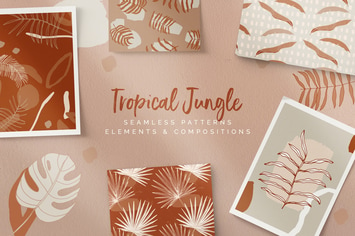
Tropical Jungle Patterns & Elements
by Youandigraphics
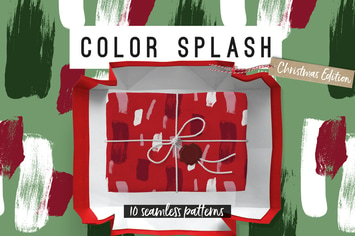
Color Splash Patterns - Christmas Edition
by Youandigraphics
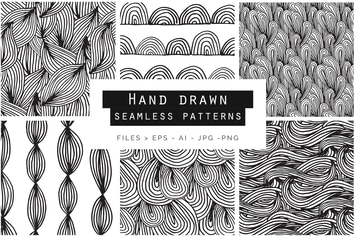
Hand Drawn Doodle Patterns
by Youandigraphics
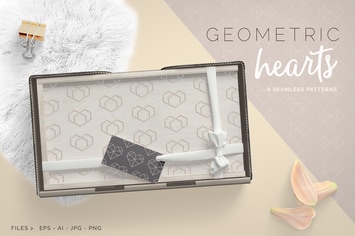
Geometric Hearts Patterns
by Youandigraphics
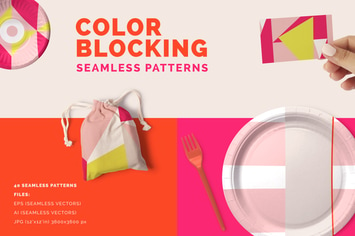
Color Blocking Patterns
by Youandigraphics
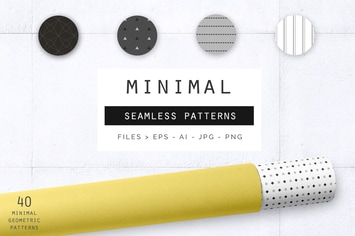
Geometric Minimal Patterns
by Youandigraphics
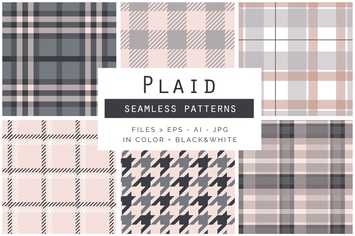
Plaid Seamless Patterns
by Youandigraphics
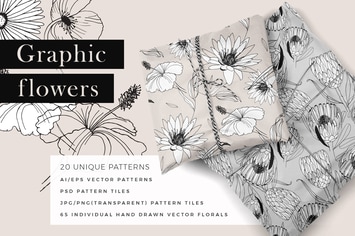
Graphic Flowers Patterns & Elements
by Youandigraphics
You May Also Like
Like Thumbs Up Vector Illustration
by roundicons
50 Competitive Games Flat Greyscale Icons
by IconBunny

Cute frame composed of animals reading books.
by masastarus
5 Futuristic Technology Backgrounds
by andrewtimothy
Network Abstract Backgrounds
by MaamounAlbibi
30 Outdoor and Adventure Line Icons
by Heybi
50 Employment Greyscale Icons
by IconBunny
50 Personality Traits Filled Low Poly Icons
by IconBunny