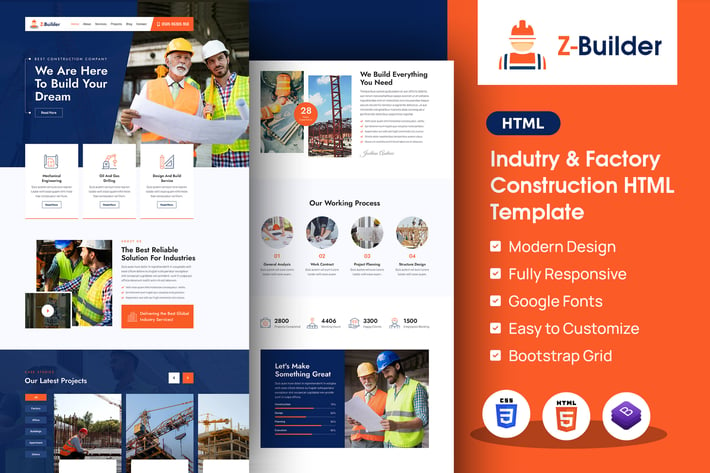
Z-Builder | Construction Elementor HTML Template
Author
designingmedia
Published
Nov 06, 2025
Item Code
bb087586-624b-4f7d-a112-e0ee73ca6d05
How to Download
- 1 Copy the Item Code above
- 2 Go to fuckdcma.com
- 3 Paste the code in the text box and click "Generate Download Link"
About This Item
A) Introduction
Z-Builder HTML5 website template is a custom design package that is a visually stunning and professionally designed tool for construction companies & architects to showcase their work and help clients envision their dream spaces. The template is built on a modern and minimalist aesthetic, with clean lines and spacious layouts that put the focus on the images of the designer’s work. The template includes multiple sections to showcase different areas of the expertise, including services, projects, teams, and more. With its sleek and modern design, high-quality images, and easy-to-use contact form, the template is sure to impress and inspire clients looking to create beautiful, functional, and personalized living spaces. It has a modern, clean, creative & unique design based on the latest technology.
It contains 03 Home Page layouts and 02 About Page Layouts and 05+ valid HTML5 page templates designs and different Blog styles. Z-Builder template features are coded with Bootstrap v4.0, HTML5 & CSS3 and unlimited color schemes. It’s compatible with all modern browsers and search engine friendly. So showcase your artworks and services with this awesome template!
B) How to Edit HTML Files?
We have included 08+ custom HTML templates like multiple Home Page styles, multiple about styles and project page style and different Blog pages Styles etc. Please open any HTML files with a text editor like Dreamweaver, Notepad or Notepad++ and edit any lines what you want.
C) How to Edit CSS Files?
We have included some custom CSS styles like style.css (default). Please open any CSS files with a text editor like Dreamweaver, Notepad or Notepad++ and edit any lines what you want. For example if you want to edit your banner images open style.css and look at “.banner-sec::after” for banner image and change your styles.
D) How to use Color Schemes?
Please open super-classes.css file from zbuilder/assets/css folder with a text editor and build your own colors. #FFF this is our primary color, you can search and replace all to your new color code.
E) How to use On Load Animation?
We are wow.js on load animation for our website. you can edit them by simply adding or changeing the predefined classes name.
Z-Builder HTML5 website template is a custom design package that is a visually stunning and professionally designed tool for construction companies & architects to showcase their work and help clients envision their dream spaces. The template is built on a modern and minimalist aesthetic, with clean lines and spacious layouts that put the focus on the images of the designer’s work. The template includes multiple sections to showcase different areas of the expertise, including services, projects, teams, and more. With its sleek and modern design, high-quality images, and easy-to-use contact form, the template is sure to impress and inspire clients looking to create beautiful, functional, and personalized living spaces. It has a modern, clean, creative & unique design based on the latest technology.
It contains 03 Home Page layouts and 02 About Page Layouts and 05+ valid HTML5 page templates designs and different Blog styles. Z-Builder template features are coded with Bootstrap v4.0, HTML5 & CSS3 and unlimited color schemes. It’s compatible with all modern browsers and search engine friendly. So showcase your artworks and services with this awesome template!
B) How to Edit HTML Files?
We have included 08+ custom HTML templates like multiple Home Page styles, multiple about styles and project page style and different Blog pages Styles etc. Please open any HTML files with a text editor like Dreamweaver, Notepad or Notepad++ and edit any lines what you want.
C) How to Edit CSS Files?
We have included some custom CSS styles like style.css (default). Please open any CSS files with a text editor like Dreamweaver, Notepad or Notepad++ and edit any lines what you want. For example if you want to edit your banner images open style.css and look at “.banner-sec::after” for banner image and change your styles.
D) How to use Color Schemes?
Please open super-classes.css file from zbuilder/assets/css folder with a text editor and build your own colors. #FFF this is our primary color, you can search and replace all to your new color code.
E) How to use On Load Animation?
We are wow.js on load animation for our website. you can edit them by simply adding or changeing the predefined classes name.
More from designingmedia
View all →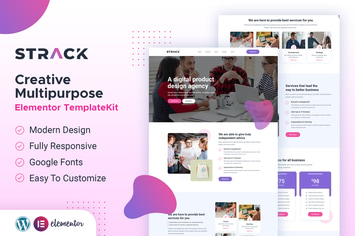
STRACK Multipurpose Business | Elementor Template Kit
by designingmedia
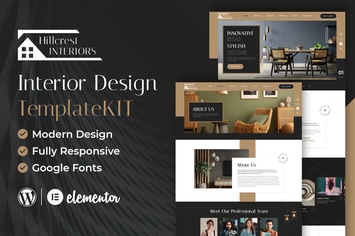
Hillcrest - Interior Design Elementor Template Kit
by designingmedia
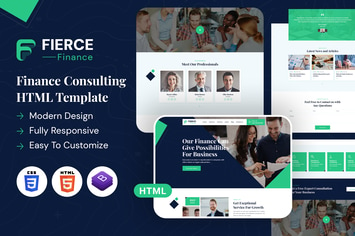
Fierce Finance | HTML Template
by designingmedia
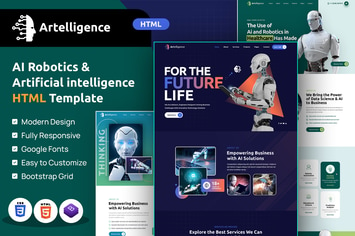
Artelligence | AI & Robotics HTML Template
by designingmedia

Repay | Payment Gateway HTML Template
by designingmedia
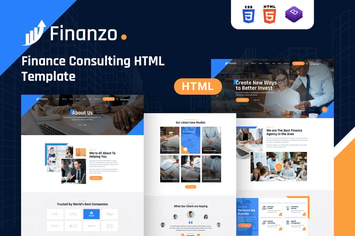
Finanzo | HTML Template
by designingmedia
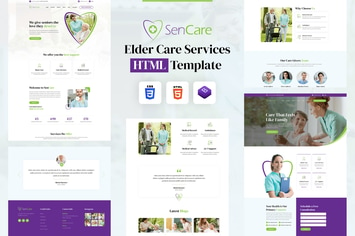
SenCare | Elderly Home & Senior Care HTML Template
by designingmedia
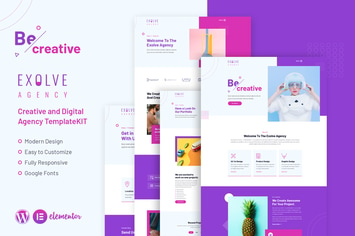
Exolve | Creative Portfolio Elementor Template Kit
by designingmedia
You May Also Like
Sugarland – Contemporary Portfolio for Creatives
by weibergmedia
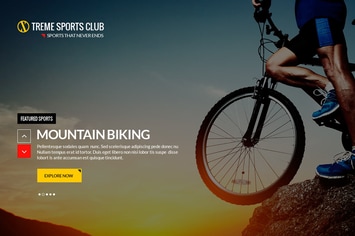
Xtreme Sports Club - HTML Template
by Templines
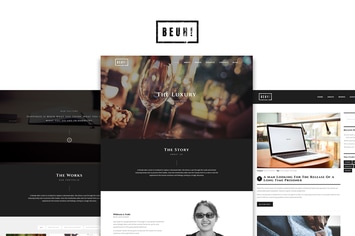
Beuh
by ridianur
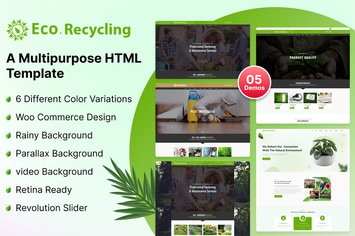
Eco Recycling - A Multipurpose HTML Template
by kamleshyadav
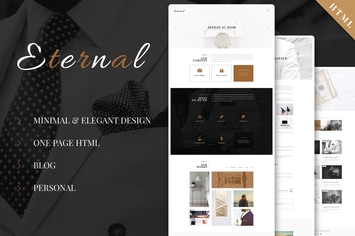
Eternal - Personal Elegant HTML Blog Template
by ad-theme
Canoe - CV Resume Personal Muse Template
by Squirrel92
Fugiat - Material Design HTML Template
by PremiumLayers

LifeCoach - Coach, Speaker & Mentor Template
by ThemeStarz