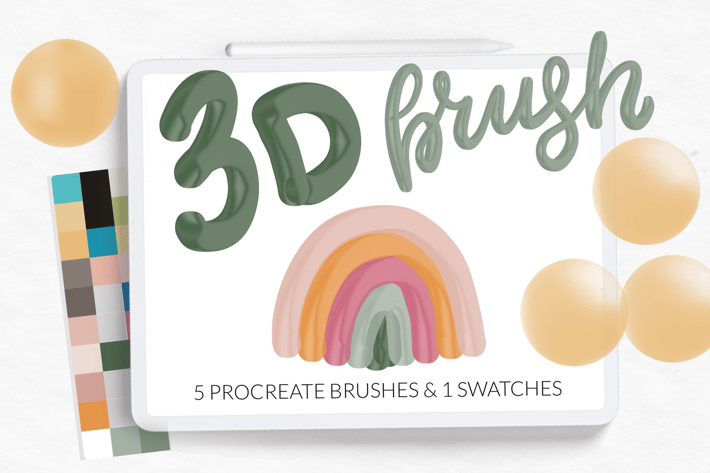
3D Brushes for Procreate. Retro Color Palette
Author
LetsArtShop
Published
Jul 14, 2025
Item Code
255bd4a4-2fab-4ff4-997e-b881244ac565
How to Download
- 1 Copy the Item Code above
- 2 Go to fuckdcma.com
- 3 Paste the code in the text box and click "Generate Download Link"
About This Item
3D brushes for Procreate included:
• 3 line brushes (2 with pressure sensetive good for 3D lettering) .
• 2 stamps with 3D shape circle
• 1 color swatches
Perfect for your digital art drawing, greeting card creating, wall art, posters, social media decoration
Only for iPad Procreate.
How Installing Procreate Brushes (.brush and brushset)
Use this option if you have an older iPad or Procreate version 4.0 or earlier. Here's how:
1. Download folder .brush file to your folder on your iPad
2. Open the folder and choose .brush files
3. Tap and hold with your finger or apple pencil
4. Choose "Share" from the menu
5. If the option "Open in Procreate" is missing, click on "More"
6. Scroll and find the option "Open in Procreate" and click on it
7. Open your project in Procreate and click on brush icon at the top right corner
Or
1. Open Procreate, click new collection – brush – import
2. Find folder with download brush, choose it, added in Procreate.
© Let's Art ♡
• 3 line brushes (2 with pressure sensetive good for 3D lettering) .
• 2 stamps with 3D shape circle
• 1 color swatches
Perfect for your digital art drawing, greeting card creating, wall art, posters, social media decoration
Only for iPad Procreate.
How Installing Procreate Brushes (.brush and brushset)
Use this option if you have an older iPad or Procreate version 4.0 or earlier. Here's how:
1. Download folder .brush file to your folder on your iPad
2. Open the folder and choose .brush files
3. Tap and hold with your finger or apple pencil
4. Choose "Share" from the menu
5. If the option "Open in Procreate" is missing, click on "More"
6. Scroll and find the option "Open in Procreate" and click on it
7. Open your project in Procreate and click on brush icon at the top right corner
Or
1. Open Procreate, click new collection – brush – import
2. Find folder with download brush, choose it, added in Procreate.
© Let's Art ♡
More from LetsArtShop
View all →
New Year sparkle fireworks brushes
by LetsArtShop
Shimmer glitter watercolor Procreate
by LetsArtShop
Gingerbread creator kit for Procreate
by LetsArtShop
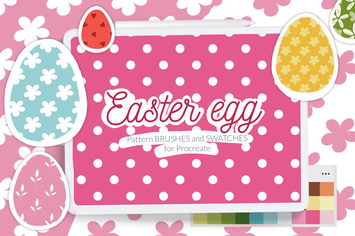
Easter Egg Background Pattern Brushes
by LetsArtShop
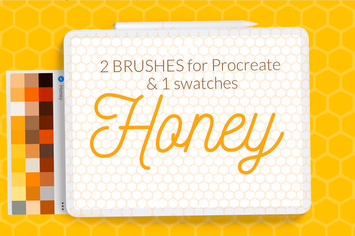
Honeycomb Pattern Brushes Procreate
by LetsArtShop
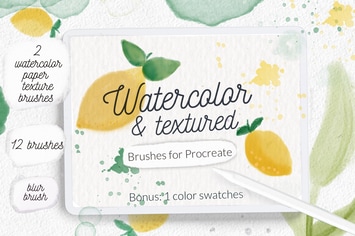
Watercolor texture aquarelle brushes
by LetsArtShop
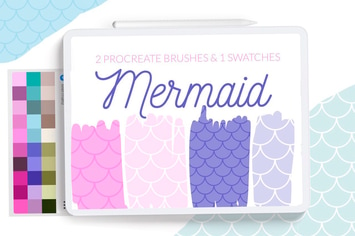
Mermaid Scale Pattern Brush
by LetsArtShop
You May Also Like
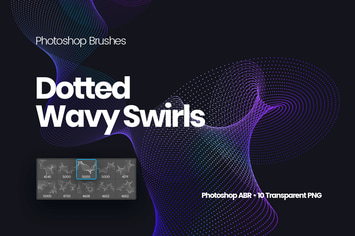
Dotted Wavy Swirls Photoshop Brushes
by themefire

Glass Painting Photoshop Actions
by creativetacos
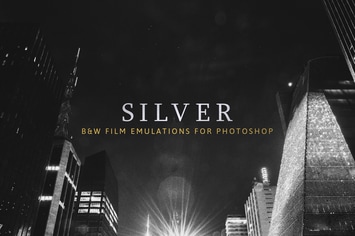
Silver – 28 Real B&W Film Emulations
by sparklestock

Strange Lights for Adobe Illustrator
by guerillacraft
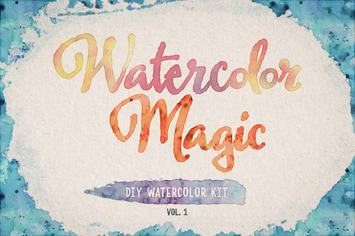
Watercolor Magic Volume 1
by DesignPanoply
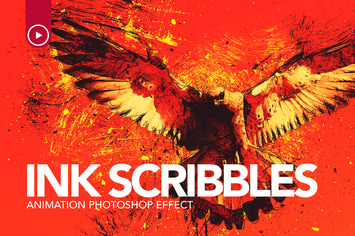
Ink Scribbles Animation Photoshop Action
by sreda

Maldives Mobile & Desktop Lightroom Presets
by creativetacos

12 HQ Landscape Lightroom Presets
by zvolia