
History - Realistic Painting Art Photoshop Plugin
Author
Oxygen_Art
Published
Jan 15, 2022
Item Code
ed2e2492-aacf-40aa-a4b7-bbe1edc20135
How to Download
- 1 Copy the Item Code above
- 2 Go to fuckdcma.com
- 3 Paste the code in the text box and click "Generate Download Link"
About This Item
Item Descriptions:
History FX is a professional tool that allows you to create a realistic painting effect in minutes, no need to make any selections, just install it, and play the magic tool.
History FX arrived with a photoshop extension very modern UI design with many functions that will help you to improve your effects.
What History FX Contains:
+ Apply Button: • Initial Effect •
+ 05 Pape Textures Buttons
+ 03 Painting Drops Buttons
+ 03 Canvas Sizes Buttons
+ 10 Colors FX Button
+ Reset All Button
+ Back To Default Button
+ .abr file “Brushes”
History FX Panel Features:
+ Install in 01 Click
+ Apply Initial Effect in 01 Click
+ Enable/Disable The Paper Textures in 01 Click
+ Enable/Disable The Painting Drops in 01 Click
+ Enable/Disable The Canvas Sizes in 01 Click
+ Reset All Effects in 01 Click
+ Back To Default Effect in 01 Click
+ Free Future Updates
History FX Panel Requirements:
+ Adobe Photoshop CC2015.5 and Above
+ RGB Image Mode
+ 8 Bits/Channel
+ Image in Locked Background
For best result use a high-resolution image with a minimum width of 3000px. For best results use a portrait, Nature, Landscape, Panoramic, Cars, Food ….
UPDATES LOG:
30 AUG 2020:
+ UPDATE: Fix bugs & optimize the JSX scripts code
25 AUG 2020:
+ UPDATE 01: More optimizations in panel design
+ UPDATE 02: Fix some bugs in the Action-Scripts
11 AUG 2020:
+ Initial Release: First Posting
History FX is a professional tool that allows you to create a realistic painting effect in minutes, no need to make any selections, just install it, and play the magic tool.
History FX arrived with a photoshop extension very modern UI design with many functions that will help you to improve your effects.
What History FX Contains:
+ Apply Button: • Initial Effect •
+ 05 Pape Textures Buttons
+ 03 Painting Drops Buttons
+ 03 Canvas Sizes Buttons
+ 10 Colors FX Button
+ Reset All Button
+ Back To Default Button
+ .abr file “Brushes”
History FX Panel Features:
+ Install in 01 Click
+ Apply Initial Effect in 01 Click
+ Enable/Disable The Paper Textures in 01 Click
+ Enable/Disable The Painting Drops in 01 Click
+ Enable/Disable The Canvas Sizes in 01 Click
+ Reset All Effects in 01 Click
+ Back To Default Effect in 01 Click
+ Free Future Updates
History FX Panel Requirements:
+ Adobe Photoshop CC2015.5 and Above
+ RGB Image Mode
+ 8 Bits/Channel
+ Image in Locked Background
For best result use a high-resolution image with a minimum width of 3000px. For best results use a portrait, Nature, Landscape, Panoramic, Cars, Food ….
UPDATES LOG:
30 AUG 2020:
+ UPDATE: Fix bugs & optimize the JSX scripts code
25 AUG 2020:
+ UPDATE 01: More optimizations in panel design
+ UPDATE 02: Fix some bugs in the Action-Scripts
11 AUG 2020:
+ Initial Release: First Posting
More from Oxygen_Art
View all →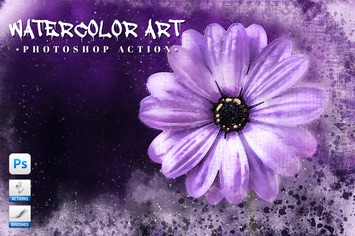
Watercolor Art Photoshop Action
by Oxygen_Art
Isometrical - 3D View Generator - Photoshop Plugin
by Oxygen_Art
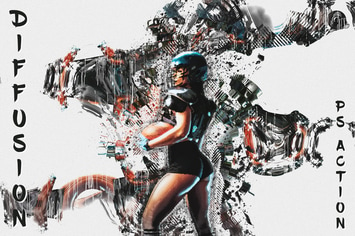
Diffusion - Artistic Photoshop Action
by Oxygen_Art
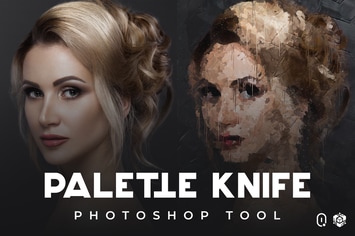
Palette Knife Photoshop Tool
by Oxygen_Art
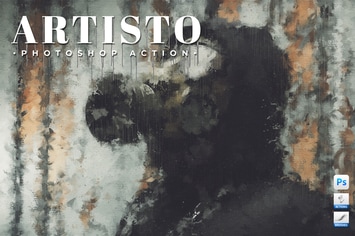
Artisto - Realistic Painting Photoshop Action
by Oxygen_Art
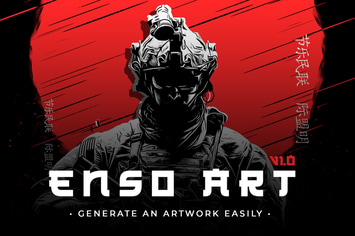
Enso Art Photoshop Tool
by Oxygen_Art
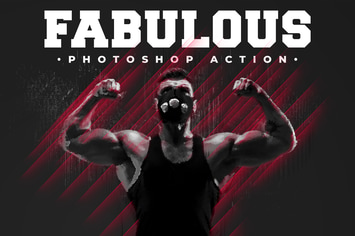
Fabulous - Photoshop Action
by Oxygen_Art
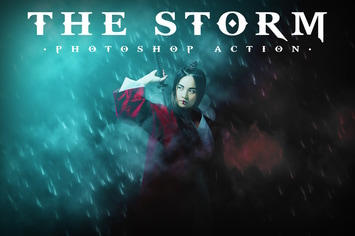
The Storm Photoshop Action
by Oxygen_Art
You May Also Like
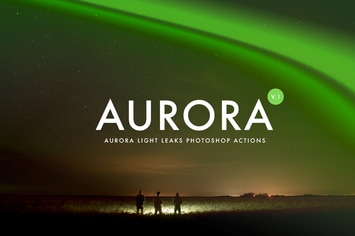
Aurora Light Photoshop Actions
by micromove
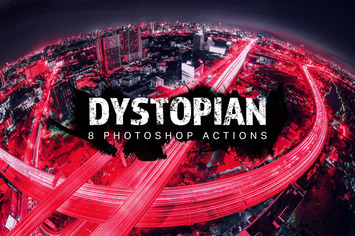
8 Dystopian Photoshop Actions
by sparklestock
Transparent Photoshop Action
by profactions
32 Watercolor Splatters
by sparklestock
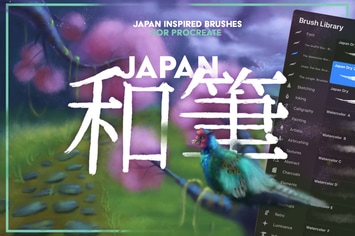
Japan: Procreate Brushes
by LeoSupply
Pencil Sketch Photoshop Action
by iHemalaya
Vintage Illustrator Brush-Kit
by LeoSupply
Marshmallow Mobile & Desktop Lightroom Presets
by creativetacos