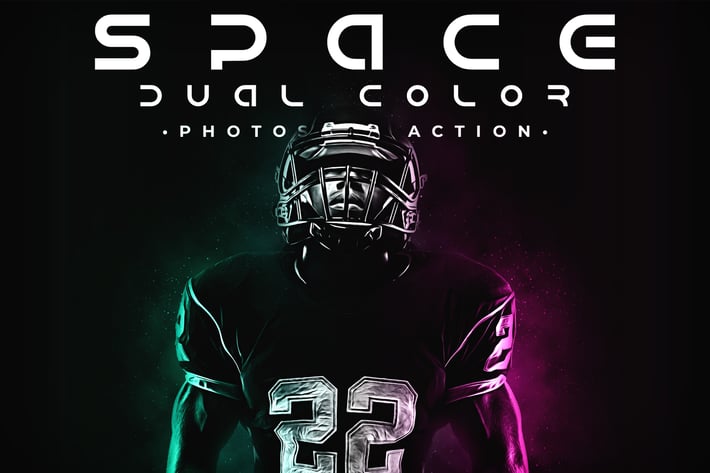
Space Dual Color Photoshop Action
Author
Oxygen_Art
Published
Jul 03, 2021
Item Code
c6e24945-c733-472e-a59b-fc29607a4a71
How to Download
- 1 Copy the Item Code above
- 2 Go to fuckdcma.com
- 3 Paste the code in the text box and click "Generate Download Link"
About This Item
Space Dual Color’s a professional photoshop action that converts your photo to a professional dual color effect and based on the oil paint effect in a few clicks.
NOTE: The action is for photoshop CC2015.5 until CC2020 versions.
Space Dual Color Contains:
+ Oil Painting FX
+ Editable Dual Color FX
+ Space FX
+ 100% Editable Layers and Settings
Before use Space Dual Color:
+ Make Sure Your Minimum Photoshop Version’s CC2015.5
+ Make Sure Your Photoshop Contains The Oil Paint Plugin.
+ Make Sure Your Color Mode’s RGB.
+ Make Sure Your Channel Bit’s 8 bits/channel.
+ Make Sure Your Photoshop Language’s English.
How To use Space Dual Color:
+ Open Your Image Inside Your Photoshop.
+ Create a New Empty Layer & Name it “brush”.
+ Select Your Soft Brush Tool & Brush on Your Object With Any Color.
+ Open The Action Folder, Choose The Action Start Space Dual color and Play it
For Best Result Use a Photo With High Dimension (Minimum Width Size’s 2500px). For Best Result Use a Portrait Photo or a Photo With a close-up object.*
NOTE: The action is for photoshop CC2015.5 until CC2020 versions.
Space Dual Color Contains:
+ Oil Painting FX
+ Editable Dual Color FX
+ Space FX
+ 100% Editable Layers and Settings
Before use Space Dual Color:
+ Make Sure Your Minimum Photoshop Version’s CC2015.5
+ Make Sure Your Photoshop Contains The Oil Paint Plugin.
+ Make Sure Your Color Mode’s RGB.
+ Make Sure Your Channel Bit’s 8 bits/channel.
+ Make Sure Your Photoshop Language’s English.
How To use Space Dual Color:
+ Open Your Image Inside Your Photoshop.
+ Create a New Empty Layer & Name it “brush”.
+ Select Your Soft Brush Tool & Brush on Your Object With Any Color.
+ Open The Action Folder, Choose The Action Start Space Dual color and Play it
For Best Result Use a Photo With High Dimension (Minimum Width Size’s 2500px). For Best Result Use a Portrait Photo or a Photo With a close-up object.*
More from Oxygen_Art
View all →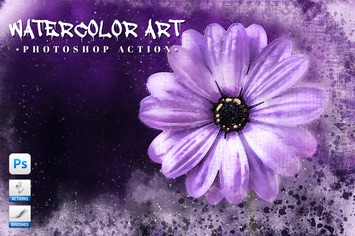
Watercolor Art Photoshop Action
by Oxygen_Art
Isometrical - 3D View Generator - Photoshop Plugin
by Oxygen_Art
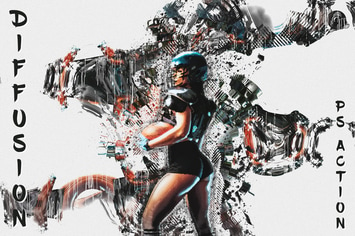
Diffusion - Artistic Photoshop Action
by Oxygen_Art
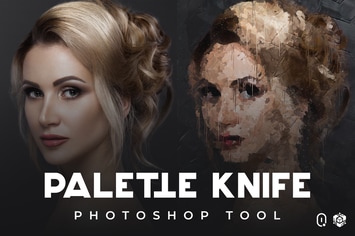
Palette Knife Photoshop Tool
by Oxygen_Art
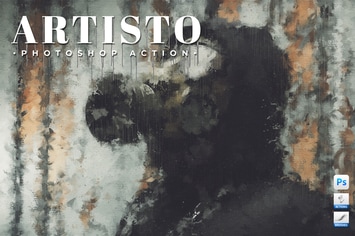
Artisto - Realistic Painting Photoshop Action
by Oxygen_Art
Enso Art Photoshop Tool
by Oxygen_Art
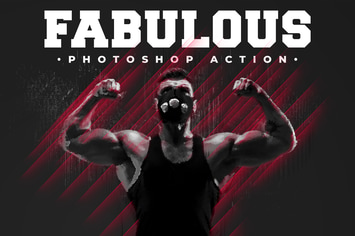
Fabulous - Photoshop Action
by Oxygen_Art
The Storm Photoshop Action
by Oxygen_Art
You May Also Like
50 Premium Matte Lightroom Presets
by beart-presets
Duotone Photoshop Action Pack
by micromove
Alternative Printmaker
by guerillacraft
Abstract Plexus Particles Photoshop Brushes
by themefire
Ultimate Vibrance Photoshop Actions
by sparklestock
Vintage Vector Edge Brushes
by JRChild
The Editorial Collection v2
by Presetworks
Retro Text Effects vol.1
by ivanrosenberg