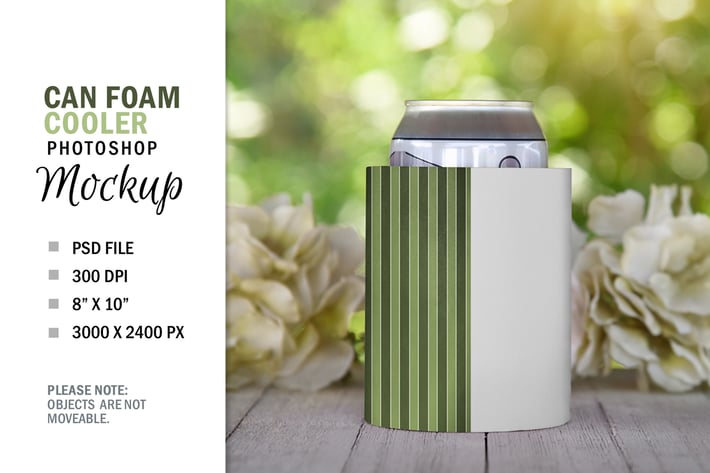
Spring Can Soda Beer Foam Cooler Mockup PSD
Author
Haywiremedia
Published
Jul 05, 2021
Item Code
3819fc36-70ed-48a2-b7e7-d28c212561c1
How to Download
- 1 Copy the Item Code above
- 2 Go to fuckdcma.com
- 3 Paste the code in the text box and click "Generate Download Link"
About This Item
Do you have a product, text message or piece of artwork you would like to showcase naturally? Take the time and money out of having to set up your own scene with one of my digital mockups!
Enjoy this blank foam can cooler mockup template to add your graphic logo or text to for your store. This is a styled stock photography to insert your image or design into. The can sleeve is on a wood table with prettty summer flowers in the background. Perfect for a spring wedding concept or celebration graphic design message for a birthday, bridal shower or party. No physical product is mailed. This is a digital file.
PLEASE NOTE: The objects pictured are not moveable. The foam cooler is a "layer mask" that you can change the color or add a texture pattern to.
YOU GET:
1 Digital Photoshop 7.0 File
- Add your pattern to the mask cutout layer.
- Change the color by double clicking on the color layer and adjust the shadow and highlight layers if needed.
File 8" x 10" at 300 DPI
Just double click on the colored layer and change the color.
You need to be somewhat familiar with Photoshop to use the file.
Enjoy this blank foam can cooler mockup template to add your graphic logo or text to for your store. This is a styled stock photography to insert your image or design into. The can sleeve is on a wood table with prettty summer flowers in the background. Perfect for a spring wedding concept or celebration graphic design message for a birthday, bridal shower or party. No physical product is mailed. This is a digital file.
PLEASE NOTE: The objects pictured are not moveable. The foam cooler is a "layer mask" that you can change the color or add a texture pattern to.
YOU GET:
1 Digital Photoshop 7.0 File
- Add your pattern to the mask cutout layer.
- Change the color by double clicking on the color layer and adjust the shadow and highlight layers if needed.
File 8" x 10" at 300 DPI
Just double click on the colored layer and change the color.
You need to be somewhat familiar with Photoshop to use the file.
More from Haywiremedia
View all →
Pretty Coffee Cup Mug Mockup PSD
by Haywiremedia
Couple T-Shirt Clothing Mockup Photoshop PSD
by Haywiremedia
Halloween Square Pillow Mockup on Chair
by Haywiremedia
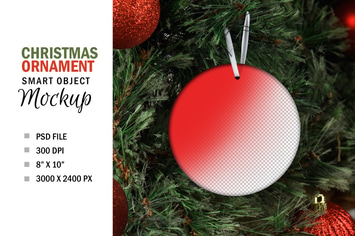
Christmas Tree Circle Ornament Mockup
by Haywiremedia
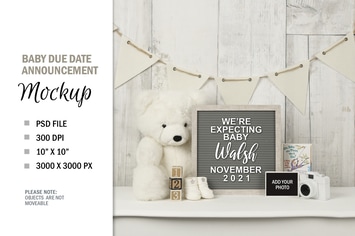
Pregnancy Announcement Letterboard Mockup Template
by Haywiremedia
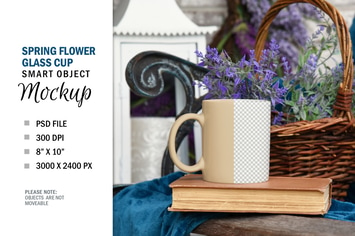
Spring Coffee Glass Cup Mockup Smart Object
by Haywiremedia
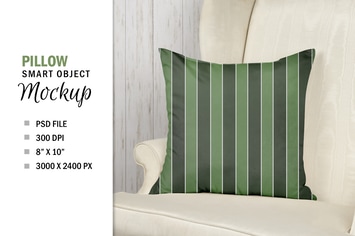
Smart Layer Pillow Chair Mockup Sublimation
by Haywiremedia
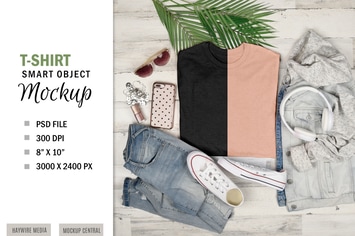
Smart Layer T-Shirt Mockup Flatlay Display
by Haywiremedia
You May Also Like

soccer champ
by shazidesigns
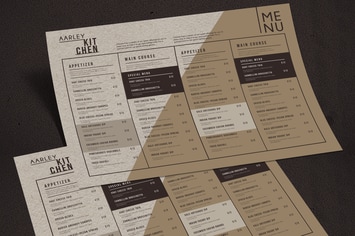
Simple Brown Menu Board
by aarleykaiven

Geek Logo Template
by floringheorghe
Fast Rabbit Logo Template
by empativo

infinity design
by shazidesigns

Beauty - Logo Template
by putra_purwanto

Food Chat Logo Template
by designhatti
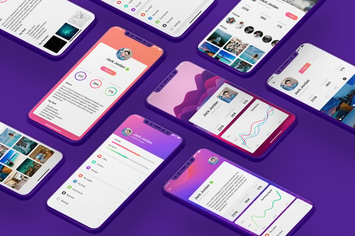
Profile Mobile UI Kit for Iphone X
by hoangpts