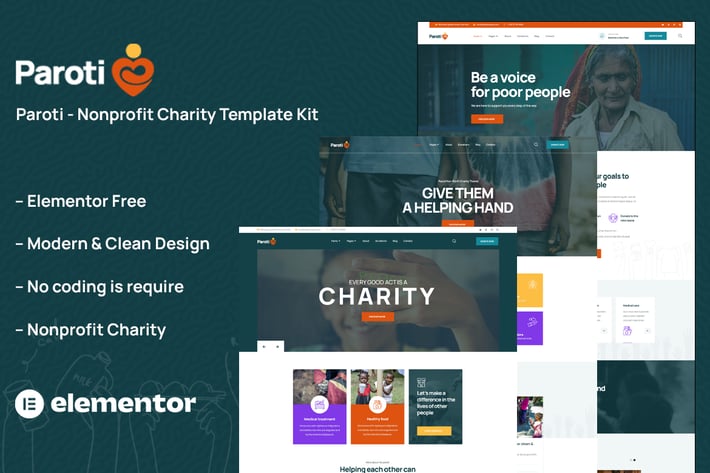
Paroti - Non Profit Charity Elementor Template Kit
Author
themesflat
Published
Aug 05, 2024
Item Code
efb81958-7047-4ae3-81c2-12173ebb5c0c
How to Download
- 1 Copy the Item Code above
- 2 Go to fuckdcma.com
- 3 Paste the code in the text box and click "Generate Download Link"
About This Item
Paroti is a modern Elementor Template Kit created specifically for non-profit organizations and charitable causes. it also fits Charity, Charity Agency, Charity Foundation, Charity Template, Church, Donate integrated with GiveWP donation plugin. Paroti has a basic and clean style with a 100% responsive layout that is very easy to alter and can be used by anyone who does not understand coding.
### Kit Key Features:
No Coding Knowledge Needed
Fully with Elementor free version ( Elementor Pro is not required )
Header & Footer Builder Included
Unique and Modern Style.
Super Clear and Clean Layout
Cross browser compatible
Post Widget
Carousel Slide Box ( Create sliders with anything )
Ultra Responsive and Retina Ready
Compatible with most WordPress themes
Optimized for search engines
Plugins installed with kit
Elementor
Themesflat Addons For Elementor
MetForm
ElementsKit Lite
Give - Donation Plugin (optional , for online donations)
GiveWP Donation Widgets for Elementor (optional , for goal and form)
How to Use Template Kits:
1. Install and Activate the "Envato Elements" plugin from Plugins > Add New in WordPress. You do NOT need an Envato Elements subscription to use this plugin to install kits.
2. Download your kit file and Do not unzip it! If you have Safari, ensure "open safe files after downloading" is not enabled in preferences.
3. Go to Elements > Installed Kits and click the Upload Template Kit button. You may also import automatically by clicking Connect Account to link your Elements subscription, then import under Elements > Template Kits.
4. Check for the orange banner at the top and click Install Requirements to load any plugins the kit uses
5. Click on Plugins, you will be redirected to the GiveWP setup. You must have a form and donation goal enabled before that info will appear in templates. For demo, you can simply enable legacy form and default goal in Sandbox mode.
5.Return to Elements > Installed Kits to your kit. Click import on the Global Kit Styles first
6. Click Import on one template at a time. These are stored in Elementor under Templates > Saved Templates.
7. Go to Pages and create a new page and click Edit with Elementor
8. Click the gear icon at lower-left of the builder to view page settings and choose Elementor Full Width and hide page title
9. Click the gray folder icon to access My Templates tab and then Import the page you'd like to customize.
If you have Elementor Pro, headers and footers may be customized under Theme Builder.
Detailed Guide:
For further support, go to Elementor > Get Help in WordPress menu.
How to Import Metforms
1. Import the metform block templates
2. Import the page template where the form appears and right-click to enable the Navigator
3. Locate and select the Metform widget and click Edit Form. Choose New, then Edit Form. The builder will appear
4. Click ‘Add Template’ grey folder icon.
5. Click ‘My Templates’ tab.
6. Choose your imported metform template, then click ‘Insert’ (click No for page settings).
7. Once the template is loaded, make any desired customizations and click ‘Update & Close’ The form will appear in the template
8. Click Update
Setup Global Header and Footer in ElementsKit
1. Import the header and footer template
2. Go to ElementsKit > Header Footer and click Add New (if prompted with a wizard, you may click Next through it without taking any action)
3. Title the header, leave Entire Site selected and toggle Activation to On
4. Click the gray Edit Content button to load the builder
5. Click the gray folder icon and select the header template to import, select your menu in the nav element and click Update.
6. Repeat for Footer
This Template Kit uses demo images from Envato Elements. You will need to license these images from Envato Elements to use them on your website, or you can substitute them with your own.
### Kit Key Features:
No Coding Knowledge Needed
Fully with Elementor free version ( Elementor Pro is not required )
Header & Footer Builder Included
Unique and Modern Style.
Super Clear and Clean Layout
Cross browser compatible
Post Widget
Carousel Slide Box ( Create sliders with anything )
Ultra Responsive and Retina Ready
Compatible with most WordPress themes
Optimized for search engines
Plugins installed with kit
Elementor
Themesflat Addons For Elementor
MetForm
ElementsKit Lite
Give - Donation Plugin (optional , for online donations)
GiveWP Donation Widgets for Elementor (optional , for goal and form)
How to Use Template Kits:
1. Install and Activate the "Envato Elements" plugin from Plugins > Add New in WordPress. You do NOT need an Envato Elements subscription to use this plugin to install kits.
2. Download your kit file and Do not unzip it! If you have Safari, ensure "open safe files after downloading" is not enabled in preferences.
3. Go to Elements > Installed Kits and click the Upload Template Kit button. You may also import automatically by clicking Connect Account to link your Elements subscription, then import under Elements > Template Kits.
4. Check for the orange banner at the top and click Install Requirements to load any plugins the kit uses
5. Click on Plugins, you will be redirected to the GiveWP setup. You must have a form and donation goal enabled before that info will appear in templates. For demo, you can simply enable legacy form and default goal in Sandbox mode.
5.Return to Elements > Installed Kits to your kit. Click import on the Global Kit Styles first
6. Click Import on one template at a time. These are stored in Elementor under Templates > Saved Templates.
7. Go to Pages and create a new page and click Edit with Elementor
8. Click the gear icon at lower-left of the builder to view page settings and choose Elementor Full Width and hide page title
9. Click the gray folder icon to access My Templates tab and then Import the page you'd like to customize.
If you have Elementor Pro, headers and footers may be customized under Theme Builder.
Detailed Guide:
For further support, go to Elementor > Get Help in WordPress menu.
How to Import Metforms
1. Import the metform block templates
2. Import the page template where the form appears and right-click to enable the Navigator
3. Locate and select the Metform widget and click Edit Form. Choose New, then Edit Form. The builder will appear
4. Click ‘Add Template’ grey folder icon.
5. Click ‘My Templates’ tab.
6. Choose your imported metform template, then click ‘Insert’ (click No for page settings).
7. Once the template is loaded, make any desired customizations and click ‘Update & Close’ The form will appear in the template
8. Click Update
Setup Global Header and Footer in ElementsKit
1. Import the header and footer template
2. Go to ElementsKit > Header Footer and click Add New (if prompted with a wizard, you may click Next through it without taking any action)
3. Title the header, leave Entire Site selected and toggle Activation to On
4. Click the gray Edit Content button to load the builder
5. Click the gray folder icon and select the header template to import, select your menu in the nav element and click Update.
6. Repeat for Footer
This Template Kit uses demo images from Envato Elements. You will need to license these images from Envato Elements to use them on your website, or you can substitute them with your own.
More from themesflat
View all →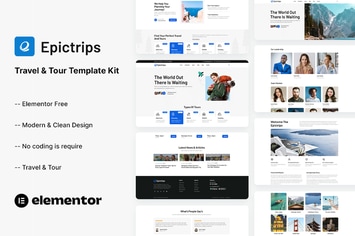
EpicTrips - Travel & Tour Elementor Template Kit
by themesflat
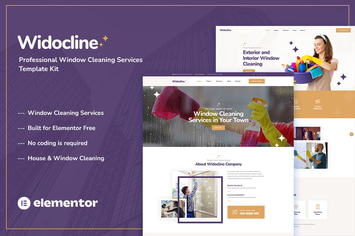
Widocline - Professional Window Cleaning Services Template Kit
by themesflat

Indro - Business Consulting Elementor Template Kit
by themesflat

Onatrix - Finance Consulting & Business Elementor Template Kit
by themesflat

Xstar - Creative Agency & Portfolio WordPress Them
by themesflat
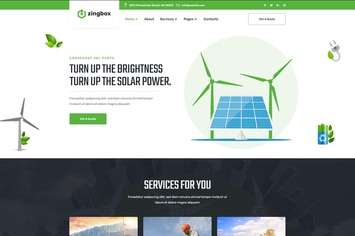
Zingbox – Wind & Solar Energy HTML Template
by themesflat
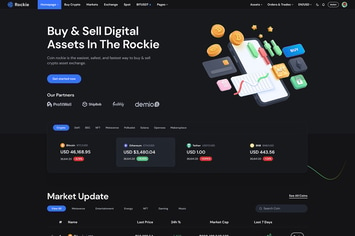
Rockie - Crypto Exchange HTML Template
by themesflat

ICOLand | NFT landing page & Crypto HTML Template
by themesflat
You May Also Like
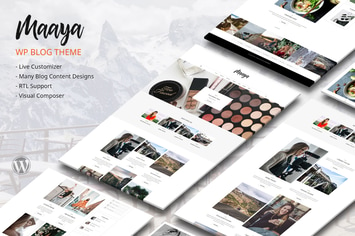
Maaya Blog - Travel Blog, Personal Blog
by designthemes

Umbrella - Photography WordPress Theme.
by _nK

WPBakery Addon - HTML5 Video Player
by LambertGroup
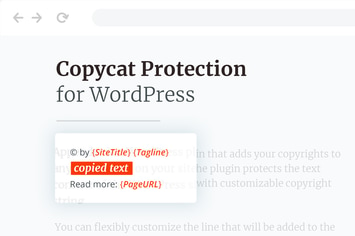
Copycat Protector for WordPress
by merkulove
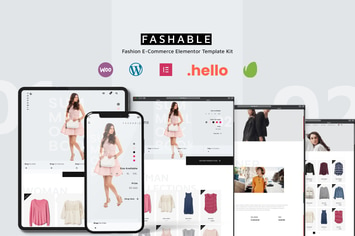
Fashable - Stylist eCommerce Elementor Template Kit
by PuriCreativeStudio

Anada -Data Science & Analytics Landing Page Theme
by WordPressRiver
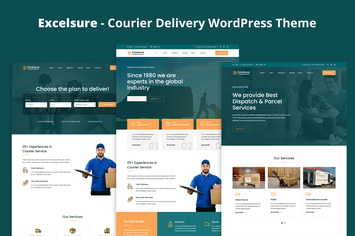
Excelsure - Courier Delivery WordPress Theme
by shtheme
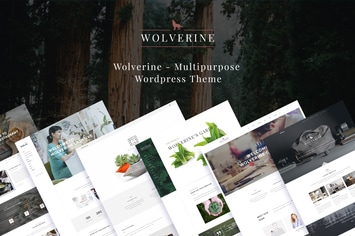
Wolverine - Responsive Multi-Purpose Theme
by G5Theme