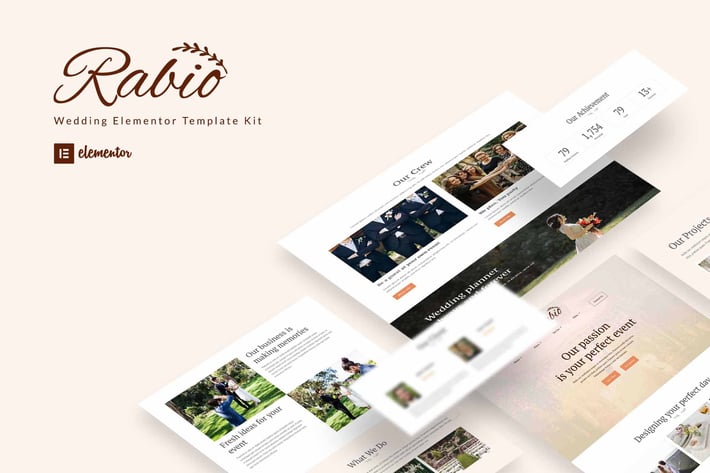
Rabio - Wedding Event Organizer Elementor Template Kit
Author
Kitpro
Published
Jun 21, 2022
Item Code
9b0e80f4-3f43-409b-b6b2-ee0109b80d4d
How to Download
- 1 Copy the Item Code above
- 2 Go to fuckdcma.com
- 3 Paste the code in the text box and click "Generate Download Link"
About This Item
Rabio is a wedding planner elementor template kit. The template kit is flexible. also rabio is easy to customize. rabio including Home 1,Home 2, Service, About Us, Team, Portfolio, Project, FAQs, Contact Us, 404.
Plugin Dependencies :
Elementor
Elements kit Elementor
Metform
Header, Footer & Blocks Template
Essential Addons for Elementor
Templates :
01. Home 1
02. Home 2
03. About Us
04. Service
05. Team
06. Portfolio
07. Project
08. FAQs
09. Contact Us
10. 404
Font Used :
PT Serif
PT Sans
How to Install:
1. Install and Activate the "Template Kit Import" plugin from Plugins > Add New in WordPress
2. Do not unzip
3. Go to Elements > Installed Kits and click the Upload Template Kit button.
4. Before importing a template, ensure the Install Requirements button is clicked to activate required plugins
5. For best results, do not import more than one template at a time.
Detailed Guide:
How to import Metform custom form
1. Import metform template -
2. Import the template where the form appears, then edit in Elementor. -
3. Click the Metform widget in the column where the form should be and click Edit Form. –
4. Select New, leave blank selected then click Edit Form button –
5. Click ‘Add Template’ grey folder button. –
6. Click ‘My Templates’ tab. -
7. Choose your imported metform template, then click ‘Insert’.
8. Once the template is loaded, click ‘Update’.
This Template Kit uses demo images from Envato Elements. You will need to license these images from Envato Elements to use them on your website, or you can substitute them with your own.
Plugin Dependencies :
Elementor
Elements kit Elementor
Metform
Header, Footer & Blocks Template
Essential Addons for Elementor
Templates :
01. Home 1
02. Home 2
03. About Us
04. Service
05. Team
06. Portfolio
07. Project
08. FAQs
09. Contact Us
10. 404
Font Used :
PT Serif
PT Sans
How to Install:
1. Install and Activate the "Template Kit Import" plugin from Plugins > Add New in WordPress
2. Do not unzip
3. Go to Elements > Installed Kits and click the Upload Template Kit button.
4. Before importing a template, ensure the Install Requirements button is clicked to activate required plugins
5. For best results, do not import more than one template at a time.
Detailed Guide:
How to import Metform custom form
1. Import metform template -
2. Import the template where the form appears, then edit in Elementor. -
3. Click the Metform widget in the column where the form should be and click Edit Form. –
4. Select New, leave blank selected then click Edit Form button –
5. Click ‘Add Template’ grey folder button. –
6. Click ‘My Templates’ tab. -
7. Choose your imported metform template, then click ‘Insert’.
8. Once the template is loaded, click ‘Update’.
This Template Kit uses demo images from Envato Elements. You will need to license these images from Envato Elements to use them on your website, or you can substitute them with your own.
More from Kitpro
View all →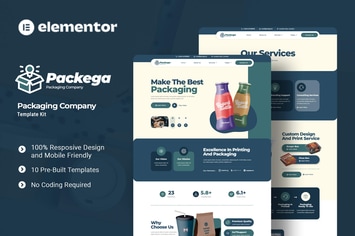
Packega - Packaging Company Elementor Template Kit
by Kitpro

Soccia - Social Media Agency Elementor Template Kit
by Kitpro

Cinepix - Film & Video Production Elementor Template Kit
by Kitpro
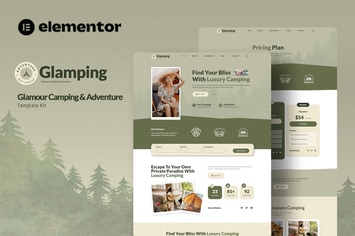
Glamping - Glamour Camping & Adventure Elementor Template Kit
by Kitpro

Investure - Venture Capital & Investment Elementor Template Kit
by Kitpro
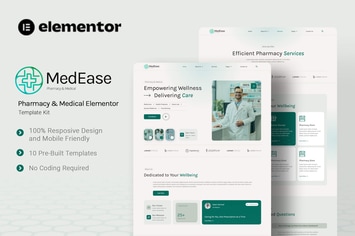
MedEase - Pharmacy & Medical Elementor Template Kit
by Kitpro
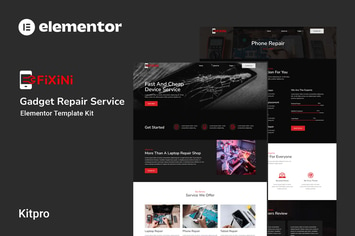
Fixini - Gadget Repair Service Elementor Template Kit
by Kitpro

MindTalk - Psychology & Counseling Elementor Template Kit
by Kitpro
You May Also Like
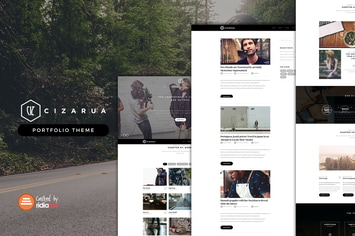
Cizarua
by ridianur

WPBakery Addon - Multimedia Playlist Slider
by LambertGroup
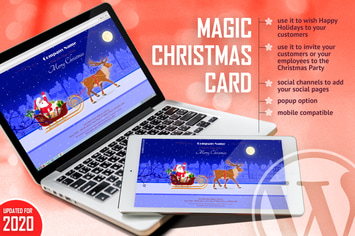
Magic Christmas Card With Animation - WP Plugin
by LambertGroup
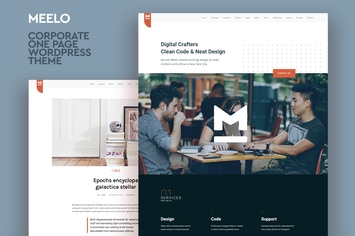
Meelo - Corporate One Page WordPress Theme
by CocoBasic

Digitax - SEO & Digital Marketing Agency Themes
by ovatheme
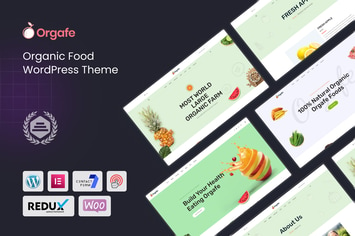
Orgafe - Organic Food WordPress Theme
by shtheme
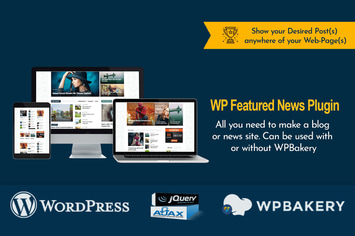
WP Featured News Pro | Custom Posts Listing Plugin
by Fluent-Themes

Yungen
by ThemeREX